Question

Enable Triggers on a Locked Template

  • August 26, 2024
  • 9 comments
  • 102 views

dfybizgirl

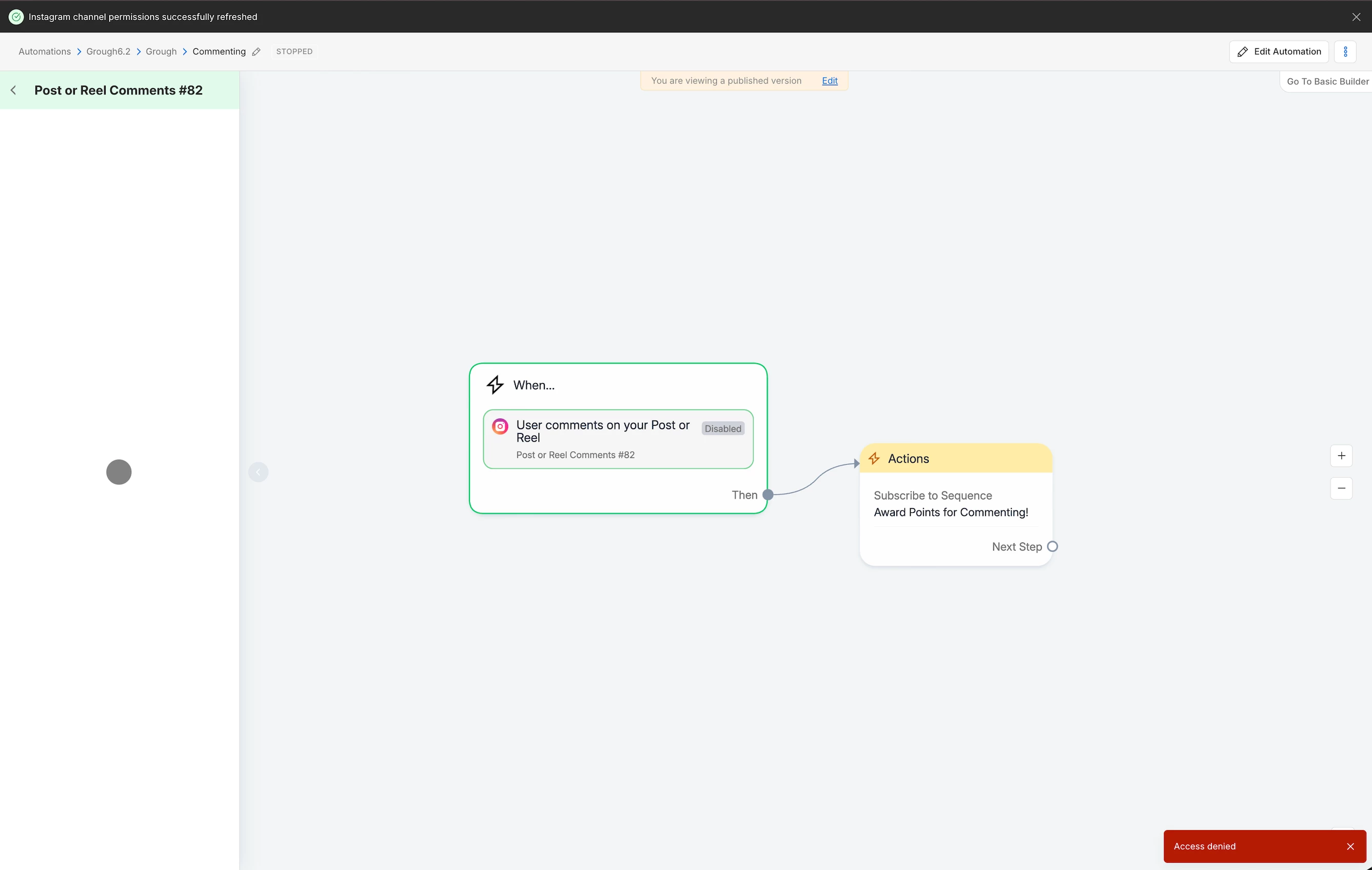
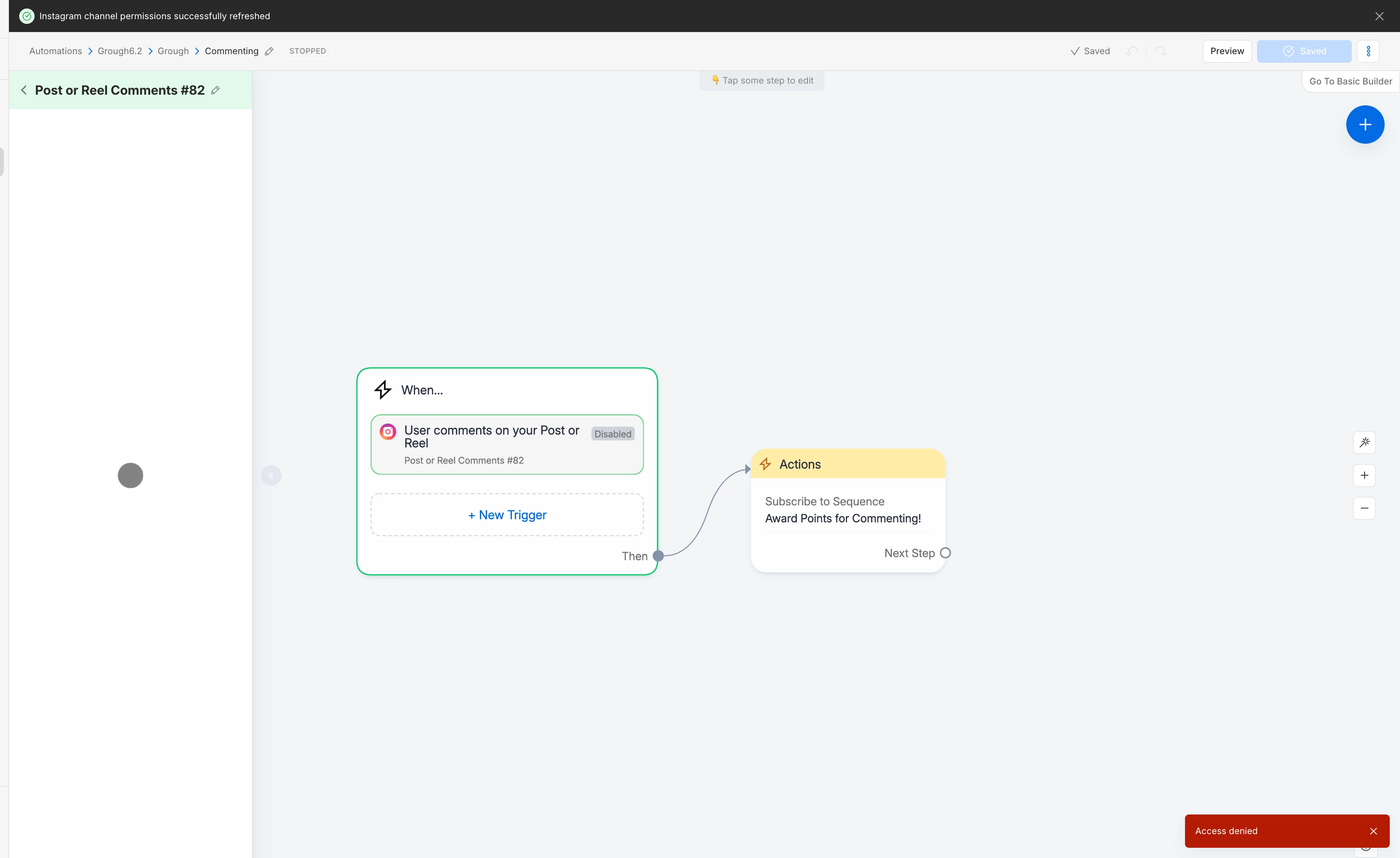
I have a template I want to share protected and locked for editing. When the template is uploaded into a new account, it uploads correctly and looks ready to go, but the only trigger available to turn on is for message keywords. All the other triggers are grayed out, disabled; and, well… locked. Despite the fact that I selected them in growth tools and they are visible in the automation folder. They simply can’t be enabled because they are locked for viewing (which is what I want). But I also want them to be able to actually use the template lol

I know there must be a way to enable the triggers, because what would be the point of sharing a locked template if they can’t actually enable the triggers to turn the automation on? That would defeat the purpose of a locked template, so I’m sure there must be a way! I just can’t figure it out.

TLDR: how do you enable a trigger on a locked template without viewing the automation? The toggle switch is grayed out/locked.


Thanks in advance!!

9 replies

John D.
  • Up-and-comer
  • May 8, 2026

This is still an issue. Would LOVE a solution to it


Fabio Gaulke
Forum|alt.badge.img+3
  • Community Moderator
  • May 11, 2026

Hi!

I've tested it here and it's working fine for me… But, if you're using the Post/Reel Comment trigger, first time you need to go into Edit Mode to be able to set this trigger up and enable it in the editing mode.


After that, it should work as expected to enable/disable it from the automation listing (hovering your automation and checking/ unchecking the trigger toggle).


John D.
  • Up-and-comer
  • May 11, 2026

Hi!

I've tested it here and it's working fine for me… But, if you're using the Post/Reel Comment trigger, first time you need to go into Edit Mode to be able to set this trigger up and enable it in the editing mode.


After that, it should work as expected to enable/disable it from the automation listing (hovering your automation and checking/ unchecking the trigger toggle).

This function is not available if the template is locked and the account that published the template is not an admin on the account installing the template. 

Even if you keep the specific automation that uses the Comment Post/Reel Trigger unlocked, when creating the template, if any of the template is locked, the installing user cannot edit the Comment on Reel/Post Trigger. This includes setting the comment trigger as enabled. 


Fabio Gaulke
Forum|alt.badge.img+3
  • Community Moderator
  • May 11, 2026

This function is not available if the template is locked and the account that published the template is not an admin on the account installing the template. 

Even if you keep the specific automation that uses the Comment Post/Reel Trigger unlocked, when creating the template, if any of the template is locked, the installing user cannot edit the Comment on Reel/Post Trigger. This includes setting the comment trigger as enabled. 


Does this error appear when you click o the “Edit Automation” button (top right) or the Edit link at the yellow note?


Because there’s the path to edit and configure the Comment trigger.


John D.
  • Up-and-comer
  • May 11, 2026

This function is not available if the template is locked and the account that published the template is not an admin on the account installing the template. 

Even if you keep the specific automation that uses the Comment Post/Reel Trigger unlocked, when creating the template, if any of the template is locked, the installing user cannot edit the Comment on Reel/Post Trigger. This includes setting the comment trigger as enabled. 


Does this error appear when you click o the “Edit Automation” button (top right) or the Edit link at the yellow note?


Because there’s the path to edit and configure the Comment trigger.

You cannot edit the trigger in any capacity. The only thing I could do is add another trigger. 

This is with the automation within the template unlocked. If it’s locked, you can’t enable the automation or add a new trigger to the automation. 


Fabio Gaulke
Forum|alt.badge.img+3
  • Community Moderator
  • May 11, 2026

That’s really odd…

I suspect that, if this is a super old template, something may have changes on Manychat’s trigger structure that broke this particular template… But such things are very rare.


In that case, I would try cleaning the browsers cache to see if it changes something… if not, best way is inserting a new trigger from scratch to that automation.


John D.
  • Up-and-comer
  • May 11, 2026

@Fabio Gaulke the template was created within the past 2 weeks, the triggers are new as well. 

Cleared cookies, issue persists. 

Is there a way we could ask for a patch allowing users to toggle on comment triggers when templates are locked? 

Asking non-savvy new users to go in and duplicate a trigger isn’t going to be feasible.

And being added as an Admin to their account results in keywords from different accounts triggering automations on their account. 


Fabio Gaulke
Forum|alt.badge.img+3
  • Community Moderator
  • May 11, 2026

@John D., yes, you are completely right. This should not be something so complex for less experienced users to handle. I was asking all those questions and suggesting tests to see if we could find a way to solve this without having to open a ticket.


I also want to comment on your point about admin access. Being an administrator in multiple Manychat accounts does not cause automations from other accounts to trigger across all of them. Each workspace only interacts with the channels that are configured within it, regardless of the number of members with Admin access in them.


Since I’m also “just” a Manychat user and we could not find a workaround for the locked template issue, I suggest opening a ticket to Manychat’s support team. They will be able to help and investigate further:

https://help.manychat.com/hc/en-us/articles/14281086345244-How-to-get-support-from-Manychat


John D.
  • Up-and-comer
  • May 11, 2026

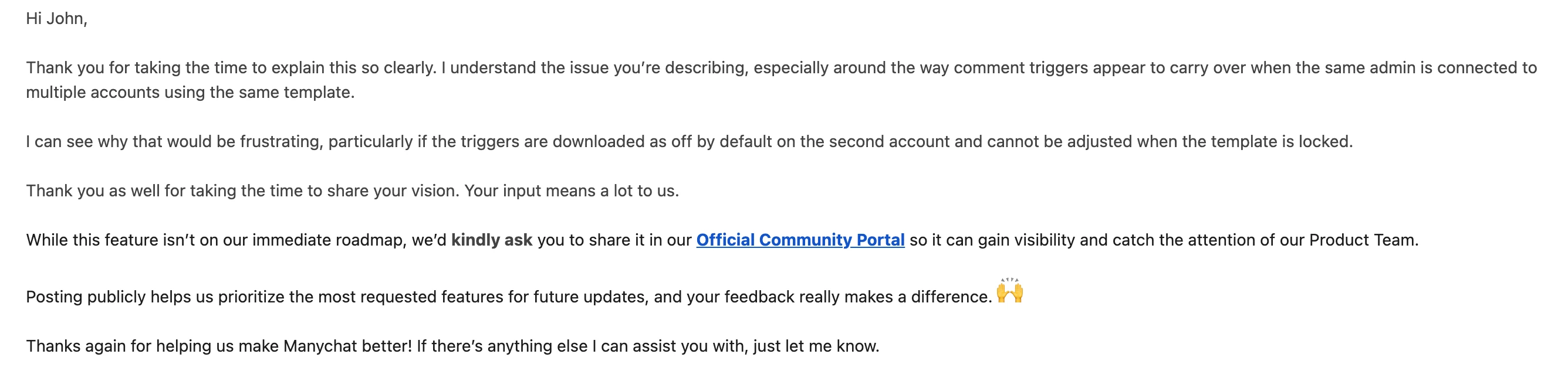
@Fabio Gaulke Manychat support sent me here ): 

And yeah, I understand how it is supposed to work. I landed on locking templates after I couldn’t get the flows to stop triggering across accounts. 

Looks like locking templates won’t help me either.