Question

Instagram Account is connected but not appear

  • June 22, 2024
  • 3 replies
  • 146 views

terjebakrindu

Hi Everyone,


I’ve tried many troubleshoot and ensures that:

  • Facebook page and instagram accounts are being connected (I see from setting > linked accounts in page settings)
  • Im the owner of the page with full control
  • I ensure that i click ON on “allowing message” from another aps in Instagram account
  • I ensure that my instagram is professional account; creator. (I use another MC Account that connected to creator account but it works well)
  • I already tried to disconnect/remove manychat-IG from my Instagram and try to connect as a channel again, but failed
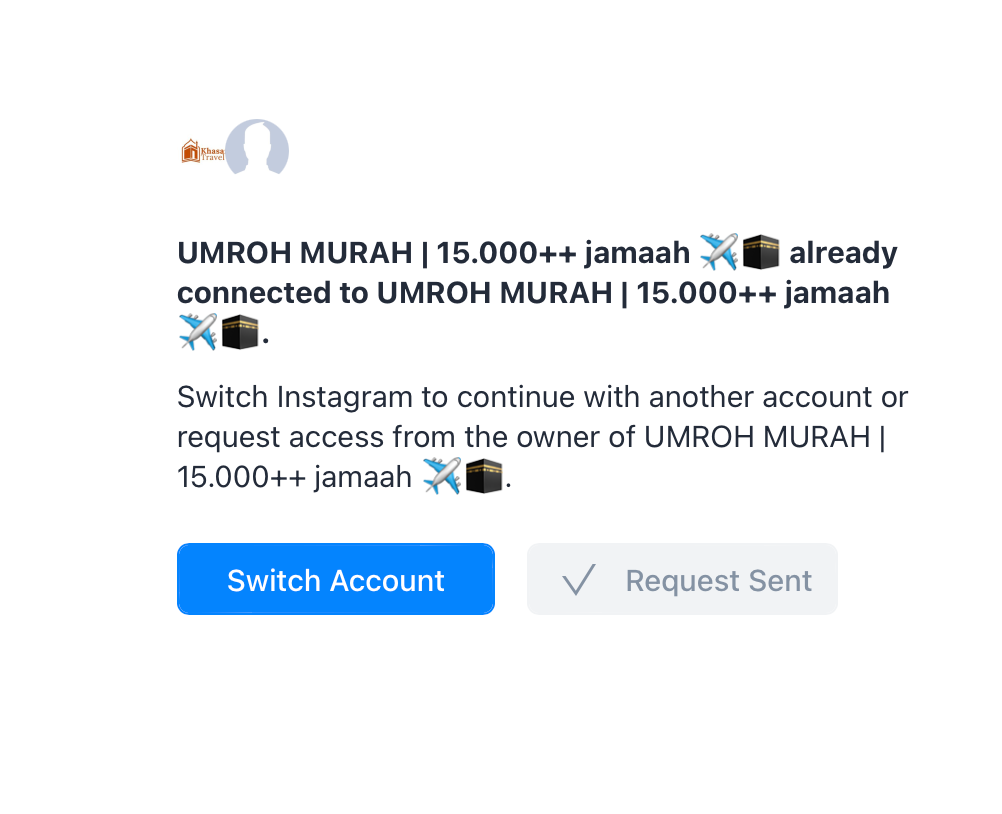
  • When I try to connect instagram as a channel, after I log in to instagram log in pop up window, it shows like picture above. 

  • I watch several YT video as troubleshoot but none work


Questions:

  1. Any settings that i need to do as troubleshoot? Am I missing something?
  2. What should I do? Anyone know the solution? 

3 replies

Ogulcan
  • Up-and-Comer
  • June 29, 2024

Did you solve? 


madisoncool
  • Up-and-Comer
  • February 11, 2026

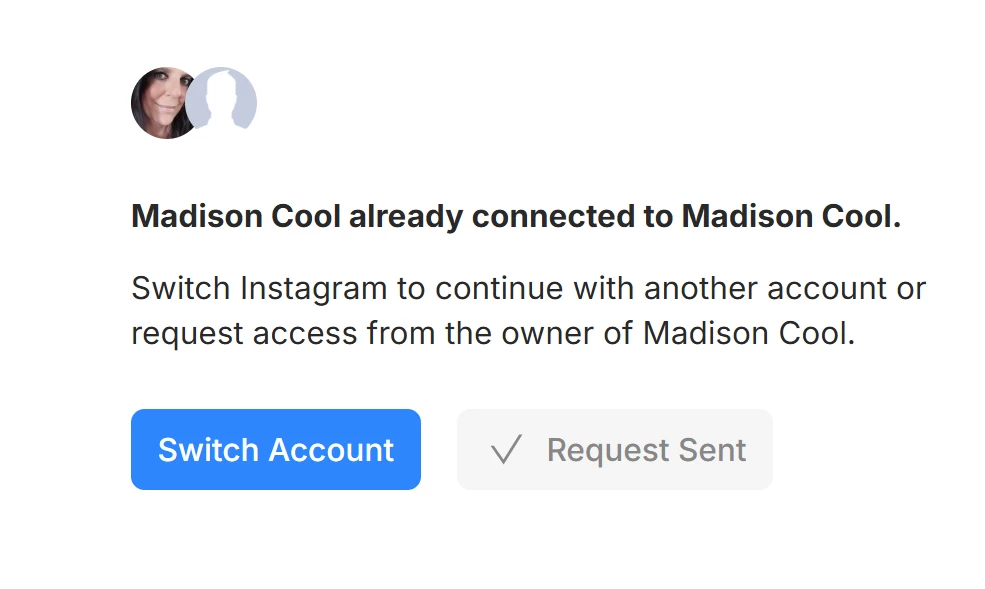
repeatedly receive message that my instagram account is connected, but when i go to manychat dashboard it is not. no refresh working, disconnected the account in meta business and that did not work, also cleared cache in chrome as well as tried to log in via microsoft edge. nothing working to make my instagram connect to my manychat account and appear in y manychat account so I can begin setting up automations for instagram. tiktok did connect though

Any other suggestions, thanks

this is the screenshot


cata_rendon
Forum|alt.badge.img+4
  • Manychat Community Moderator
  • February 11, 2026

Hi Everyone,


I’ve tried many troubleshoot and ensures that:

  • Facebook page and instagram accounts are being connected (I see from setting > linked accounts in page settings)
  • Im the owner of the page with full control
  • I ensure that i click ON on “allowing message” from another aps in Instagram account
  • I ensure that my instagram is professional account; creator. (I use another MC Account that connected to creator account but it works well)
  • I already tried to disconnect/remove manychat-IG from my Instagram and try to connect as a channel again, but failed
  • When I try to connect instagram as a channel, after I log in to instagram log in pop up window, it shows like picture above. 

  • I watch several YT video as troubleshoot but none work


Questions:

  1. Any settings that i need to do as troubleshoot? Am I missing something?
  2. What should I do? Anyone know the solution? 

Hi ​@terjebakrindu sorry to hear you are having this issues, If you already have tried the troubleshooting guide and has not worked, I think your best option is to contact Manychat support team, and they will be able to help you with this. Please follow this link: https://help.manychat.com/hc/en-us/p/get_support_page


Here is a guide on how to open a ticket: opening a ticket to Manychat's Support Team: How to get support from Manychat – Manychat Help


Hope this helps

Cata Rendón