Solved

“Request Sent”

  • Apr 26, 2024 4:52 PM UTC
  • 4 comments
  • 912 views

alexfewf

How do i fix this? The top one? It says only request sent

Best answer by Gustavo Boregio

Just got word from the Manychat team, here's an updated article on how account ownership works:

https://help.manychat.com/hc/en-us/articles/14281189858332-How-to-manage-ownership-of-your-Manychat-account


View original

4 replies

Cityscape
  • Up-and-comer
  • Nov 21, 2024 9:34 AM UTC

I’m having this problem too it is very annoying. Have you resolved it? 


Gustavo Boregio
Forum|alt.badge.img+7
  • Community Moderator & Expert
  • Nov 21, 2024 10:05 AM UTC

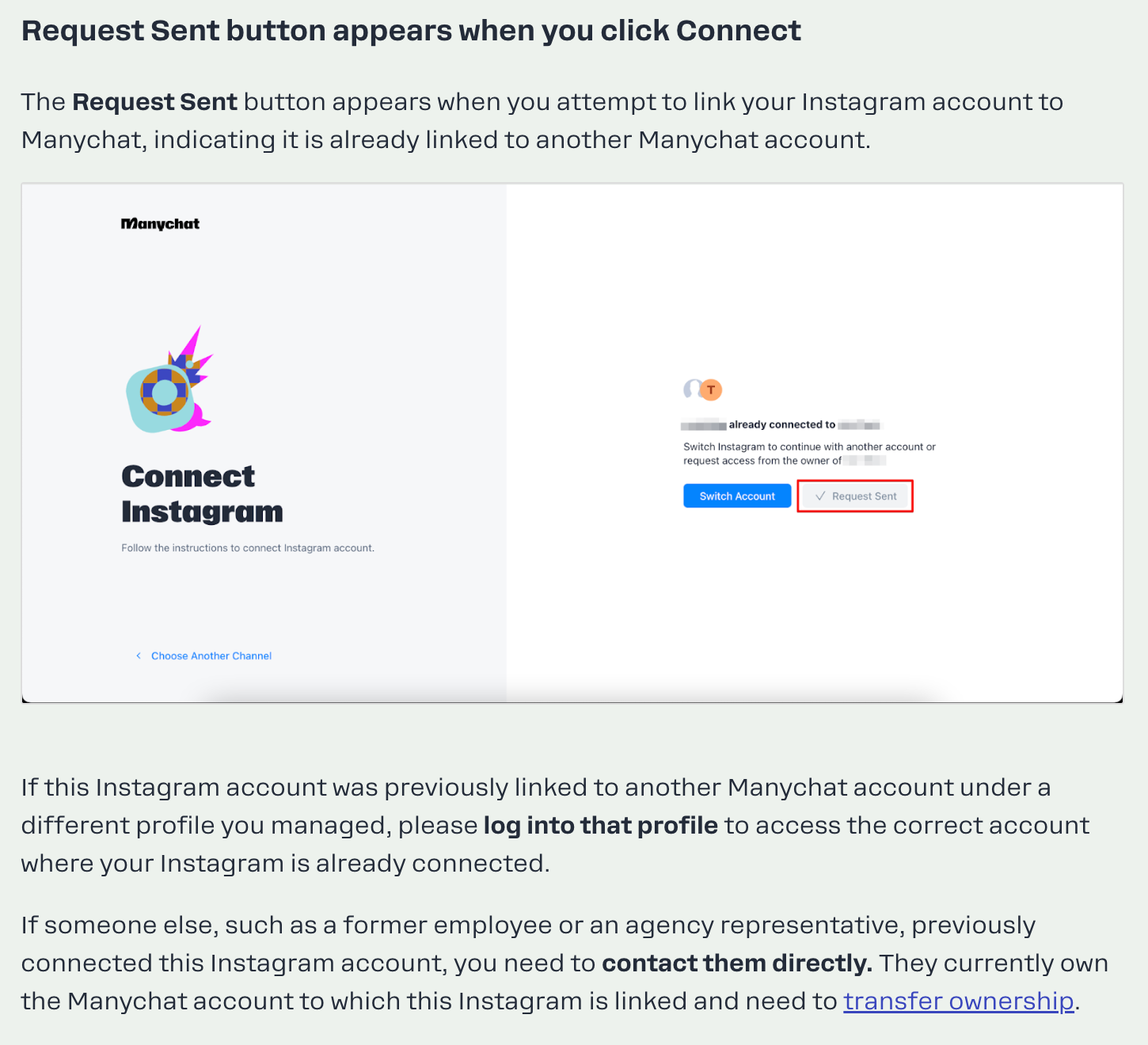
This means that the page is already connected to another Manychat account.

Here's some documentation about it: https://help.manychat.com/hc/en-us/articles/14281291094428-Unable-to-connect-Instagram-to-Manychat


Gustavo Boregio
Forum|alt.badge.img+7
  • Community Moderator & Expert
  • Answer
  • Nov 21, 2024 10:22 AM UTC

Just got word from the Manychat team, here's an updated article on how account ownership works:

https://help.manychat.com/hc/en-us/articles/14281189858332-How-to-manage-ownership-of-your-Manychat-account


MagdalenaPaput

I have only one ManyChat account, which is connected to both my Facebook and Instagram. I was previously logged into the dashboard permanently, and everything worked fine. Today, I searched for "ManyChat" to access my dashboard again, but I was redirected to a registration page where I was asked to choose whether to connect via Instagram, Facebook, or WhatsApp. I selected Instagram—since that’s the account I already have linked—and it correctly identified the accounts I had previously connected to ManyChat. However, a prompt appeared asking me to send a confirmation; I did so, and now it just says "request sent." I want to reiterate that I do not have any other accounts. I was already logged in—I never logged out—so I don’t understand why I was signed out. I’ve tried every possible method: I reached out to the AI ​​bot and attempted to submit a support form, but the form wouldn't go through. I still cannot log in, and I don’t have any other accounts. When I opened my browser and logged in using my email address, it only showed my profile—I still don’t have access to the dashboard. None of the tips from the Help Center work; they simply don’t help at all. I still cannot access my working account.