Solved

Assistance Needed – How to Correctly Map “Subscriber ID” in Manychat Module (Make.com Integration)

  • December 4, 2025
  • 3 replies
  • 49 views

ARIA

Hello everyone,

I am currently building an automation in Make.com that updates a user’s custom field in Manychat after verifying their payment status from Google Sheets. The scenario works as follows:

  1. Google Sheets – Watch Changes → detects updated payment status.

  2. Set Multiple Variables → prepares reservation/payment data.

  3. Google Sheets – Update Row → writes reservation code or status back into the sheet.

  4. Manychat – Set a Custom Field → should update a custom field inside Manychat for the corresponding Instagram user.

The issue I am facing relates to the “Subscriber ID” input in the Manychat: Set a Custom Field module.

Problem:

Make.com requires a numeric Subscriber ID (matching the pattern /^[0-9]+$/), but in my scenario I only have the user’s Instagram ID/Username that is stored in Google Sheets.
I am not sure:

  • Which Manychat field corresponds to this numeric Subscriber ID?

  • How to correctly map or retrieve the Subscriber ID for Instagram users coming from Manychat?

  • Whether I need to add an additional module (e.g., “Get Subscriber by Custom Field”) before updating the custom field.

My Question:

Could you please clarify how I should fill or map the “Subscriber ID” field in this module when working with Instagram automations?

Specifically:

  • What is the correct way to obtain the numeric Manychat Subscriber ID for an Instagram user?

  • Is there any recommended method in Make.com to look up a subscriber using their Instagram ID or custom field before updating custom fields?

Any guidance or example mapping would be greatly appreciated.

Thank you in advance!

Best answer by Gustavo Boregio

Hey ​@ARIA start by doing the same search in Manychat from the Contacts tab, and then replicating it in Make.

You need to make sure all data is correctly set and that the users have this custom field set, if not it won’t work correctly.

As for videos, I have a bunch here: https://www.youtube.com/@SuperarmeOnline but they’re all in Spanish :( Doing English vids is on my never-ending to-do list!


If you’d like help setting this up check out my site, I can help you sort this out for your specific scenario on a troubleshooting call.

3 replies

Gustavo Boregio
Forum|alt.badge.img+6
  • Manychat Community Moderator
  • December 4, 2025

@ARIA you need to find the subscriber id!

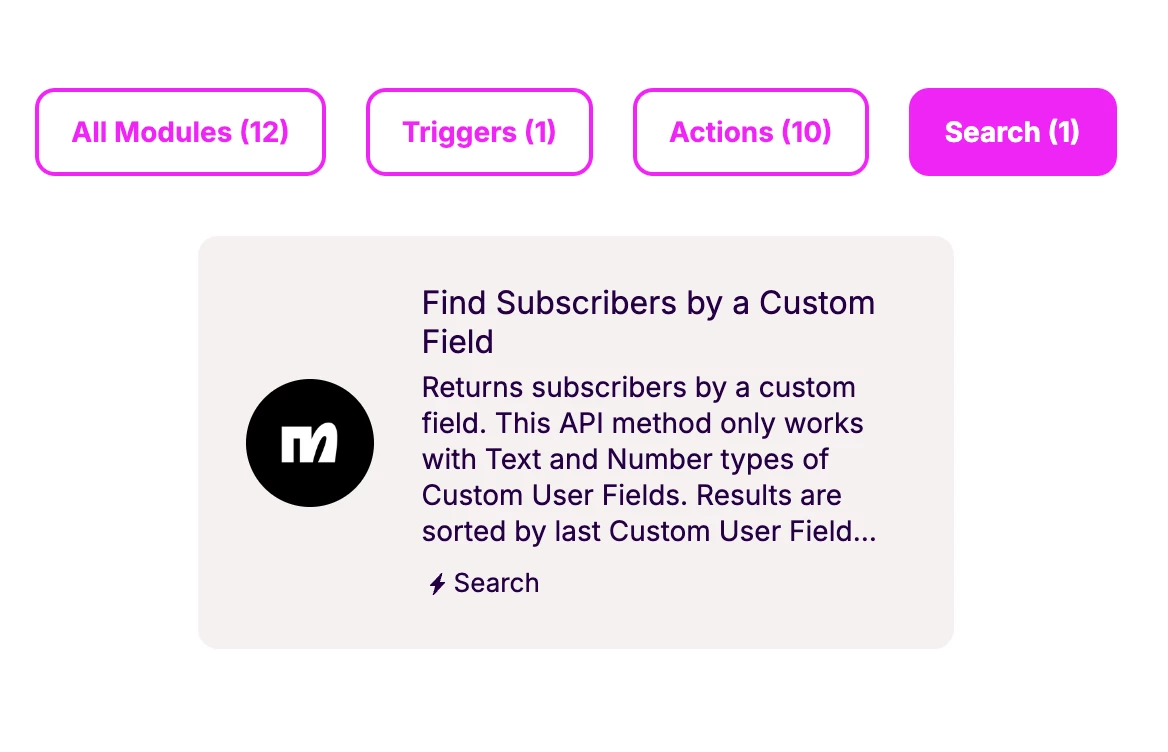
You can search the subscriber using a Custom Field:


This will return the ID of the matching user (as long as you can match a user field to a piece of data in your Google Sheet).

You can also do this using the API.

If you want to do this by Instagram username, you’ll need to map the username to a custom field to be able to do the search.


ARIA
  • Author
  • Up-and-Comer
  • December 5, 2025

Hey Gustavo,
thanks for you guide.
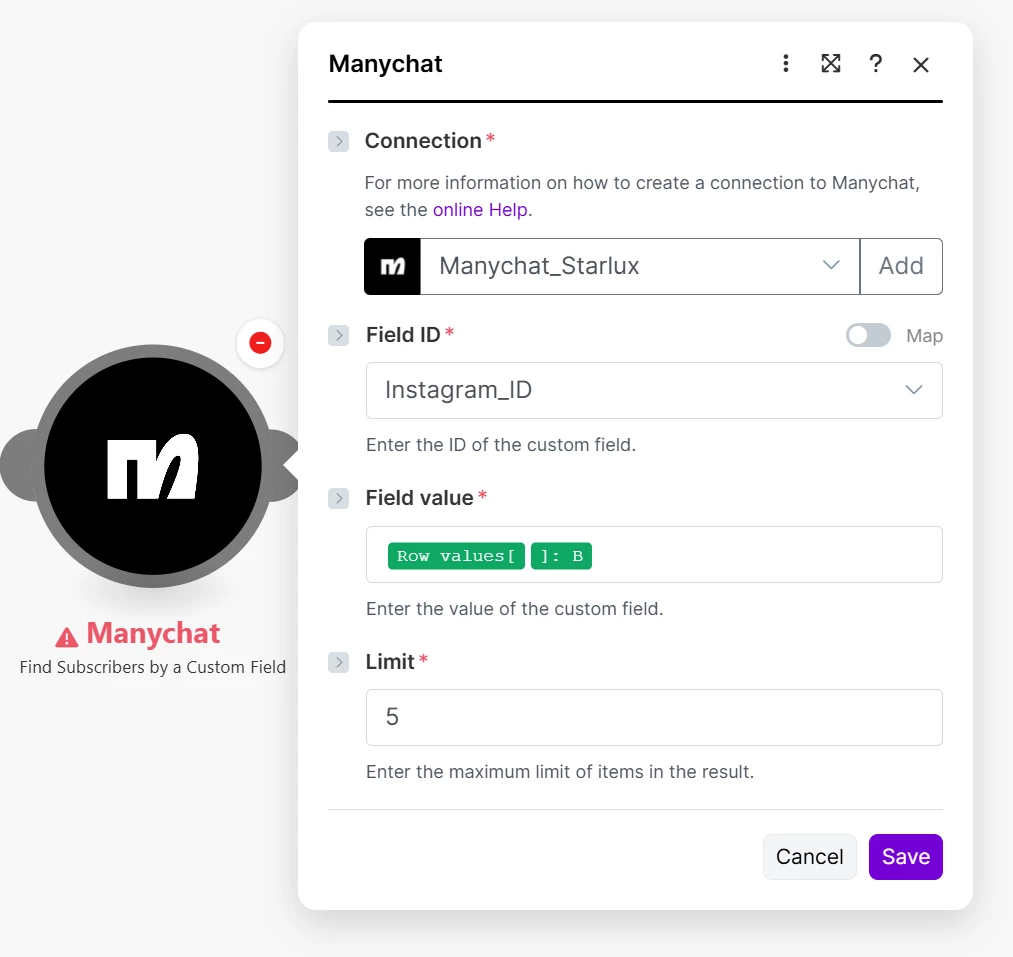
As you said I set Custom user field set to #Contact ID, also insert value into Google sheet as you see here mapped Field Value to sheet corresponding cell and searching for “Instagram ID” custom field.
but still can not find that user.
will you please guide me more specify to address this.
If you could say how to map and get the job done.
already appreciate you concern.
moreover, I have been searching youtube for more detailed Manychat Tutorials(Advanced) but contents are mostly outdated. so I need you to provide me if there is any official or resources to provide learning materials. 


Gustavo Boregio
Forum|alt.badge.img+6
  • Manychat Community Moderator
  • Answer
  • December 7, 2025

Hey ​@ARIA start by doing the same search in Manychat from the Contacts tab, and then replicating it in Make.

You need to make sure all data is correctly set and that the users have this custom field set, if not it won’t work correctly.

As for videos, I have a bunch here: https://www.youtube.com/@SuperarmeOnline but they’re all in Spanish :( Doing English vids is on my never-ending to-do list!


If you’d like help setting this up check out my site, I can help you sort this out for your specific scenario on a troubleshooting call.