Question

How to stop resending the last message (double messaging issue)

  • December 3, 2025
  • 4 replies
  • 16 views

dmytro.automation.ai

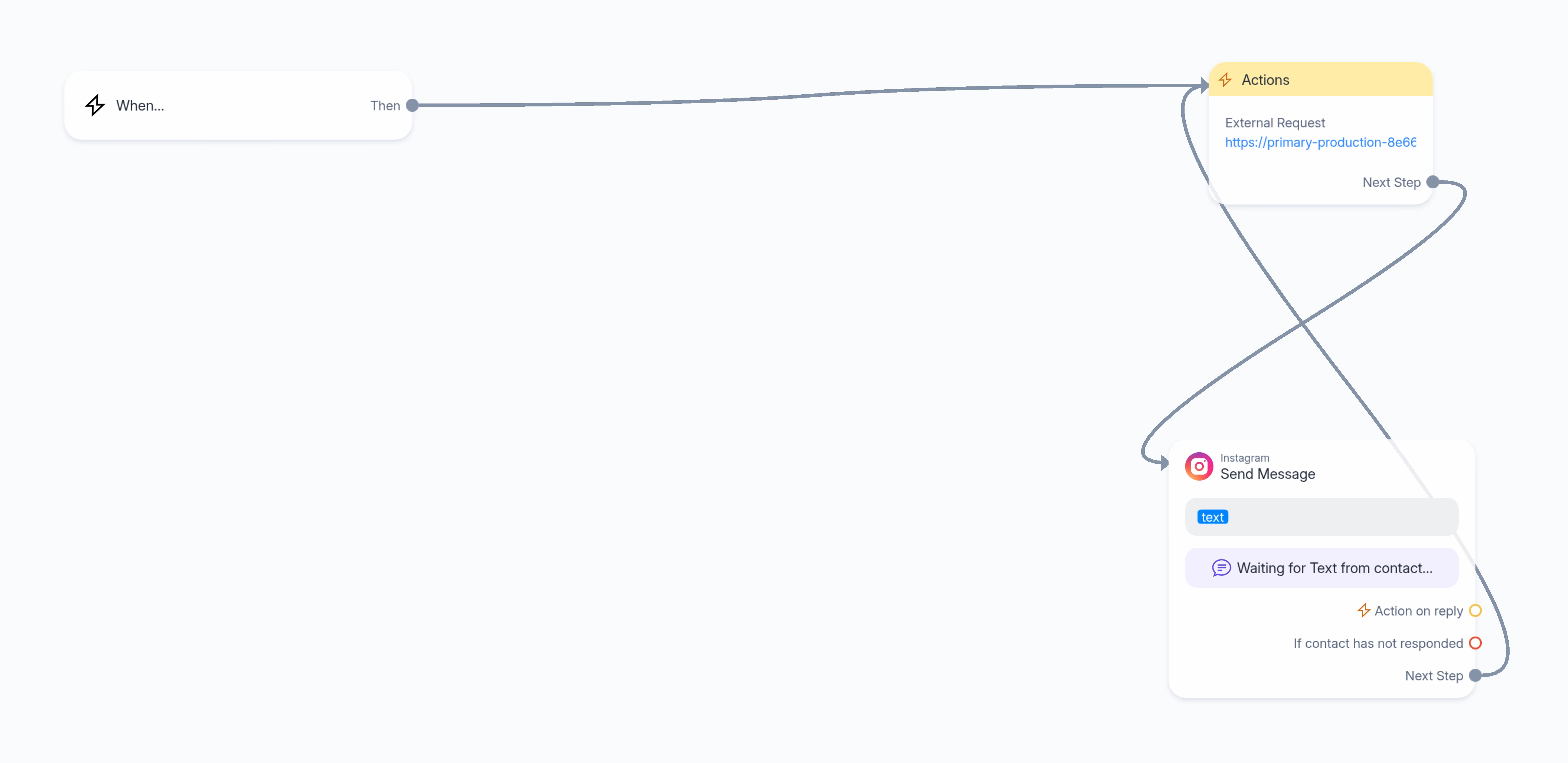
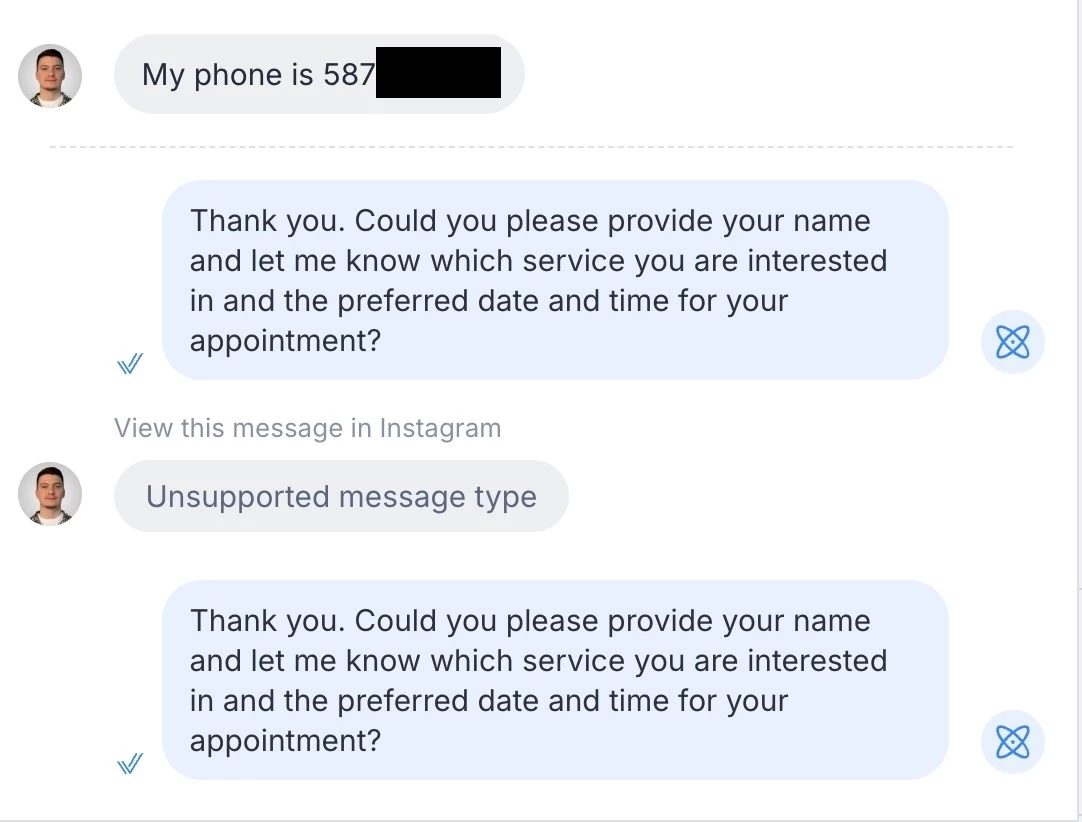
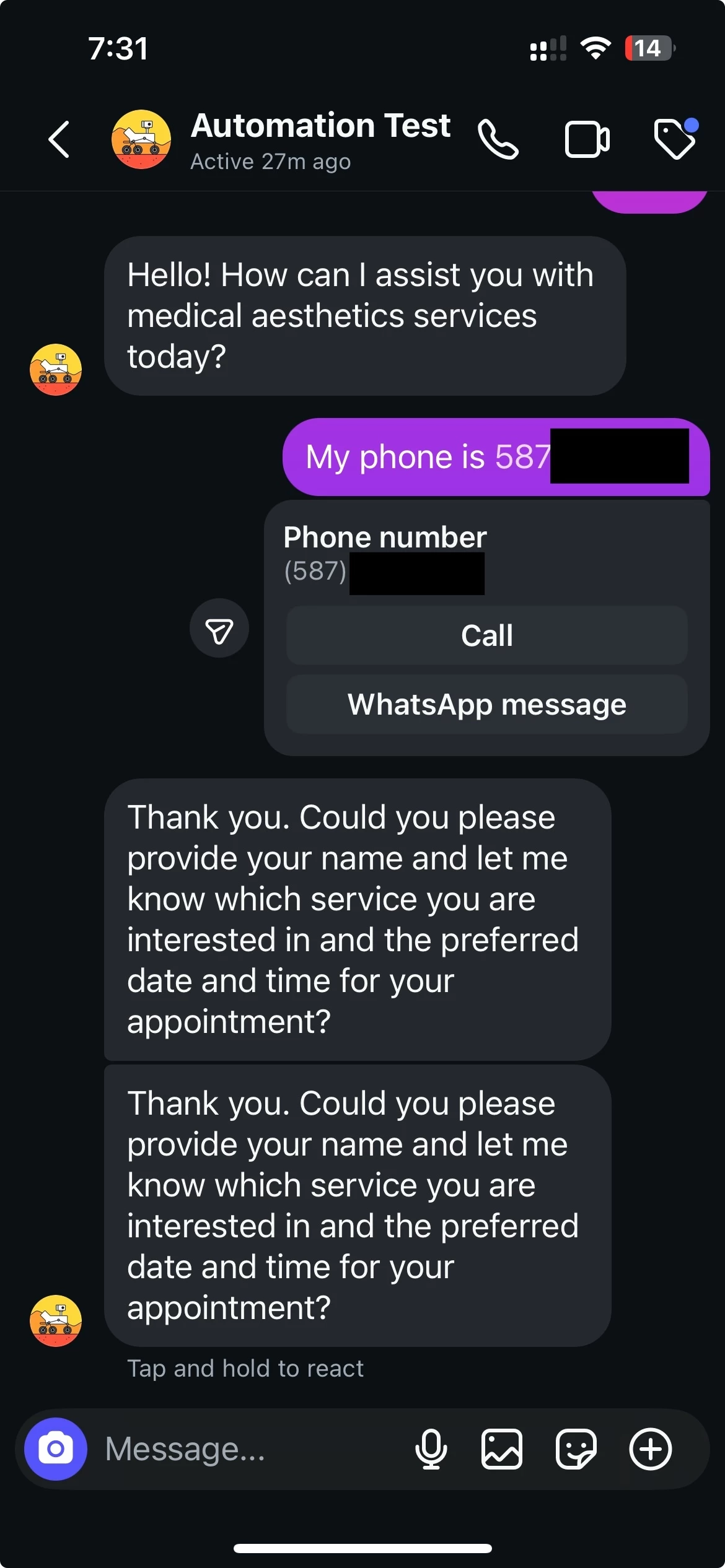
I use ManyChat with webhook to n8n Ai Agent. After a user enters their phone number on Instagram during a data collection step, the automation sends the response twice. ManyChat interprets the Instagram phone number recognition as an “Unsupported message type” and resends the last message.

This behavior is unwanted. I understand it happens because the data collection step doesn’t receive the expected input type (Text) and tries to retry. However, I’d like to prevent ManyChat from repeating the last message in this case. How can I stop this from happening?


https://app.manychat.com/flowPlayerPage?share_hash=3930403_b9e5ae95eddc3231d3013ca0224a507d91045e08

4 replies

Gustavo Boregio
Forum|alt.badge.img+6
  • Manychat Community Moderator
  • December 3, 2025

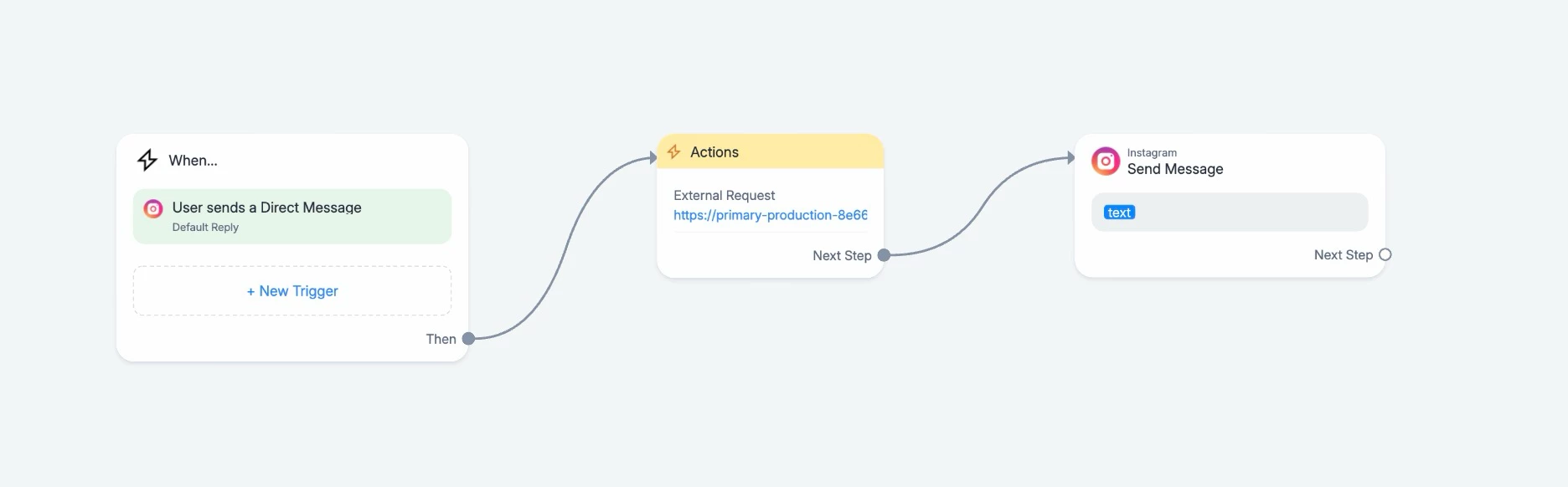
@dmytro.automation.ai I have a different setup, and instead of a loop I use the Default Reply for triggering the AI responses.

With that, I have what we’re calling a ‘ghost message detector’ to avoid these issues.

The issue here is usually that the unsupported message triggers as a reply from the user (this can happen in your example scenario, or if the person reacts to a previous message). So you have a new entry of empty text (or a repeat text of your last entry), which is a ‘false’ trigger that shouldn’t be processed.

The way we solve this is by having 2 variables: current_text and previous_text.

If these variables are equal, we discard the message as a duplicate/ghost, and do not trigger a reply for it.

In your scenario, though, it becomes a bit more complicated because doing it would break the loop. In the default reply it’s much easier to take these scenarios into account.

I suggest you change your setup to trigger on the Default Reply so you have more control and can take these scenarios into account without needing a loop.

Hope this helps!


dmytro.automation.ai

@dmytro.automation.ai I have a different setup, and instead of a loop I use the Default Reply for triggering the AI responses.

With that, I have what we’re calling a ‘ghost message detector’ to avoid these issues.

The issue here is usually that the unsupported message triggers as a reply from the user (this can happen in your example scenario, or if the person reacts to a previous message). So you have a new entry of empty text (or a repeat text of your last entry), which is a ‘false’ trigger that shouldn’t be processed.

The way we solve this is by having 2 variables: current_text and previous_text.

If these variables are equal, we discard the message as a duplicate/ghost, and do not trigger a reply for it.

In your scenario, though, it becomes a bit more complicated because doing it would break the loop. In the default reply it’s much easier to take these scenarios into account.

I suggest you change your setup to trigger on the Default Reply so you have more control and can take these scenarios into account without needing a loop.

Hope this helps!

Thanks, Gustavo! Could you please show an example of how you set up the “ghost message detector” with the two variables?


dmytro.automation.ai

I think I fixed the issue just by removing the loop, I don’t experience the double messaging issue anymore


Gustavo Boregio
Forum|alt.badge.img+6
  • Manychat Community Moderator
  • December 3, 2025

@dmytro.automation.ai I have a different setup, and instead of a loop I use the Default Reply for triggering the AI responses.

With that, I have what we’re calling a ‘ghost message detector’ to avoid these issues.

The issue here is usually that the unsupported message triggers as a reply from the user (this can happen in your example scenario, or if the person reacts to a previous message). So you have a new entry of empty text (or a repeat text of your last entry), which is a ‘false’ trigger that shouldn’t be processed.

The way we solve this is by having 2 variables: current_text and previous_text.

If these variables are equal, we discard the message as a duplicate/ghost, and do not trigger a reply for it.

In your scenario, though, it becomes a bit more complicated because doing it would break the loop. In the default reply it’s much easier to take these scenarios into account.

I suggest you change your setup to trigger on the Default Reply so you have more control and can take these scenarios into account without needing a loop.

Hope this helps!

Thanks, Gustavo! Could you please show an example of how you set up the “ghost message detector” with the two variables?

This is the setup we use