Question

4 changes to get best results in 2026

  • January 9, 2026
  • 6 replies
  • 57 views

VeronicaA

Hi there! I saw Natasha’s post on the 4 changes to make in your many chat funnels https://www.instagram.com/p/DTOT6JJCUPQ/?img_index=8&igsh=OWRubDB3NWNpc3Y5 

 I’m wondering how to do to step 3 and 4 with my current funnel. Currently my funnel asks for name first and then email, how do I change that?

Also, how do I do step #4, where I give them the freebie even if they don’t want to share their email? Would I need to tweak my current ending? 

I used the Additional Many Chat DM Funnel from this tutorial to create my current funnel: https://school-of-bots.notion.site/18284c0a7a0b8056aaf3febfd075deeb?v=18284c0a7a0b8047acd6000cc768bd48&p=18384c0a7a0b80b5b583e53b2f913221&pm=s 

Thank you! 
Veronica 

6 replies

rodrigo_silvano
Forum|alt.badge.img+4
  • Manychat Community Moderator
  • January 11, 2026

Hey, ​@VeronicaA 

In Step 3, simply swipe the order of your questions. 

Regarding the fourth step, add a question asking for an email address. Then you can add a ChatGPT integration to validate the answer. If it is an email, send the freebie. If not, personalize your answer to give it anyway.


VeronicaA
  • Author
  • Up-and-Comer
  • January 15, 2026

@rodrigo_silvano  Is there a funnel manychat template I can install that includes this new order of questions and the chatgpt integration? 


rodrigo_silvano
Forum|alt.badge.img+4
  • Manychat Community Moderator
  • January 15, 2026

Hey, ​@VeronicaA 
I’m not aware of any Manychat template that has exactly this kind of questions and integrations.

Can you show us, through a screenshot, how your automation is built?


VeronicaA
  • Author
  • Up-and-Comer
  • January 16, 2026

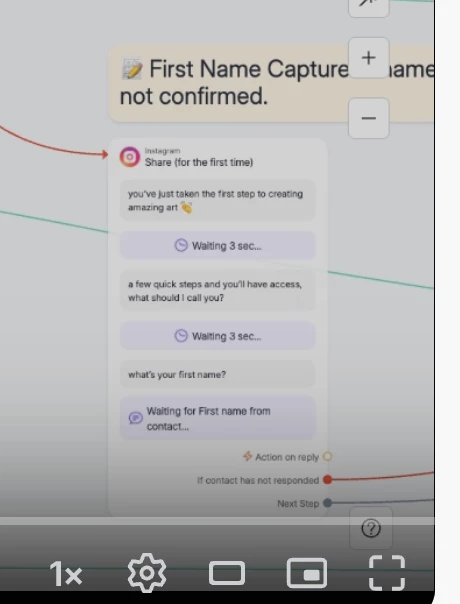
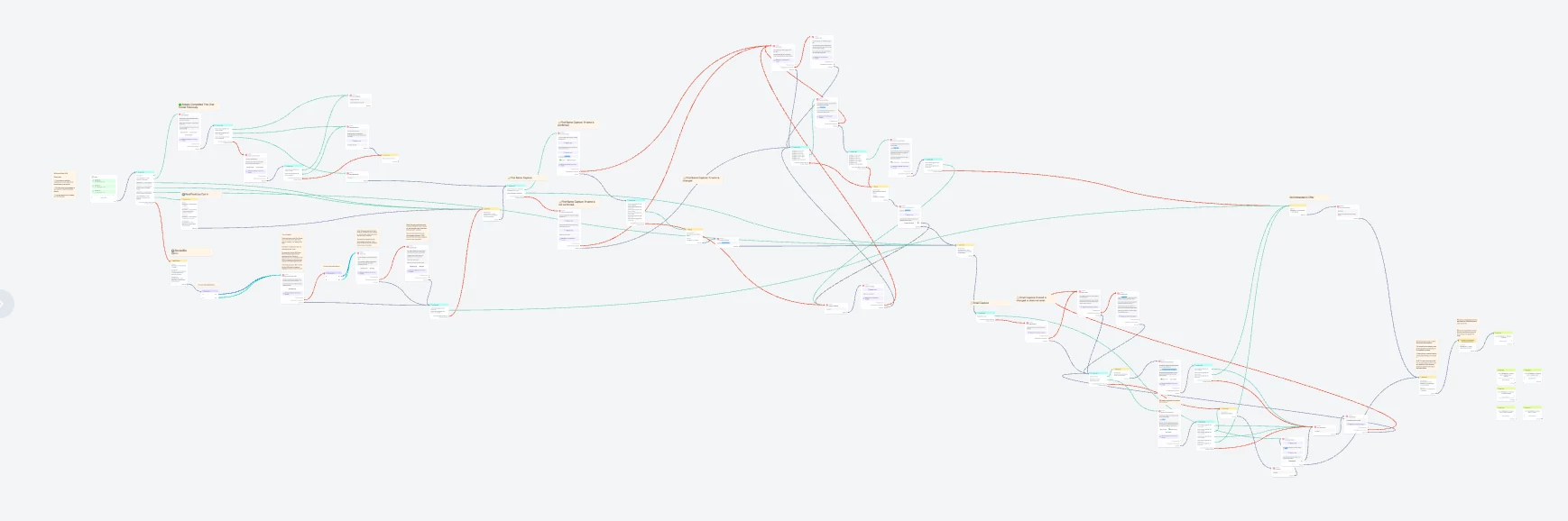
Hi ​@rodrigo_silvano the funnel is large, I’ve attached a screenshot and a here is a loom recording of the funnel: loom.com/share/24c2acac93754271886b43fbcd507739 

I used the Additional Many Chat DM Funnel from this tutorial to create my funnel: https://school-of-bots.notion.site/18284c0a7a0b8056aaf3febfd075deeb?v=18284c0a7a0b8047acd6000cc768bd48&p=18384c0a7a0b80b5b583e53b2f913221&pm=s 


VeronicaA
  • Author
  • Up-and-Comer
  • January 20, 2026

Hello ​@rodrigo_silvano just following up on this :) I’d like to build a new funnel with Natasha’s 4 changes to funnels but I’m unsure how to. I’m used to building funnels from this tutorial: https://school-of-bots.notion.site/18284c0a7a0b8056aaf3febfd075deeb?v=18284c0a7a0b8047acd6000cc768bd48&p=18384c0a7a0b80b5b583e53b2f913221&pm=s 

Here is a loom recording of a recent funnel that I built: loom.com/share/24c2acac93754271886b43fbcd507739 


rodrigo_silvano
Forum|alt.badge.img+4
  • Manychat Community Moderator
  • January 20, 2026

Hey ​@VeronicaA 


Before this block, you need to add another block to ask for an email. That way, you can have the step 3 you mentioned.
Regarding the step 4, after the block where you ask for the email, add an action block with ChatGPT integration
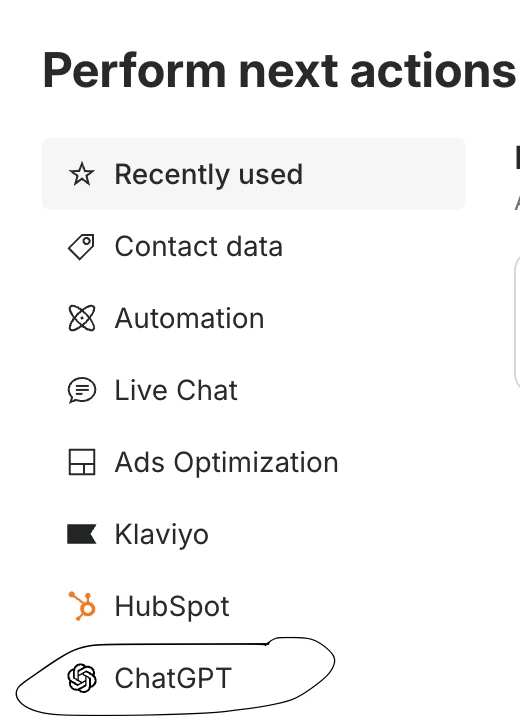
You don’t have this integration yet, you can enable it on settings (scroll down) → Integrations
There you’ll find something like this:
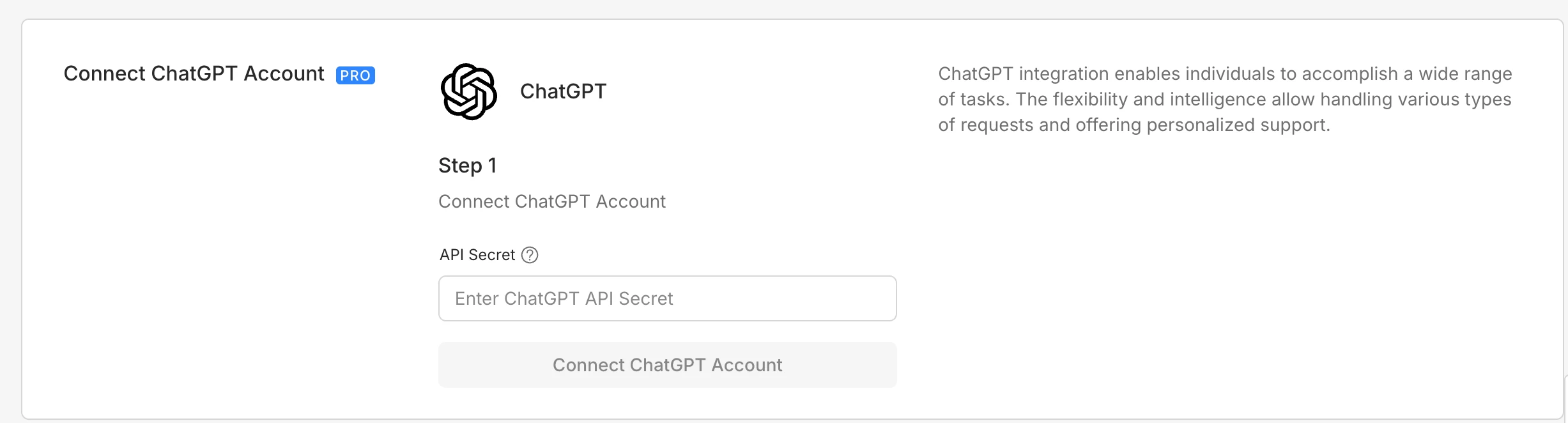
 

To get the API secret, you need to go to this website https://platform.openai.com/ and generate an API key. 

Using this integration, you’ll have costs on OpenAI API. Learn more here: https://platform.openai.com/docs/pricing


Let me know if you have further questions! 🙂