Solved

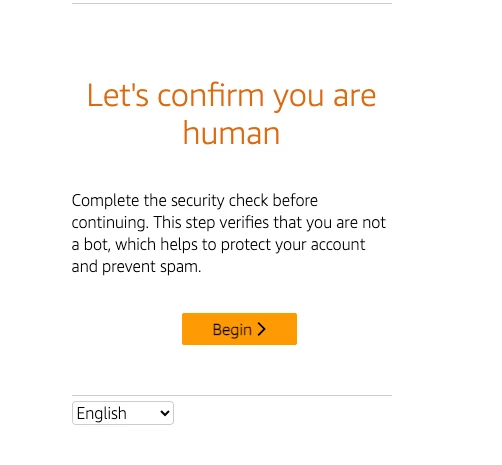
A screen that says "Let's confirm you are human" keeps popping up for me

  • September 2, 2025
  • 11 replies
  • 126 views

Peter Park

Is anyone else experiencing this with Manychat? A screen that says "Let's confirm you are human" keeps popping up for me. It happens after I leave the screen idle for about 5 minutes. Is this a common issue, or is it a problem with my account?

Best answer by Raquel C

Hi everyone,

Thanks for your patience while we looked into this! We’ve checked with the team, and everything should be working normally again now.

11 replies

galaa
  • Up-and-Comer
  • September 2, 2025

yes its since yesterday and api not working


jackteoh
  • Up-and-Comer
  • September 2, 2025

yes facing same issue


jasxtyl3
  • Up-and-Comer
  • September 2, 2025

yes me too, started yesterday until now. 


Every reply to a live message will ask me to reverify as human again and mobile app is unable to access manychat app (IOS and Android)


will.kl
  • Up-and-Comer
  • September 2, 2025

I think they have been hacked or experiencing cyberattack but yet to regain control,

Still dont want to make announcement to inform everyone when it will be fixed.


Thomson1995
  • Up-and-Comer
  • September 2, 2025

me too


Samantha Wong
  • Channel Explorer
  • September 2, 2025

This is seriously annoying. It’s appearing every few minutes, are you serious? Did the ManyChat team think of those who rely on the platform to do help desk support? 


Bayar
  • Up-and-Comer
  • September 2, 2025

Same for me. All API not working. Manychat APP is not working in mobile. For every team member and every interaction asks authenticate you are human.


Bayar
  • Up-and-Comer
  • September 2, 2025

Is there anyone who tries this suggestion that is given by manychat AI bot helper:

Since the human verification appears on every page refresh and interaction, this indicates a complete authentication breakdown between your account and Facebook's services. This level of persistent verification suggests your Facebook profile may have lost access or control over the connected page.

Here's what to try:

Complete Permission Reset:

  1. Go to your personal Facebook Business Integrations
  2. Find Manychat and toggle off all options completely
  3. Save changes, then return to Manychat and refresh permissions

Verify Profile Access:

Check that your Facebook profile is active and you have full control over the Facebook page connected to Manychat. You can verify which profile you used to sign up in My profile > Manage sign-in options.

Remove Conflicting Apps:


afifirosman
  • Up-and-Comer
  • September 2, 2025

Hi, Yes me too. even Manychat app in Iphone cant be used. Hopefully manychat team can give their response regarding this 


KHOR CHNG JIE
  • Up-and-Comer
  • September 2, 2025

YES! Me too!
Now we can’t use app to reply customer!!!!


Raquel C
Manychat Team Member
Forum|alt.badge.img+3
  • Manychat Community Manager
  • Answer
  • September 2, 2025

Hi everyone,

Thanks for your patience while we looked into this! We’ve checked with the team, and everything should be working normally again now.