Auto DM Links from Comments Not Working

  • April 2, 2026
  • 12 comments
  • 129 views

rahul1601

Not too sure why it’s not working. I’m just not getting the DM after commenting the keyword. Tried with a few different accounts and it’s not working.

12 replies

soccer96
  • Up-and-comer
  • April 2, 2026

Same here… If you find a solution, let me know.


sana vita
  • Up-and-comer
  • April 2, 2026

Same here… If you find a solution, let me know.

me pasa lo mismo,tampoco funciona


sana vita
  • Up-and-comer
  • April 2, 2026

Not too sure why it’s not working. I’m just not getting the DM after commenting the keyword. Tried with a few different accounts and it’s not working.

tampoco llegan


rahul1601
  • Author
  • Up-and-comer
  • April 3, 2026

Still not sorted, @ManyChat can you please help? I’m very interested in joining the paid plan but would need this fixed. I thought this was the core function of ManyChat


Forum|alt.badge.img+1
  • Smooth talker
  • April 3, 2026

Hey, this is usually caused by one of two things. Either ManyChat isn't set as the primary receiver in your Instagram settings, or there is a permission issue in Meta Business Suite.

Could you send a quick Loom video showing your automation setup and the trigger settings? That will help me identify the exact issue and get it working for you quickly.


rahul1601
  • Author
  • Up-and-comer
  • April 3, 2026

samiur
  • Up-and-comer
  • April 5, 2026

Hey ​@rahul1601 , can you check the business setttings to see if you have given all the permission to Manychat?

Also, can you got to the flow builder and share the screenshot of your ManyChat flow? I might give the clear picture what to have done in the back end.. 


cata_rendon
Forum|alt.badge.img+5
  • Community Moderator
  • April 6, 2026

Not too sure why it’s not working. I’m just not getting the DM after commenting the keyword. Tried with a few different accounts and it’s not working.

I’m sorry to hear you’re experiencing issues with your IG Comment Trigger — I know how frustrating this can be.

Here are a few things I’d recommend double-checking:

  1. Instagram permissions A quick fix that often helps is refreshing your Instagram permissions in ManyChat.
    You can do this by going to your ManyChat account and clicking Help → Refresh Permissions.
  2. Follow the official IG automation troubleshooting guide
    This step-by-step guide covers several edge cases that can cause comment automations to stop firing and is very helpful for diagnosing issues like this:
    https://help.manychat.com/hc/en-us/articles/14281308423452-Instagram-automation-troubleshooting
  3. Check for platform-wide issues
    Sometimes this is related to a temporary issue on Instagram or ManyChat’s side. You can check the current system status here:
    https://status.manychat.com/
  4. One-time trigger behavior
    Just as a reminder, Instagram comment automations only trigger once per user per post. If the same user commented again, the automation would not fire a second time.

Hopefully one of these points helps you pinpoint the issue

Cheers,
Cata Rendon


rahul1601
  • Author
  • Up-and-comer
  • April 6, 2026


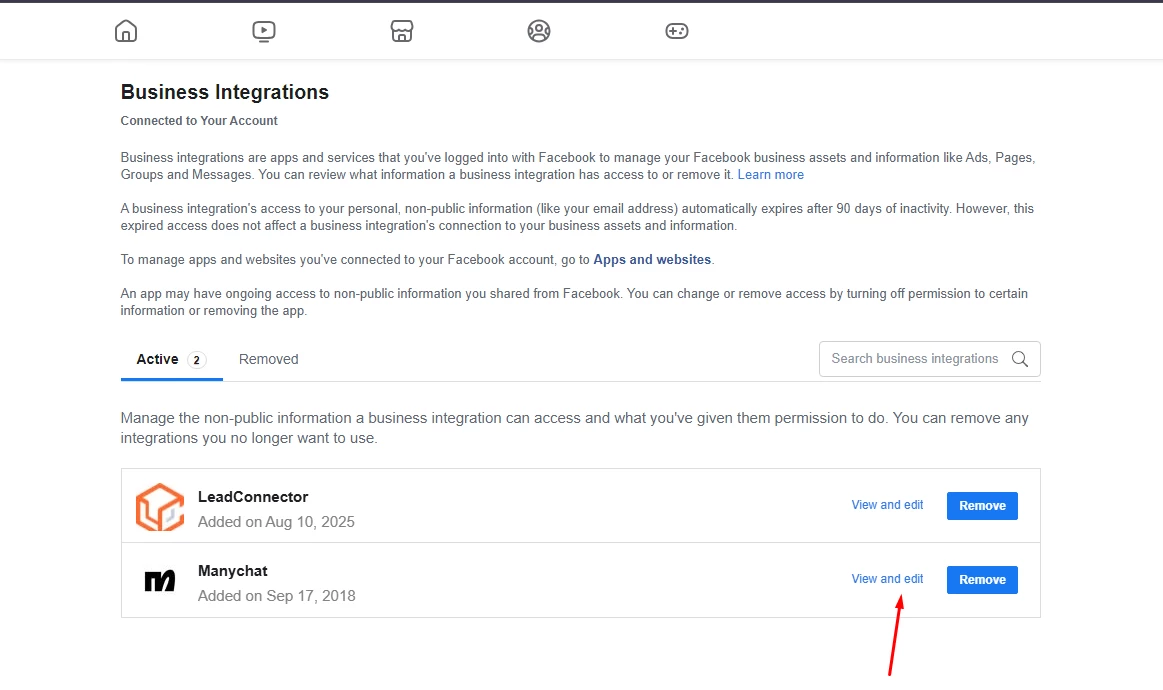
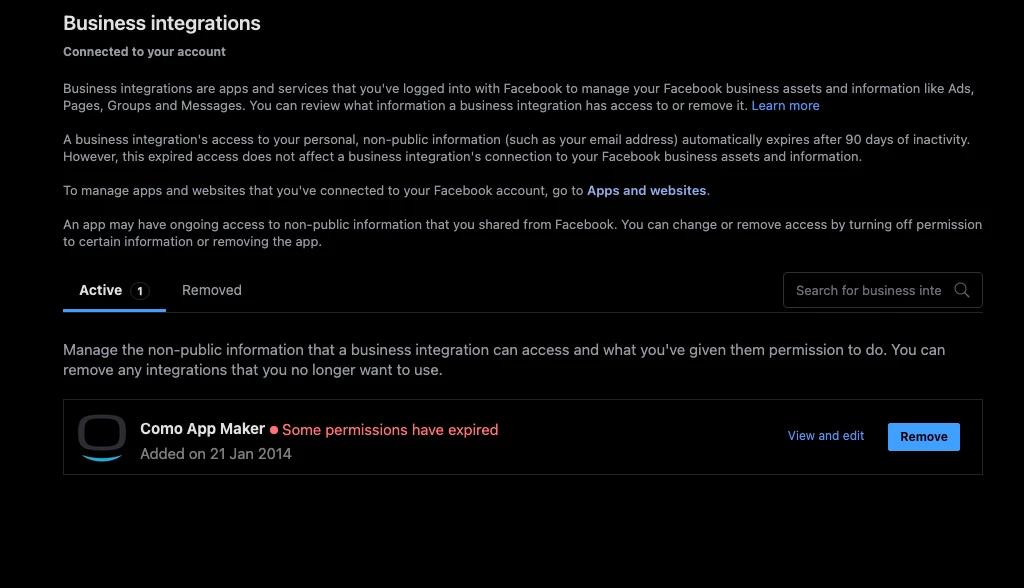
ManyChat isn’t on my business integrations for the facebook account. It could be an issue with my Facebook and Instagram connection but not sure exactly how to resolve it. Any help would be appreciated please - I can pay someone to sort this for me.


samiur
  • Up-and-comer
  • April 6, 2026

@rahul1601 , please check your DM


Devtrest
  • Smooth talker
  • April 6, 2026

First thing to know: this is often a test limit, not a broken setup.
Meta only lets one comment trigger/keyword work per user on the same post. So if you already tested once with that account on that post, commenting again may do nothing.

Simple checklist:

  1. Test with a different Instagram account on the same post.
  2. Make sure your flow has an Instagram private reply / DM step after the comment trigger. Without that, the DM part will not run.
  3. In Instagram, make sure Allow access to messages is turned on for ManyChat, then in ManyChat click Refresh permissions.
  4. If you have more than one comment automation live, check the automation order, because that can affect which one fires.

So the most likely reason is:
you already tested that post with that account once.
Try again with another account first.


rahul1601
  • Author
  • Up-and-comer
  • April 6, 2026

@Devtrest Already saw that in a different post and tried commenting from several different profiles. Still doesn't work, so yeah, it's definitely not the issue.