I would like to set up an auto-dm from comments for the same reel that went to instagram and facebook. It works for instagram now. I then tried to go to settings - channels and connect my facebook channel to set up a auto dm there as well (I assume I need to do two automations for insta and facebook separately)? It then took me to a payments plan again - do I need two payment plans for instagram and facebook separately? If no, how to I set up the same automation that I did for the post on instagram for that post on facebook?

Solved
Auto-DM set up for facebook (after having done it for instagram)

Best answer by rodrigo_silvano
Hey
Are you using a free or paid plan?
If you’re on the plan, you can have up to 4 active automations at the same time.
Regarding the question about the same automation to different channels, it is possible:
→ click on the 3 dots:
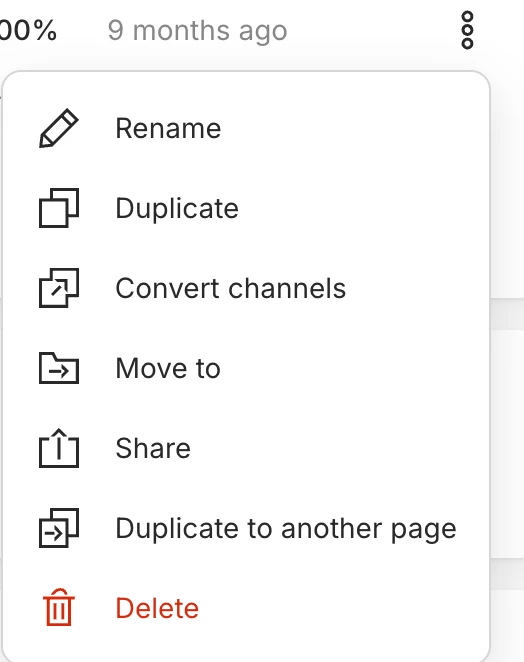
→ Click on “convert channels” and select Facebook:
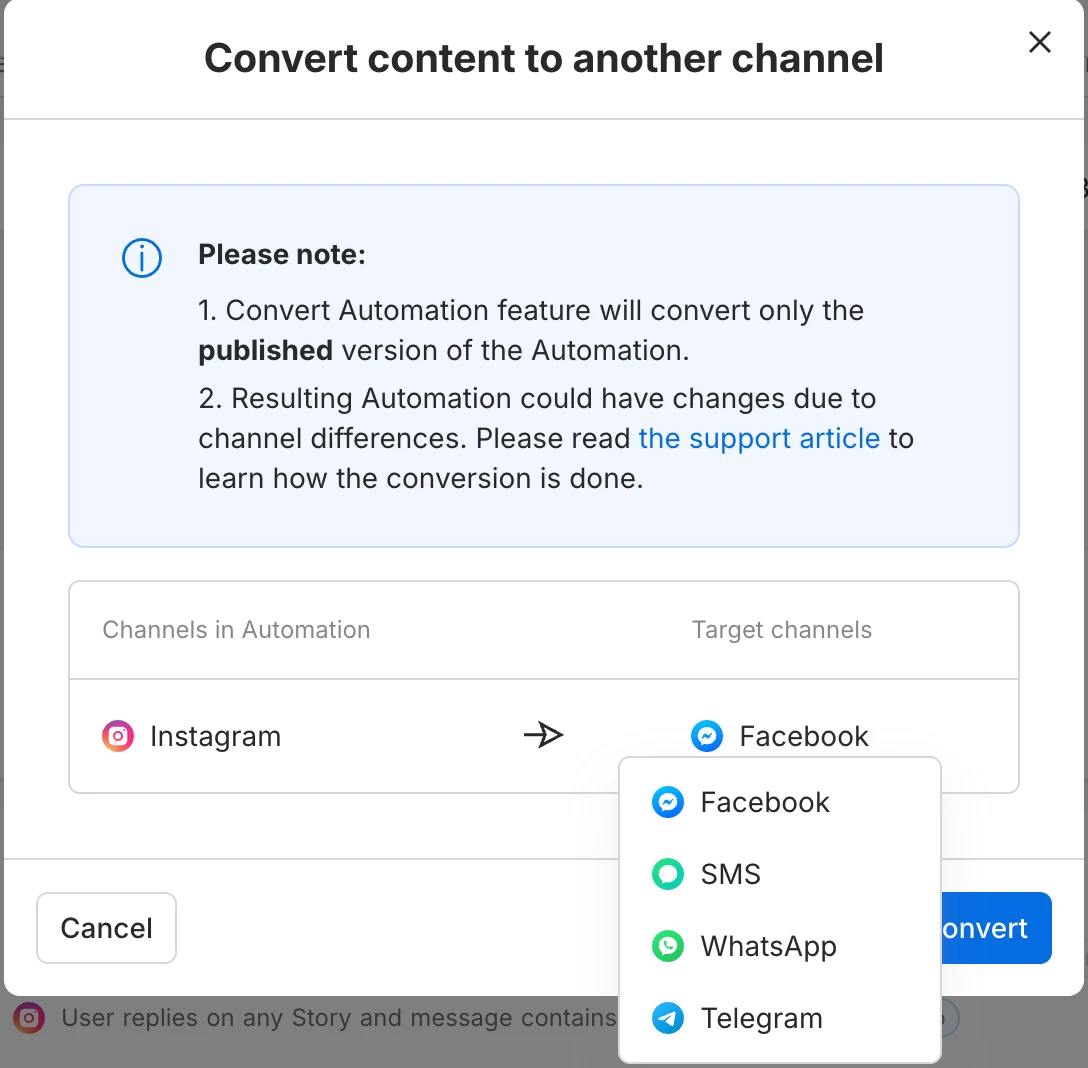
Now you have te same automation for two different channels. Note that some blocks may need some adjustments.
Let me know if you have further questions 😊




Enter your E-mail address. We'll send you an e-mail with instructions to reset your password.