Question

Back to main menu

  • March 30, 2026
  • 2 comments
  • 11 views

geraqueno

Hi everyone! 👋

I’m currently working on setting up my flow in ManyChat and could use some help.

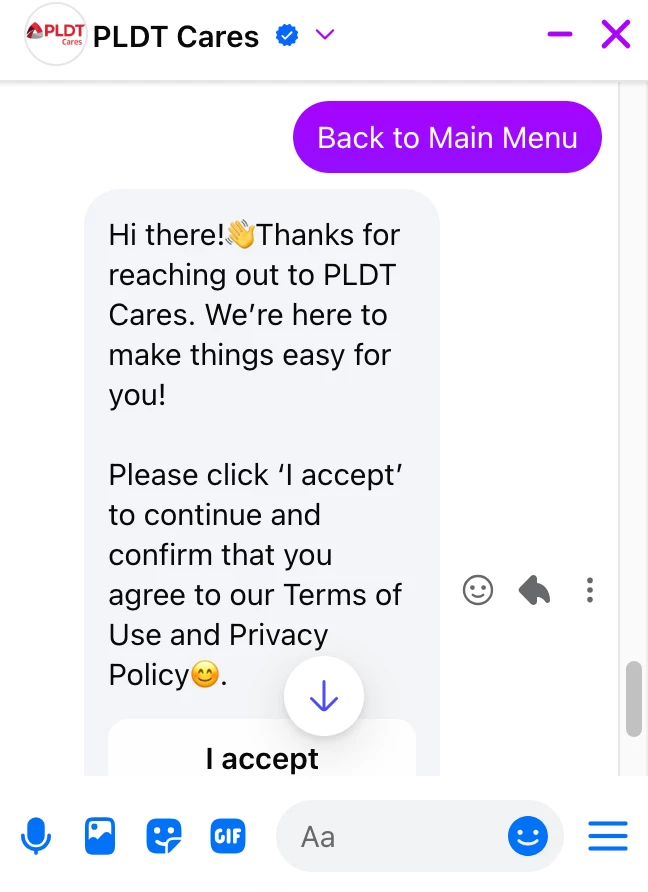
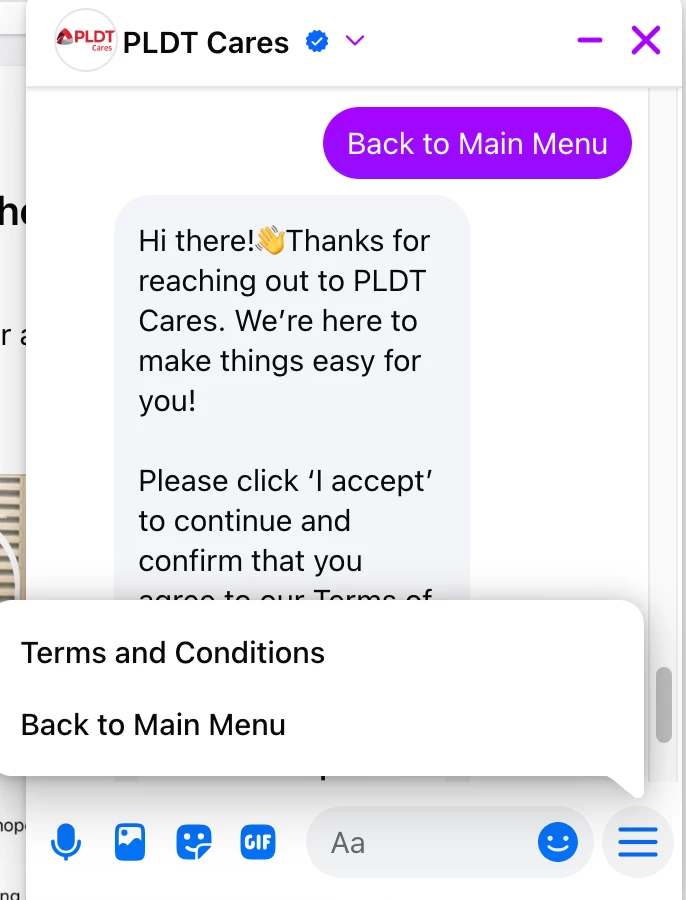
Right now, I’m trying to figure out how to properly add a “Back to Main Menu” button after sending a video link. The goal is that once a user watches or receives the video, they can easily navigate back to the main menu without getting stuck or restarting the conversation manually.

If anyone has experience with this or can guide me on the best way to set it up (flows, actions, or smart delays), I’d really appreciate your help!

Thanks in advance 🙏
 

2 replies

Gustavo Boregio
Forum|alt.badge.img+7
  • Community Moderator & Expert
  • March 30, 2026

Hey ​@geraqueno you need to connect the menu option to an existing flow.

Here’s the documentation for this:

https://manychat.com/resources/video-course/how-to-navigate-through-manychat/setting-up-messenger-main-menu

https://help.manychat.com/hc/en-us/articles/14281211388444-Main-Menu-on-Facebook-and-Instagram

You can also set it up as a button on your message, allowing the person to go back to the previous message block where they had the menu options.


geraqueno
  • Author
  • Up-and-Comer
  • March 30, 2026

hi thanks it works