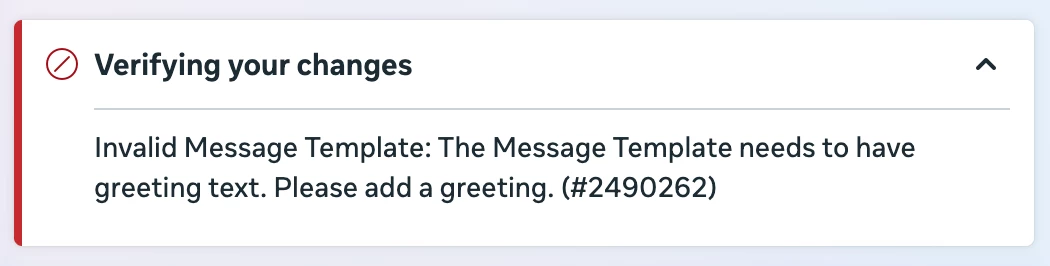
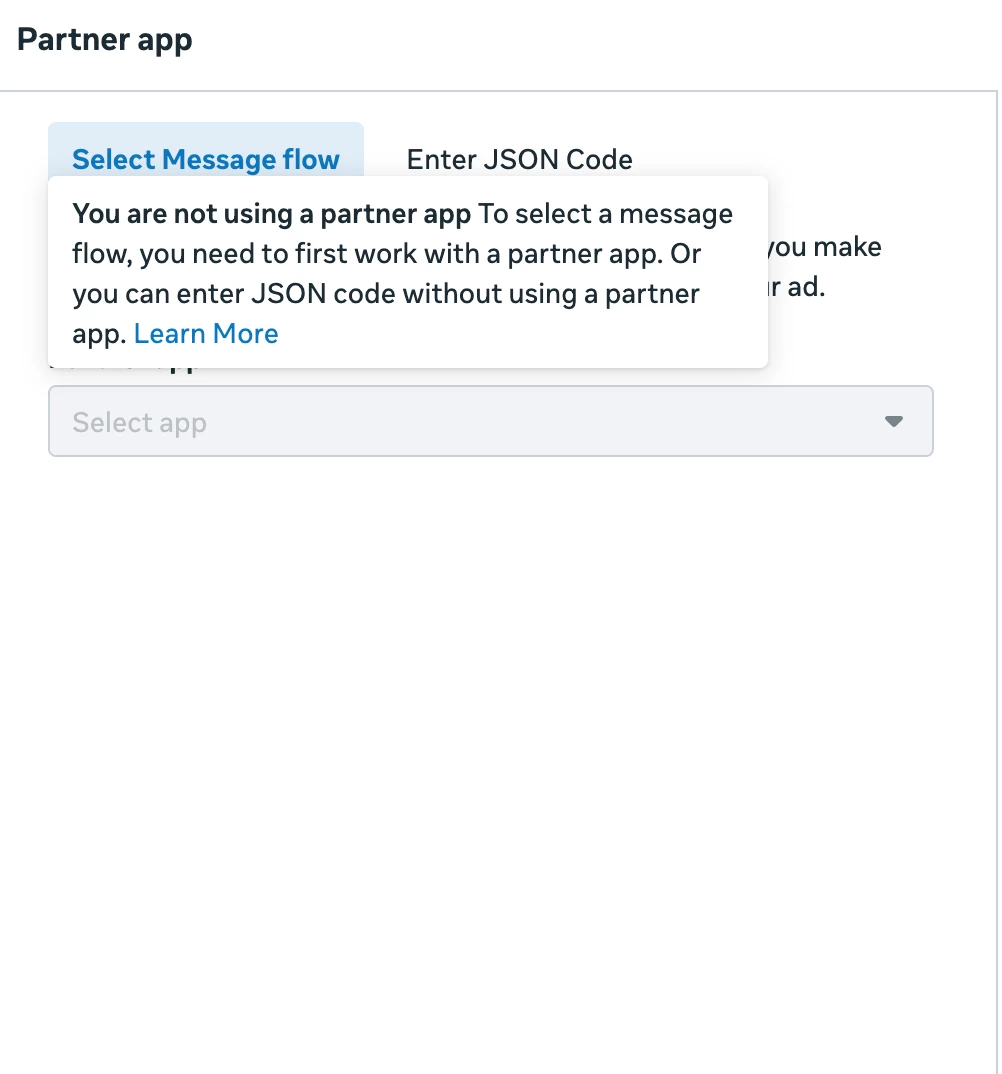
I am connected to Meta and am currently linked correctly to my insta account, but I am struggling to get my ads running with an Engagement ad. I created the automation it is it live, but I for some reason I’m getting an error message on Meta.
Thanks!
Best answer by lsatqueens
Hey @SumGeniusAI, I had already done all of those steps. I had another ad account active and for some reason MC connected to that one, not to the one I had built the campaign in. So I just rebuilt it in the new campaign.
Thanks!
Hi @lsatqueens , in that case a simple solution could be to refreshing your Instagram permissions in ManyChat. You can do this by going to your ManyChat account and clicking Help → Refresh Permissions
That error means Meta requires your Message Template (the first message in your flow) to include actual text content before any buttons or quick replies.
Fix:
1. Go to your ManyChat automation
2. Make sure the first message block has text - something like "Hey! Thanks for reaching out" - not just buttons or carousels alone
3. The first message should be a single content block (text or image) with buttons/quick replies attached to it
4. Important: Remove any variables (like First Name, etc.) from that first message - Meta doesn't allow them in ad opt-in messages
5. Save the flow, then reconnect to your ad in Ads Manager
If it still doesn't work, try accessing Ads Manager in Incognito mode and reconnecting.
Hey @SumGeniusAI, I had already done all of those steps. I had another ad account active and for some reason MC connected to that one, not to the one I had built the campaign in. So I just rebuilt it in the new campaign.
Hey @SumGeniusAI, I had already done all of those steps. I had another ad account active and for some reason MC connected to that one, not to the one I had built the campaign in. So I just rebuilt it in the new campaign.
Thanks!
Hi @lsatqueens , in that case a simple solution could be to refreshing your Instagram permissions in ManyChat. You can do this by going to your ManyChat account and clicking Help → Refresh Permissions
Hey @SumGeniusAI, I had already done all of those steps. I had another ad account active and for some reason MC connected to that one, not to the one I had built the campaign in. So I just rebuilt it in the new campaign.
Thanks!
Hi @lsatqueens , in that case a simple solution could be to refreshing your Instagram permissions in ManyChat. You can do this by going to your ManyChat account and clicking Help → Refresh Permissions
Hey @SumGeniusAI, I had already done all of those steps. I had another ad account active and for some reason MC connected to that one, not to the one I had built the campaign in. So I just rebuilt it in the new campaign.
Thanks!
Hi @lsatqueens , in that case a simple solution could be to refreshing your Instagram permissions in ManyChat. You can do this by going to your ManyChat account and clicking Help → Refresh Permissions