Solved

How to stop a specific chat conversation that is currently in the "ai-step" phase.

  • May 18, 2026
  • 2 comments
  • 18 views

Katie Morrison

If the user has already entered the AI-step ​phase, how can I disable the AI ​​responses and answer the customer's questions myself?

Best answer by SumGenius

If the user is mid-conversation in an AI Step, the cleanest way to take over manually is through ManyChat's Inbox (Live Chat):

1. Open ManyChat Inbox and find that specific conversation

 2. Send a manual reply from there. This automatically pauses all automations (including the AI Step) for that specific contact

3. Default auto-pause is around 30 minutes after your last manual message, configurable in Settings → Inbox

If you need to keep automations paused for longer than the default 30 minutes

- In the conversation view, click the "Automations" button at the top of the chat

 - Select "Keep automations paused" or set a longer duration


To restart the AI for that contact later:

 - Same "Automations" button → "Restart automations"

Important detail: this only works if you reply through ManyChat Inbox. ManyChat can't detect replies sent from the native Instagram app, so the auto-pause won't trigger if you reply from your phone's IG directly. You'd have to use the ManyChat mobile app or web Inbox instead.


2 replies

SumGenius
Forum|alt.badge.img
  • Smooth talker
  • Answer
  • May 18, 2026

If the user is mid-conversation in an AI Step, the cleanest way to take over manually is through ManyChat's Inbox (Live Chat):

1. Open ManyChat Inbox and find that specific conversation

 2. Send a manual reply from there. This automatically pauses all automations (including the AI Step) for that specific contact

3. Default auto-pause is around 30 minutes after your last manual message, configurable in Settings → Inbox

If you need to keep automations paused for longer than the default 30 minutes

- In the conversation view, click the "Automations" button at the top of the chat

 - Select "Keep automations paused" or set a longer duration


To restart the AI for that contact later:

 - Same "Automations" button → "Restart automations"

Important detail: this only works if you reply through ManyChat Inbox. ManyChat can't detect replies sent from the native Instagram app, so the auto-pause won't trigger if you reply from your phone's IG directly. You'd have to use the ManyChat mobile app or web Inbox instead.



cata_rendon
Forum|alt.badge.img+5
  • Community Moderator
  • June 4, 2026

If the user has already entered the AI-step ​phase, how can I disable the AI ​​responses and answer the customer's questions myself?

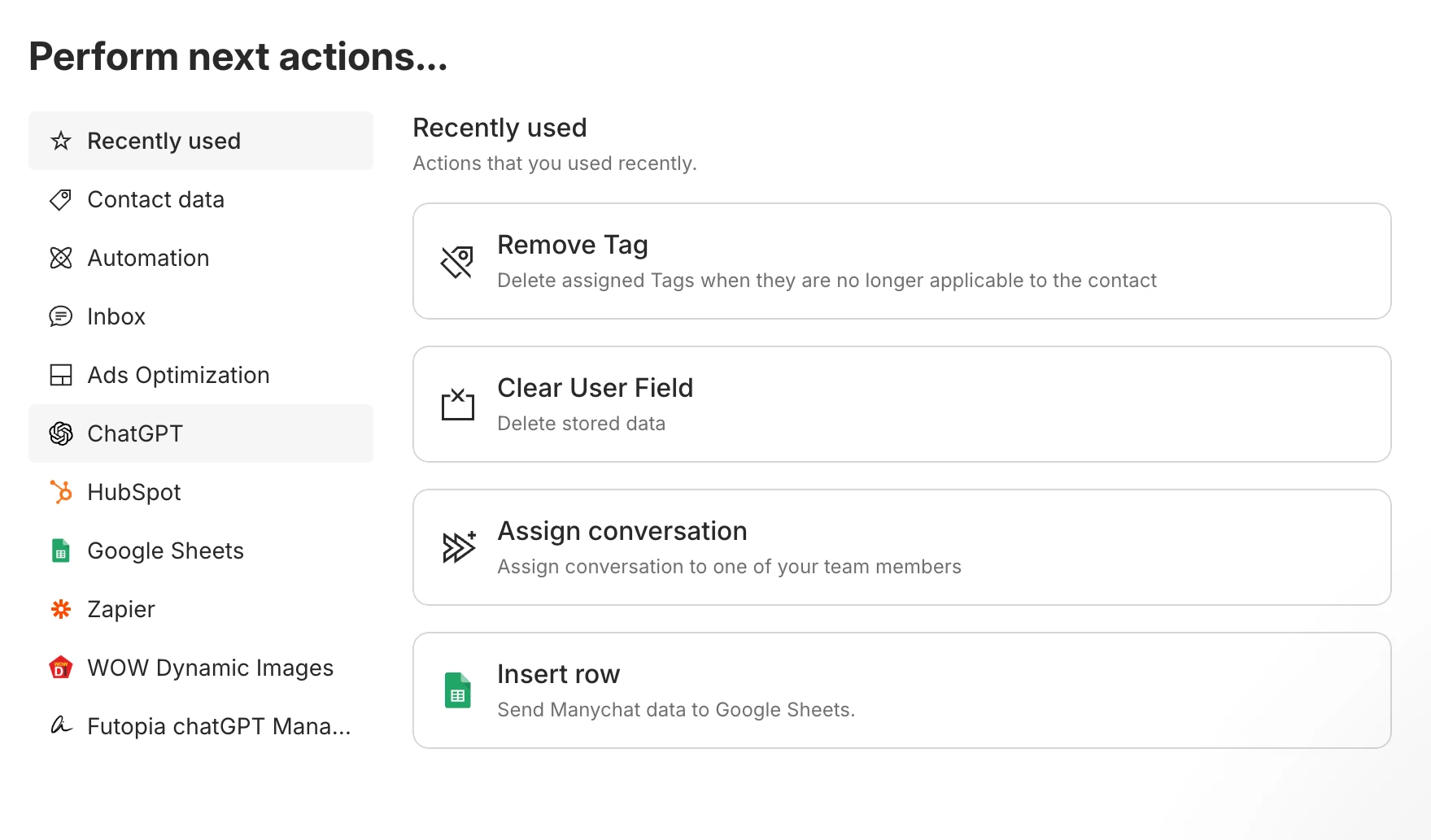
Hi ​@Katie Morrison very good question. In order to “open a live conversation” , the AI needs first to close its own converstion. Once it is close you can trigger an action “to assing converstion to one of your team members”.

The trick is for you to give the right instructions to the AI so it can close the conversation once its done. 

Hope this helps!

Catalina Rendon