Solved

I can’t do anything in my account!!!!

  • Jan 12, 2026 3:08 PM UTC
  • 4 comments
  • 63 views

henriquenyanke

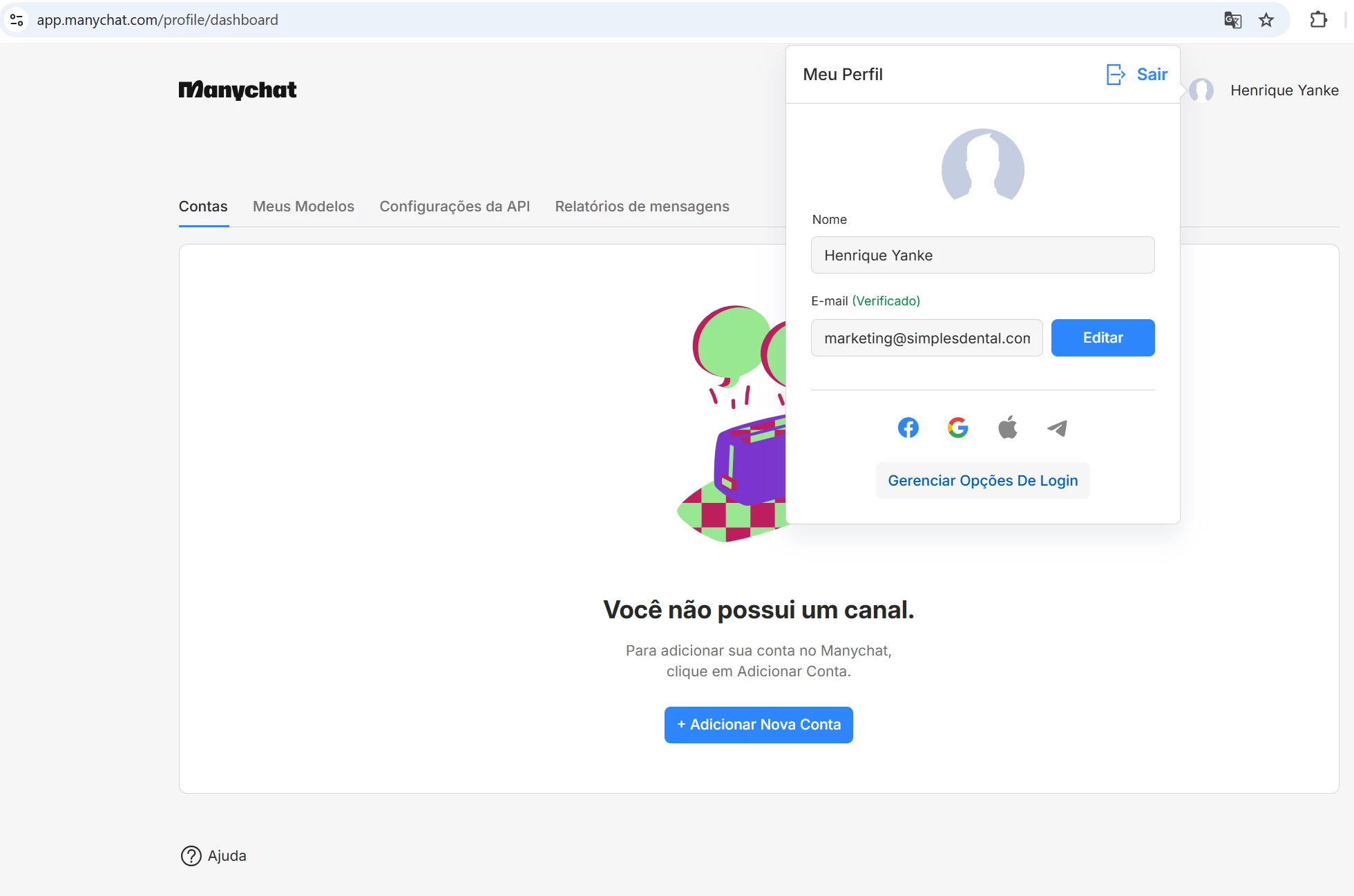
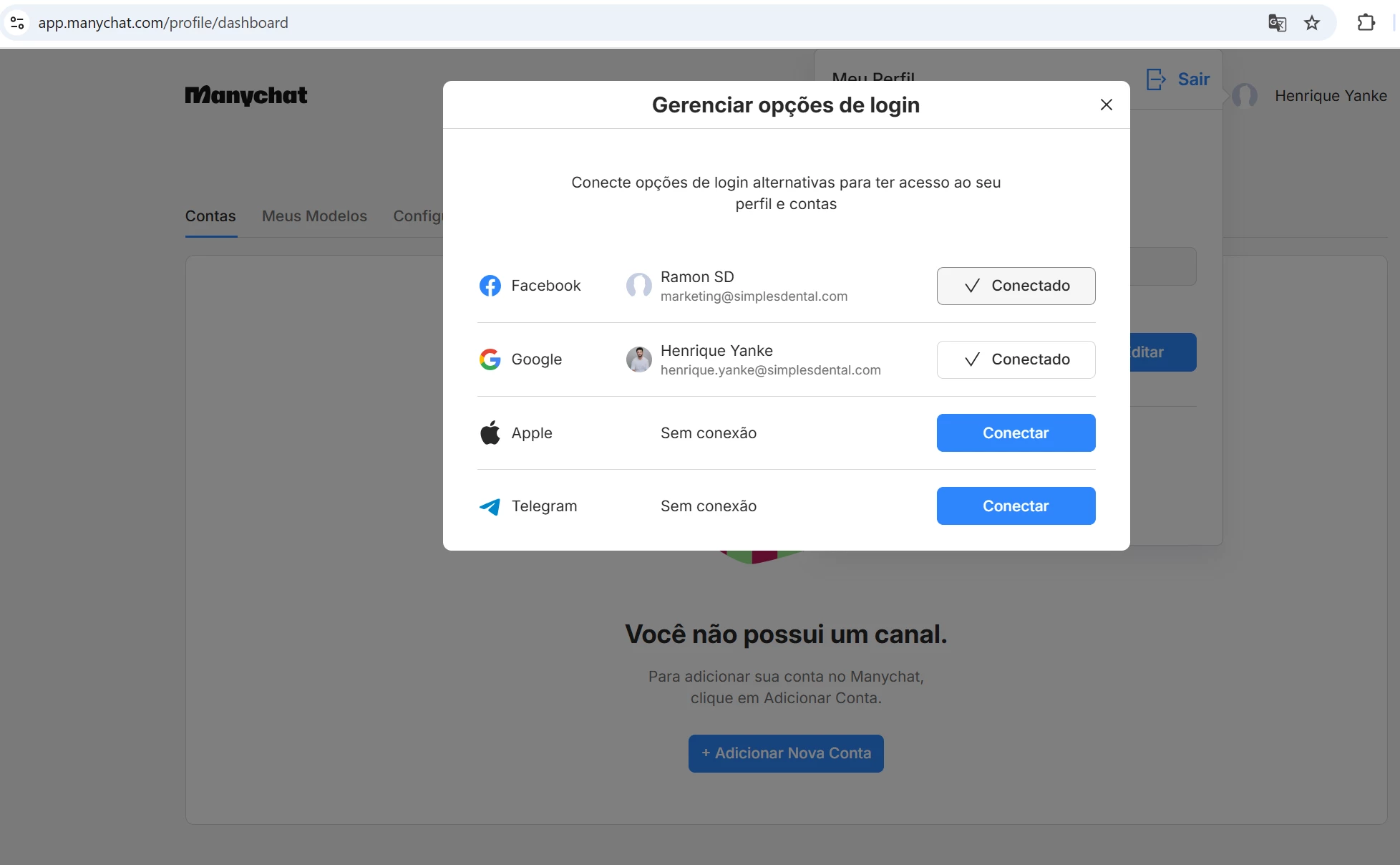
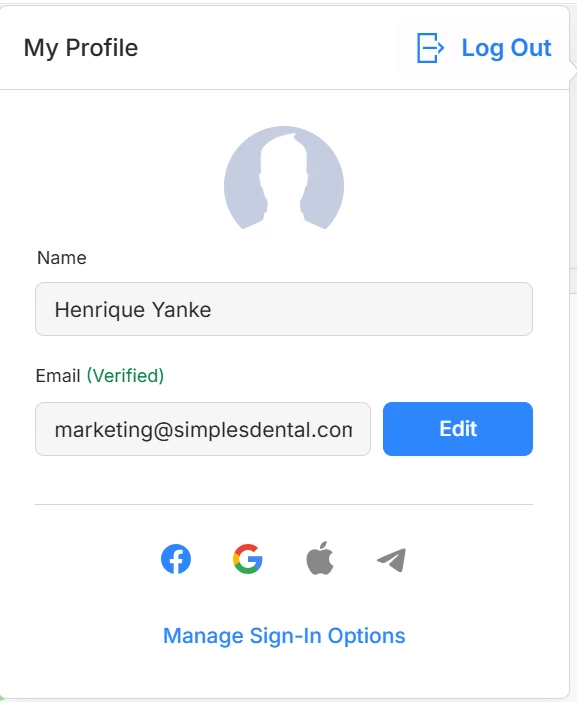
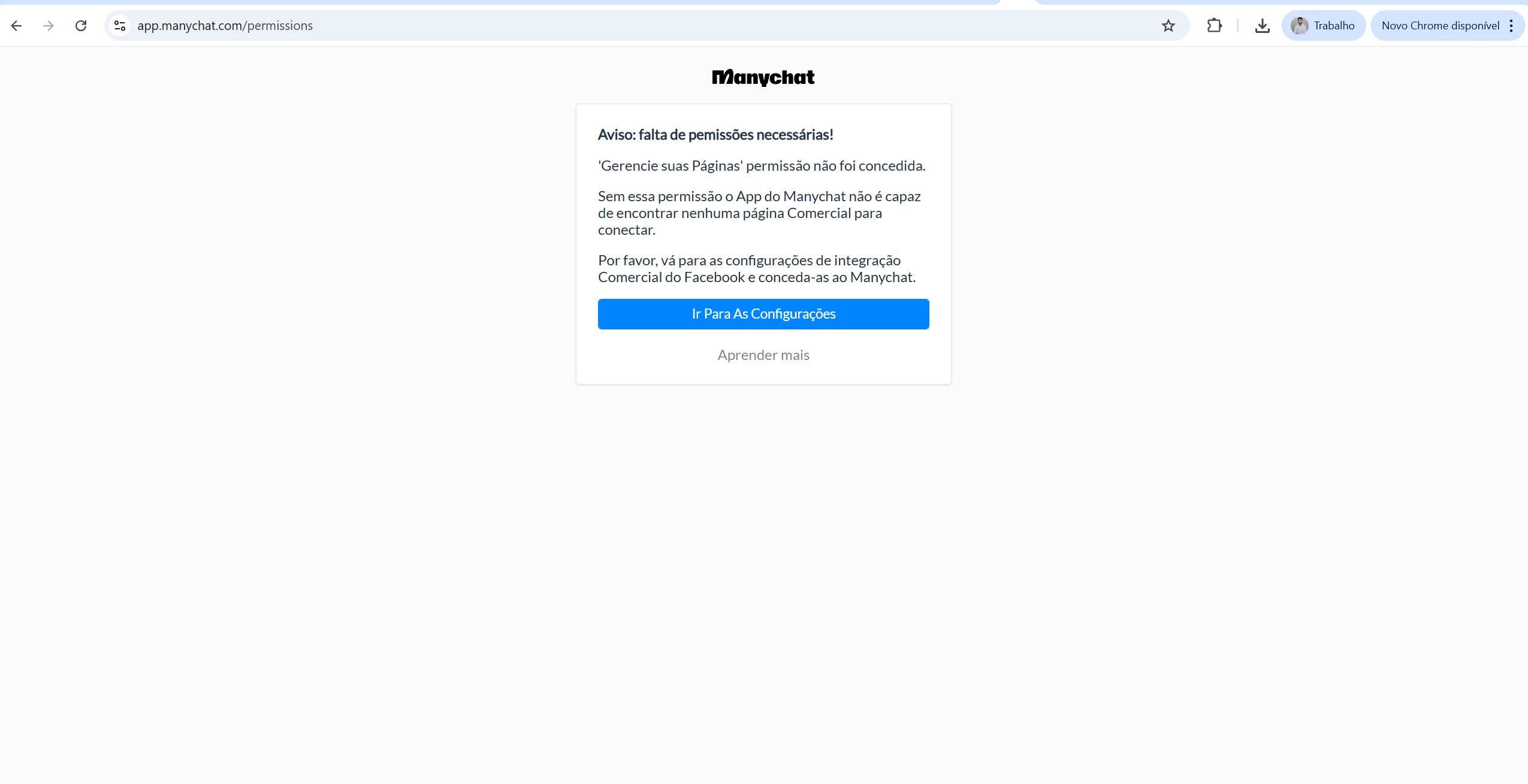
My ManyChat account won’t let me do ANYTHING. I can’t delete it, I can’t remove the logins, I can’t do anything. It’s connected to a Meta account that got blocked, so I can’t use it. I need to delete this account or remove the logins, but I can’t do anything on this stupid page.



Best answer by rodrigo_silvano

​@henriquenyanke 
Go to your settings → FB Messenger channel → scroll down and click on “Remove”.

After that, your Messenger channel will be removed.
 

View original

4 replies

rodrigo_silvano
Forum|alt.badge.img+4

Hey, ​@henriquenyanke 

What happens when you go to settings and try to connect a different Facebook account?


henriquenyanke
  • Author
  • Up-and-comer
  • Jan 12, 2026 5:45 PM UTC

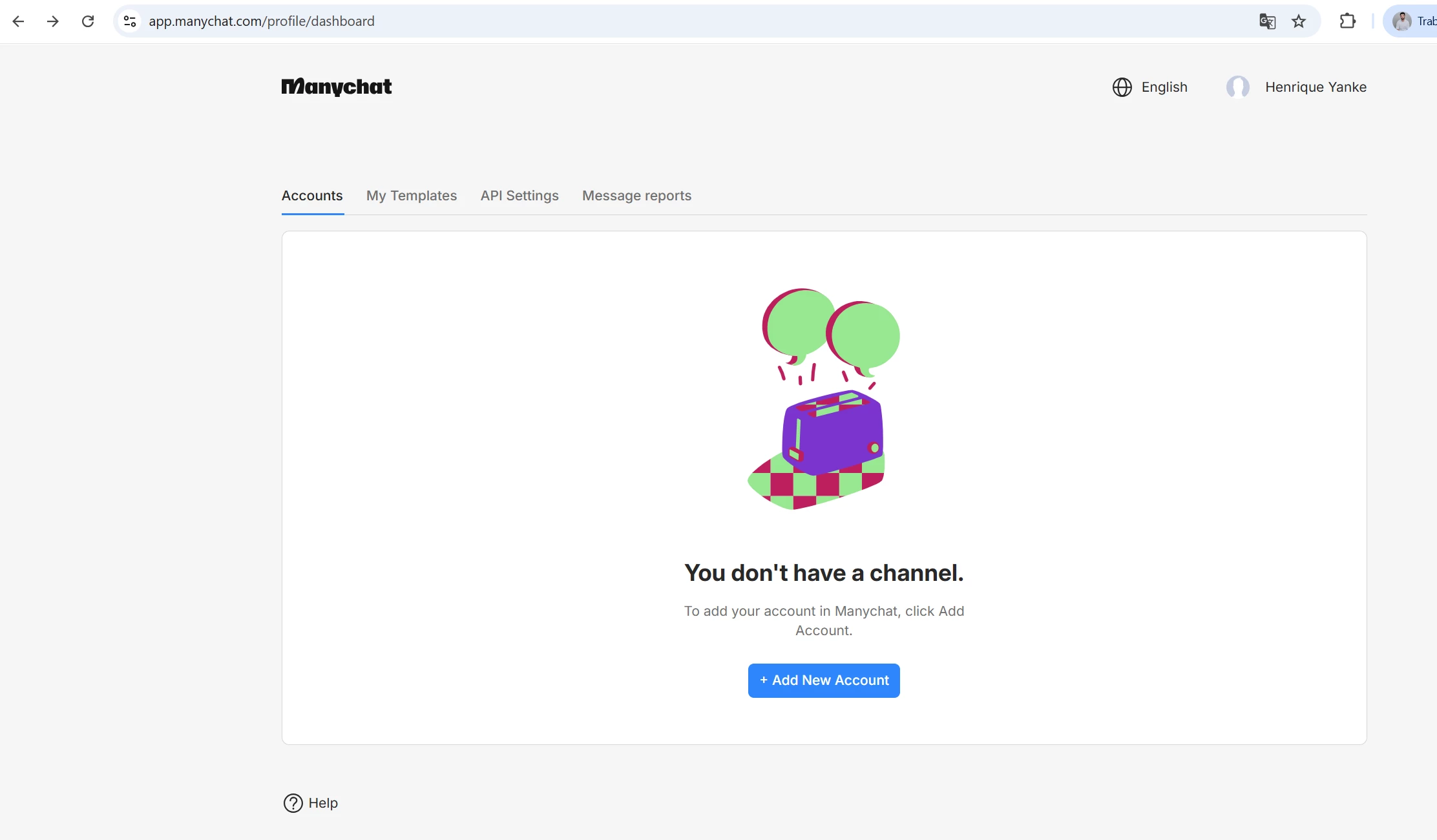
I can’t even connect another account. These two already show up as connected, but I want to disconnect them (especially Facebook), and nothing happens when I click “Connected.” There’s no menu on my dashboard, this is literally all that shows up. The user experience is absolutely horrible.


rodrigo_silvano
Forum|alt.badge.img+4
  • Community Moderator
  • Answer
  • Jan 12, 2026 6:46 PM UTC

​@henriquenyanke 
Go to your settings → FB Messenger channel → scroll down and click on “Remove”.

After that, your Messenger channel will be removed.


henriquenyanke
  • Author
  • Up-and-comer
  • Jan 12, 2026 8:02 PM UTC


Where?? I don’t even have a Settings option. These are literally all the options I have on my dashboard!!