Question

Instagram New Follow DM Permission Not Working

  • April 12, 2026
  • 1 comment
  • 20 views

endlessrealestate

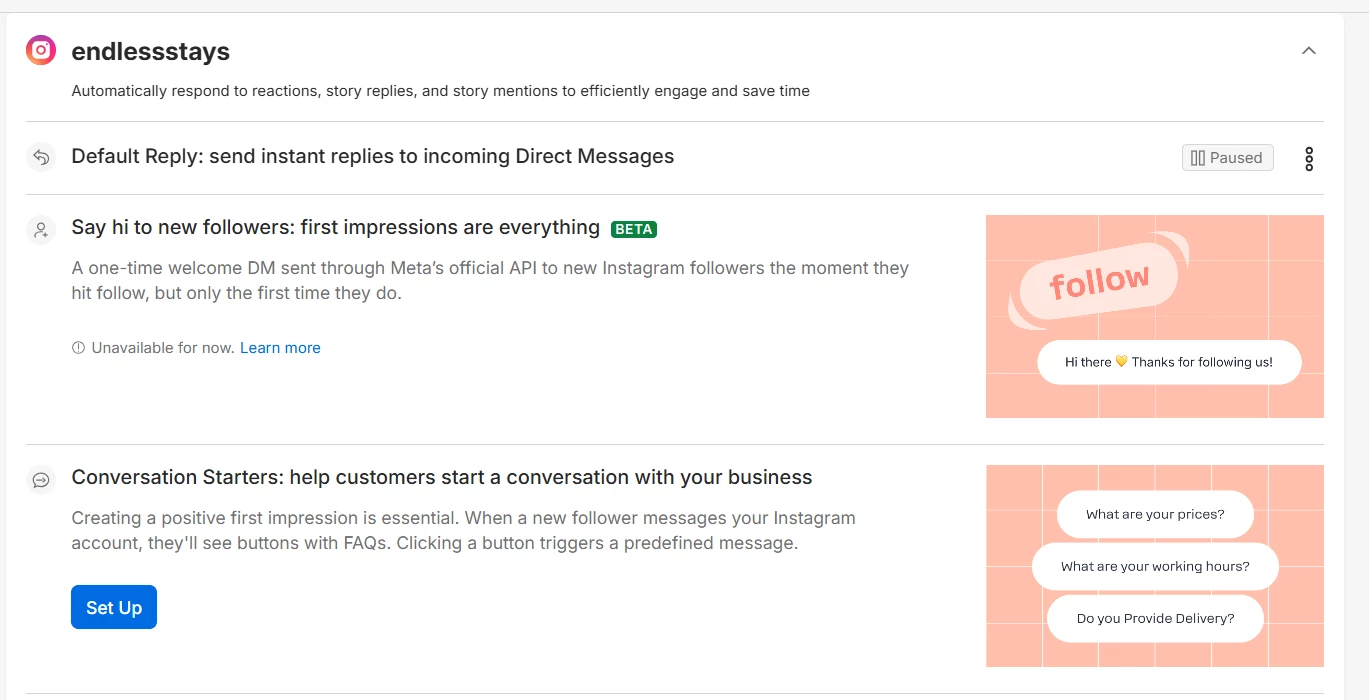
I have been trying to access the message to new follower Instagram automation and I am having no luck.

I have followed instructions including resetting permissions, connecting all pages, but I am still getting this:
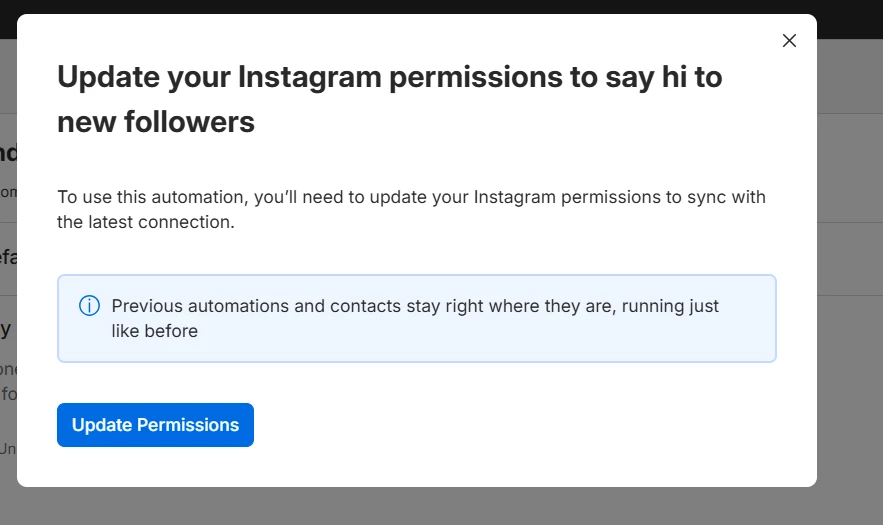
 

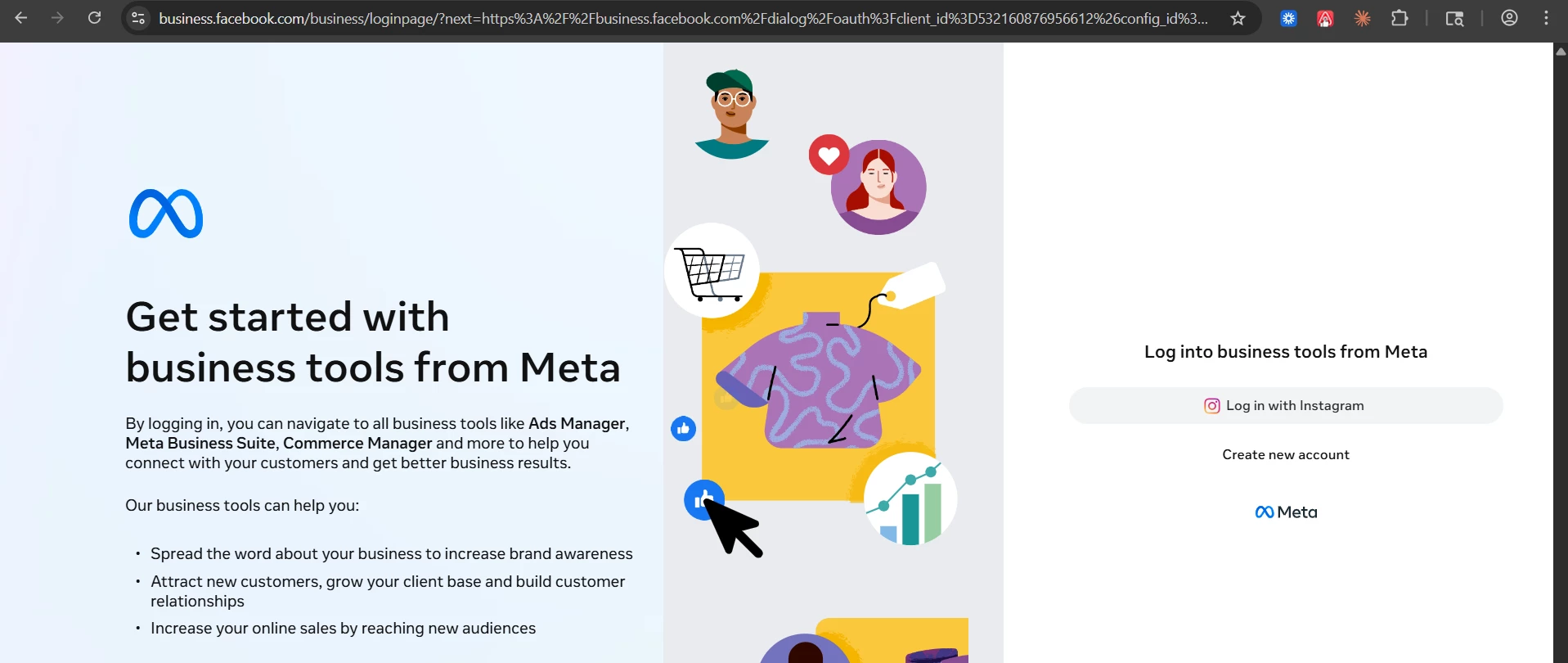
I’ve already logged in meta business suite and confirmed that MC is connected via business settings. Further if I click connect through IG with the page account and the master account, it says some type of url issue and won’t load the page.

Not really sure what to do here.

Thanks in advance to the community for your help. I really want to build!!

1 reply

Fabio Gaulke
Forum|alt.badge.img+3
  • Community Moderator
  • April 13, 2026

Hi, ​@endlessrealestate!


It’s an issue on Meta’s side, and until they fix it there, there’s not much that can be done…

HOWEVER… there is a workaround (a bit of a hack 😅) that works in some cases… so you can try it, but there’s no guarantee it will work:

  • Start the “Update Permissions” process as you did before, until you reach the page where only the “Log in with Instagram” button appears.
  • Copy the URL (page link) from your browser and paste it into a text editor (like Notepad).
  • Replace all occurrences of “IG” in the URL with “FB
    (except for the part that contains “config” do not change that).
  • Copy your modified URL and paste it back into your browser, then press enter to access it.

Done… if it works, a button will appear for you to “Connect with Facebook.”


Then just log in with the account that is linked to your Business Manager and also contains your Instagram account.

If all of this works, there’s a good chance the welcome message trigger will become available for your account. 😉


Hope this helps! 🙌