Hi @pendant ! Welcome to the community.
This is a very solid strategy for lead gen. Since you are new to both, here is the path to get this working without overcomplicating it:
1. The Manychat Flow (Instagram)
-
Trigger: Use the "Instagram Comments" Growth Tool. You can set it to "Specific Post" and even filter by keywords (e.g., if they comment "PORTRAIT").
-
Public Reply: Add a public reply to the comment to boost engagement.
-
The DM: Send a message asking for the email. Crucial: Use the "User Input" block (available in Pro). Set the response type to "Email" and save it to a Custom Field (e.g., user_email).
2. Connecting to GoHighLevel (GHL)
You have two main ways to send that email to GHL:
-
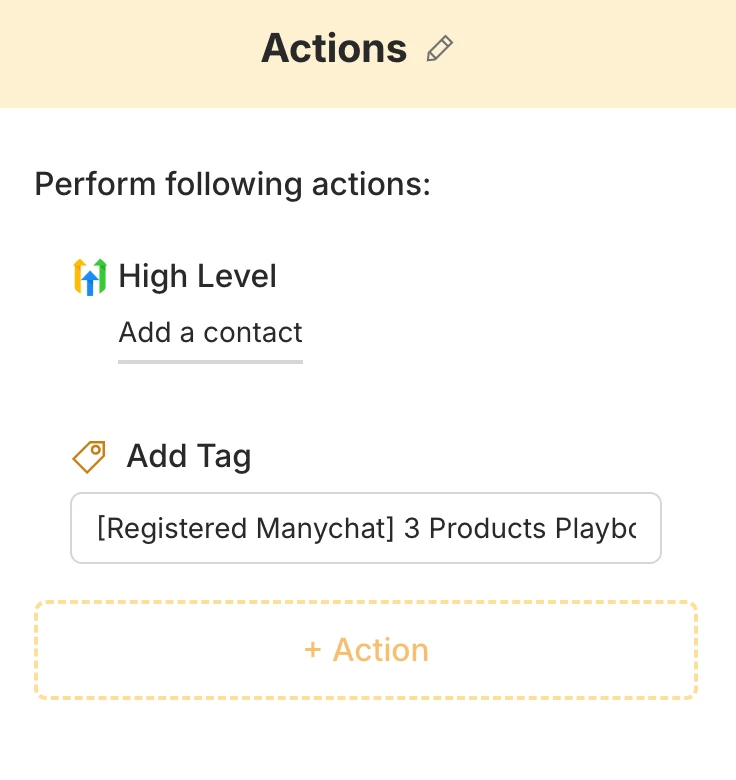
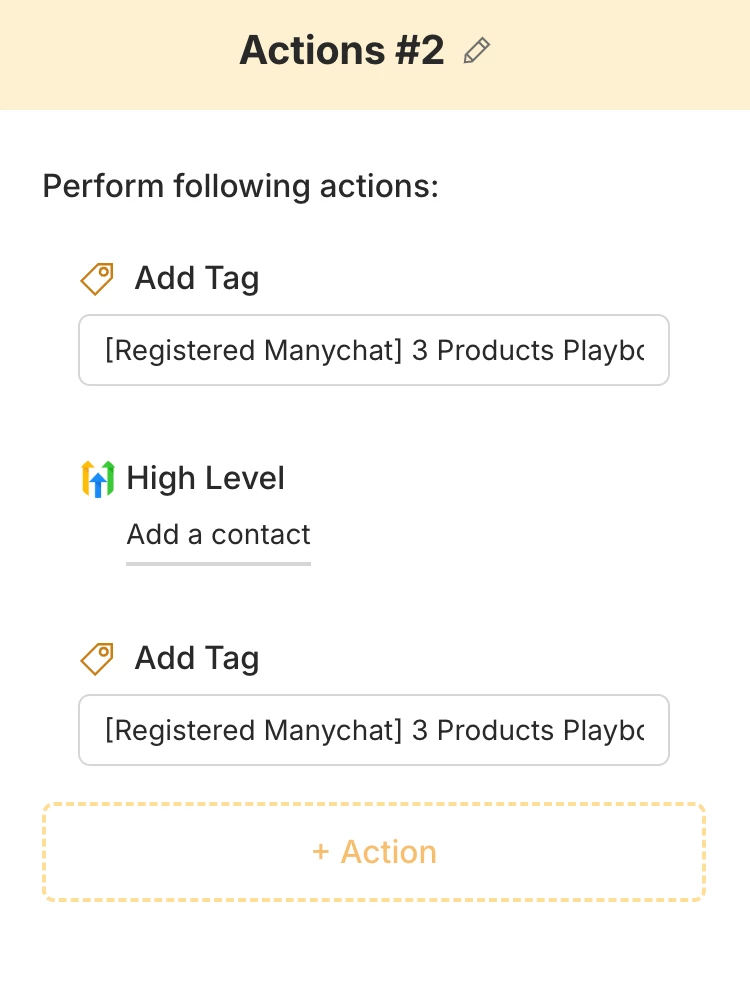
Option A (The Easiest): Use the native GoHighLevel App inside the Manychat App Store (Settings > Apps). You can trigger an action to "Create/Update Contact" in GHL as soon as the email is collected.
-
Option B (More Flexible): Use Zapier or Make.com.
-
Trigger: "New Custom Field Value" in Manychat.
-
Action: "Create/Update Contact" in GoHighLevel.
3. Delivering the Lead Magnet
I recommend doing the delivery inside GHL. Once the contact is created in GHL (from Manychat), set up a simple Workflow in GHL triggered by "Contact Created" or a specific "Tag" (like Manychat_Lead) to send the automated email with your lead magnet.
Pro Tip: Always add a "Tag" in Manychat (e.g., Lead Magnet Requested) before sending the data to GHL. This makes it much easier to track your ROI later.
Hope this helps you get those first leads! Let me know if you need help setting up the GHL side.