Question

Link from my Drive not loading in IG chat

  • April 2, 2026
  • 4 comments
  • 34 views

Scoobyhealth

So my many chat campaign is working as far as the person gets the link to click

the link is to a pdf saved in my drive. The share is set to “anyone with link.” When the person clicks the link it saysm “there was a problem loading this website.”  refresh (in blue font). I ran 4 campaigns prior using this same set up and everyone got the pdf. Now its not working this is the second one not to work. 

The chat bot said drive isnt supported and i need to set up a public webpage by the time i do all that i dont need many chats im trying to build a email list for newsletters etc. 

Please help

Jason

4 replies

Scoobyhealth
  • Author
  • Up-and-comer
  • April 3, 2026

i even set up a notion.so page embedded the link there and used the notion link in the manychat that didnt work either. i dont get it


Forum|alt.badge.img+1
  • Smooth talker
  • April 3, 2026

Hey Jason, the good news is ManyChat is working fine, the issue is with how the PDF link is being served. Google Drive links can sometimes block access depending on the device or browser, even when set to "anyone with link."

The quickest fix is to upload your PDF directly to a file hosting site like Dropbox or MediaFire and use that link instead. These work much more reliably inside ManyChat flows.

Try that and let me know if it works. If not, send me a quick Loom showing the setup and I will get it sorted for you fast.


cata_rendon
Forum|alt.badge.img+5
  • Community Moderator
  • April 6, 2026

So my many chat campaign is working as far as the person gets the link to click

the link is to a pdf saved in my drive. The share is set to “anyone with link.” When the person clicks the link it saysm “there was a problem loading this website.”  refresh (in blue font). I ran 4 campaigns prior using this same set up and everyone got the pdf. Now its not working this is the second one not to work. 

The chat bot said drive isnt supported and i need to set up a public webpage by the time i do all that i dont need many chats im trying to build a email list for newsletters etc. 

Please help

Jason

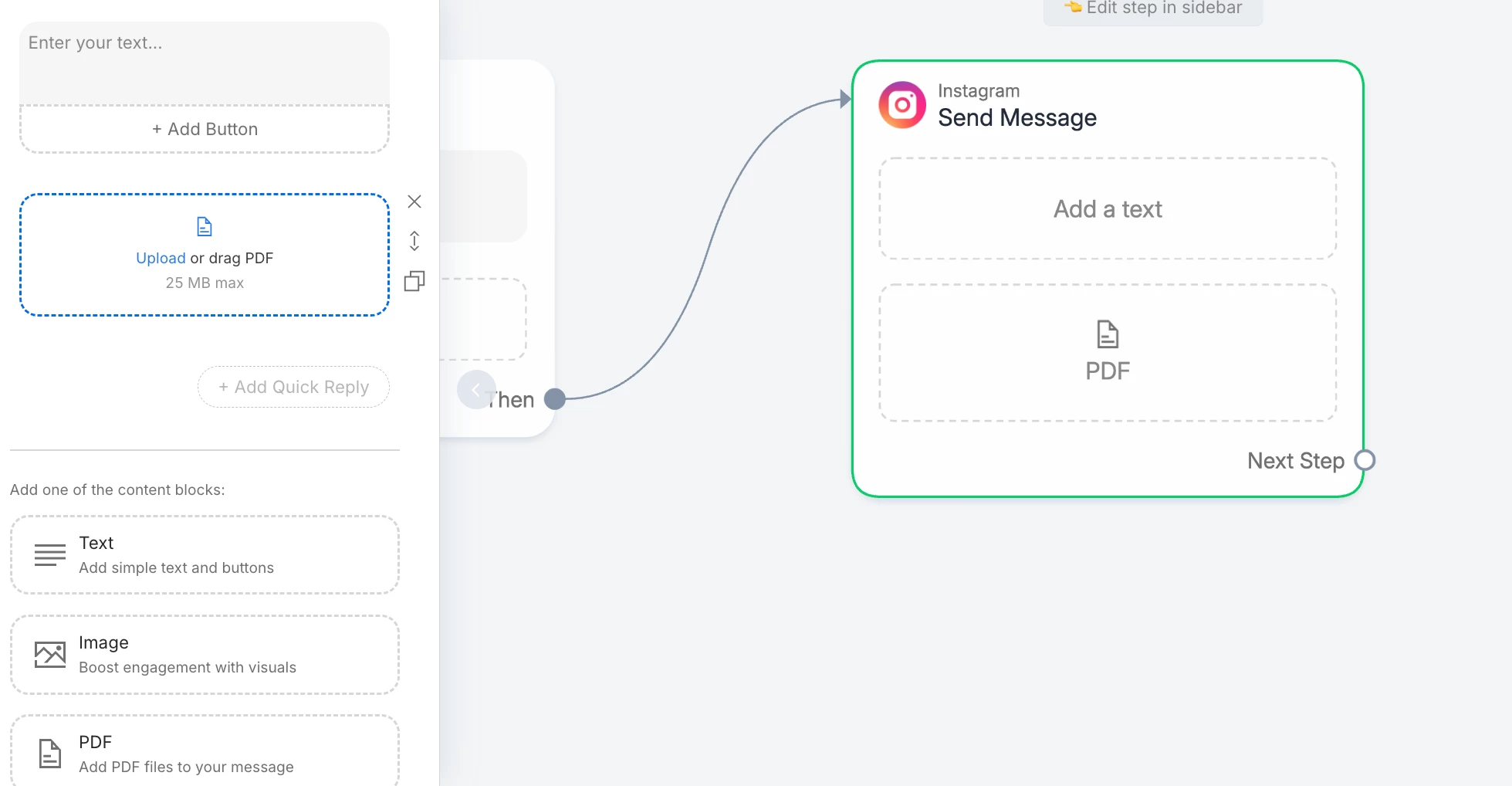
Hi @jason which channel are you using? Probably is best to provide the PDF directly from Manychat, so the user does not have to go to your drive. Also keeping people inside the original conversation is always the best.

Hope this helps

Catalina Rendon


Devtrest
  • Smooth talker
  • April 6, 2026

This is likely not a ManyChat problem.
It is more likely an Instagram in-app browser + Google Drive preview problem.

Your automation is working because the person does get the link. The problem happens after the click, when Instagram tries to open that Google Drive PDF inside its own browser. ManyChat’s help also points people to refresh permissions only for message/automation issues, not website loading issues.

Simple fix:

  1. Don’t use the normal Google Drive preview link
  2. Use a direct file link or host the PDF on a normal public webpage instead
  3. Test the link inside Instagram chat from another account

Also try:

  • make sure the file is really set to Anyone with the link
  • open the same link in a normal browser outside Instagram
  • re-copy the share link from Drive in case the old link changed or broke

So the short answer is:

ManyChat is sending the link fine.
The weak point is Google Drive opening inside Instagram chat.
A direct download link or a public webpage link is usually the safer option.