Question

My automations are not working

  • September 13, 2025
  • 17 comments
  • 241 views

Anne Byyond-Team


Hi there,
my problem is that my Instagram automations are not being triggered, even though the page is connected.

Here’s what I’ve tried so far:

  • I reconnected my Instagram account to ManyChat.

  • I checked the permissions and made sure all required access was granted.

  • I duplicated the automation and restarted it to test if this solved the problem.

  • I generated a new automation 

  • I do not have any restrictions on Instagram - already checked that 

  • Despite these steps, the automations still do not work.

I already have a Support-Ticket, but no answer to my mails. 

Could someone please help me resolve this issue, since we started a launch and need the automations?

Thank you for your support!

Anne 

17 replies

Forum|alt.badge.img+1
  • Channel Explorer
  • September 13, 2025

Please send screenshot of logs.


Aafia Umair
  • Message Musketeer
  • September 13, 2025

@Anne Byyond-Team yes sure we try to help you.show your flow with triggers


Anne Byyond-Team

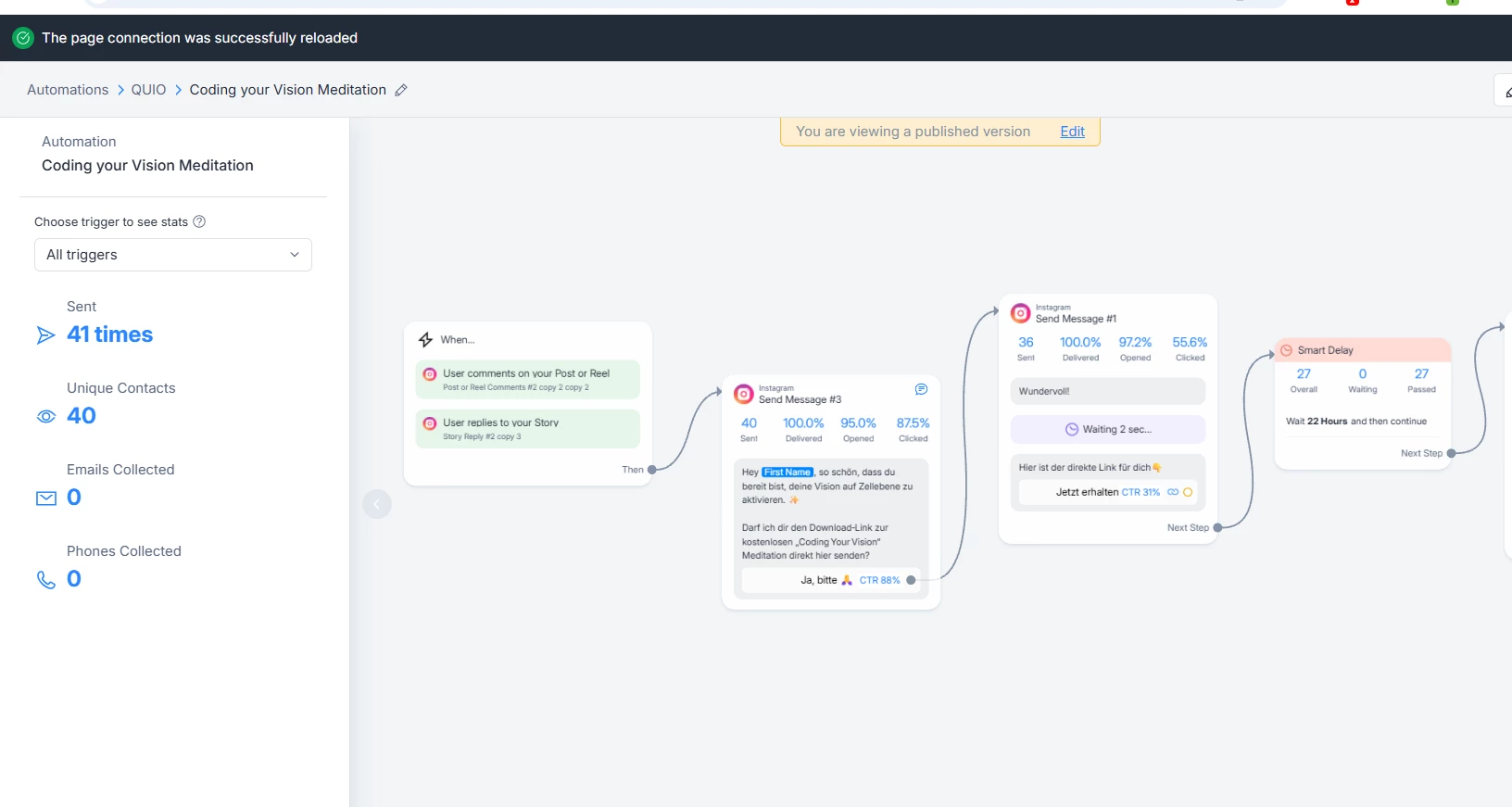
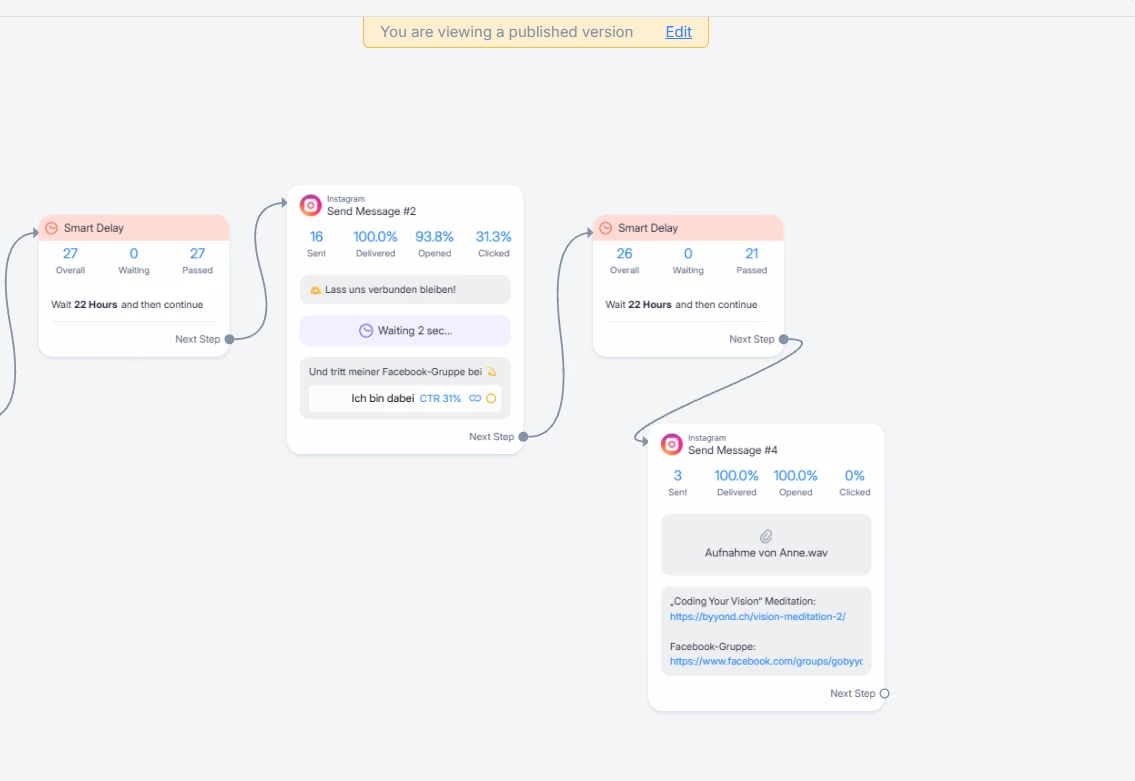
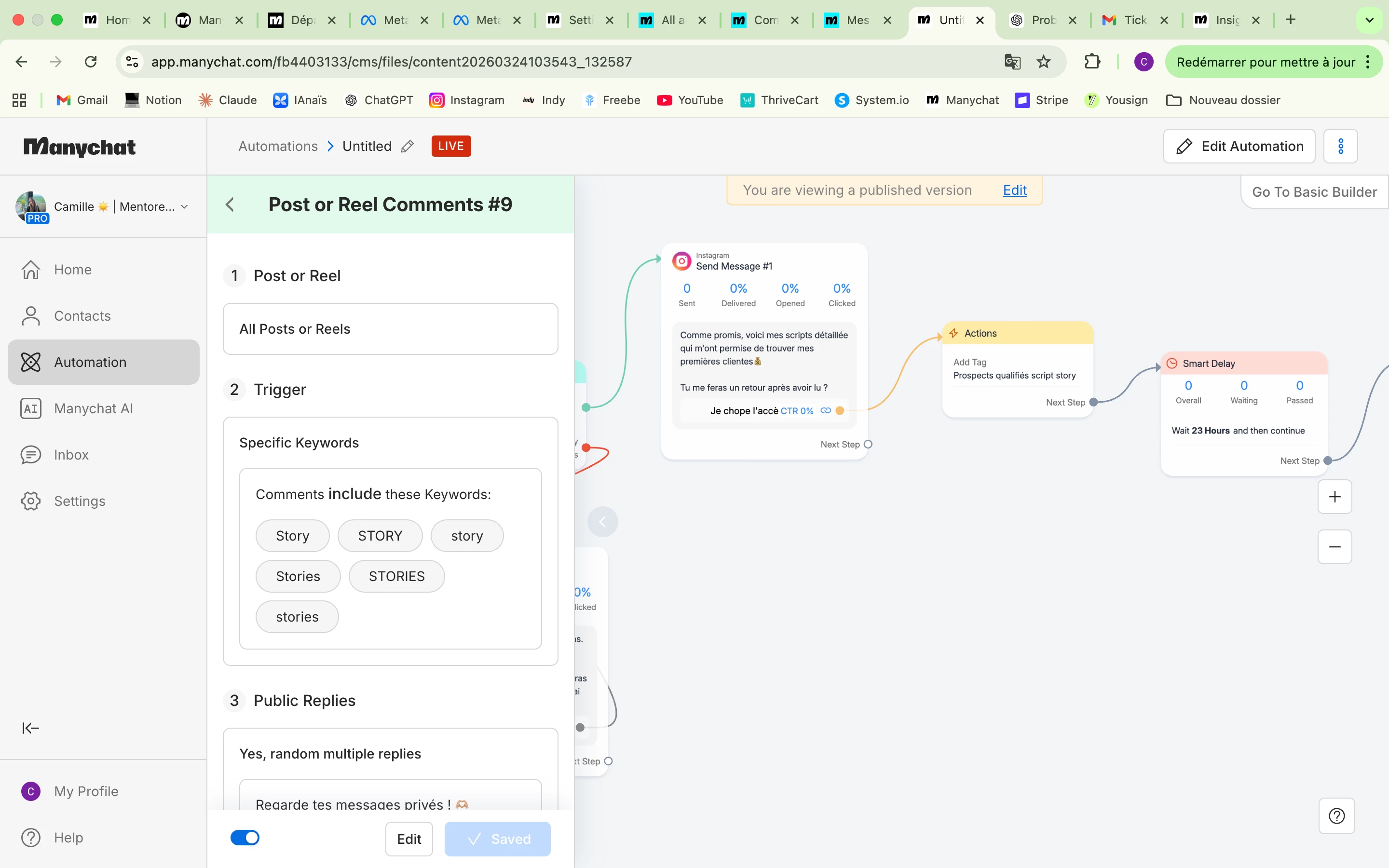
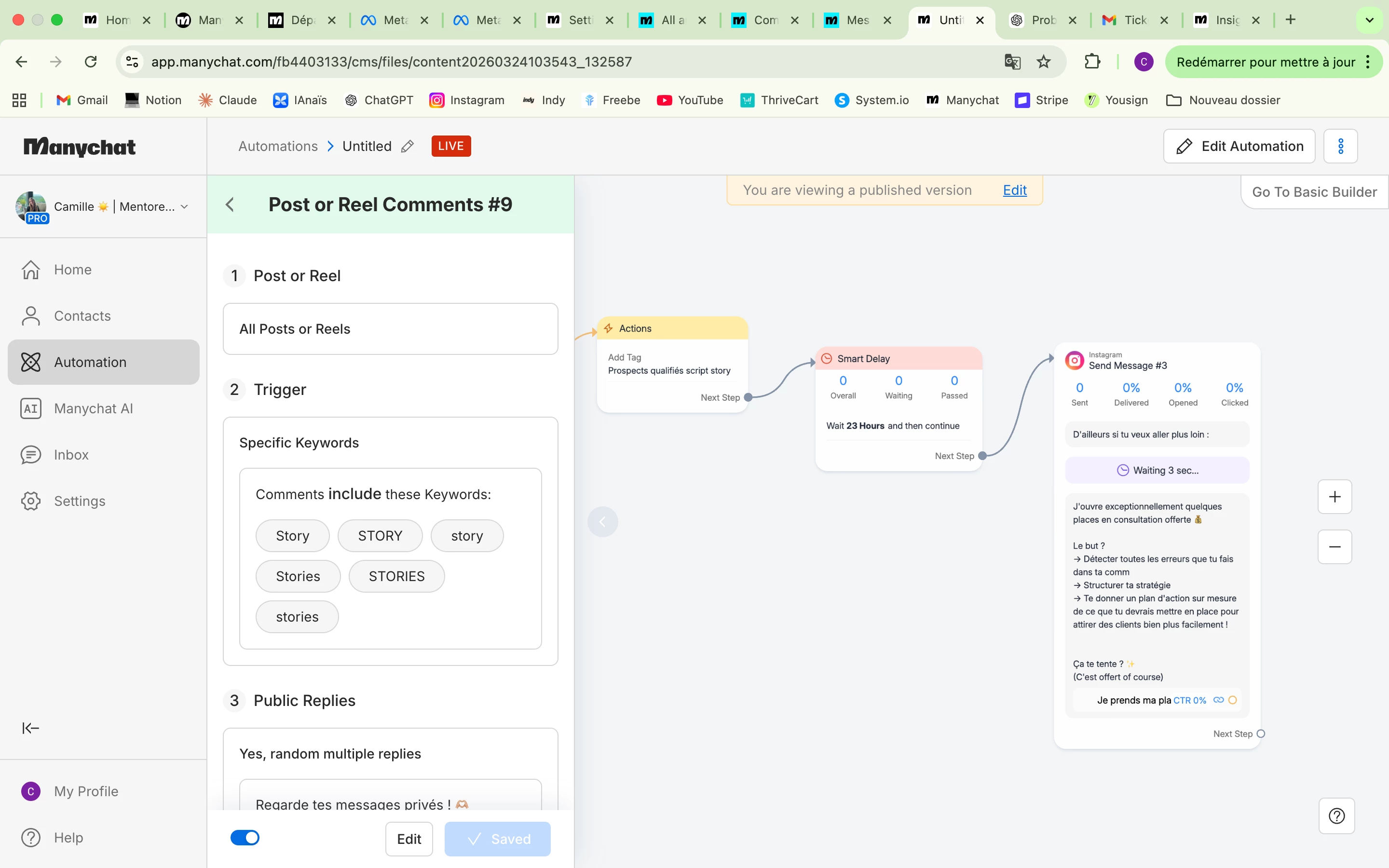
@Aafia Umair  here are the Flows. The triggers are comments to any Storys, reels, or posts in IG. Codeword is: VISION.  It did work for a couple of days and than it stopped. The thing is, that FB-Messenger does still work with the same flow only in an separate automation: Thank you


Reverof
  • Up-and-Comer
  • September 14, 2025

@Anne Byyond-Team You are suffering the same issue as several of us. Instagram DMs are not being received/processed by Manychat that’s why all your Instagram workflows stopped working but Facebook ones keep on.

It’s been like this for 1 month in my account already… 😭


Angélique - Mamacoaching

Bonjour, 

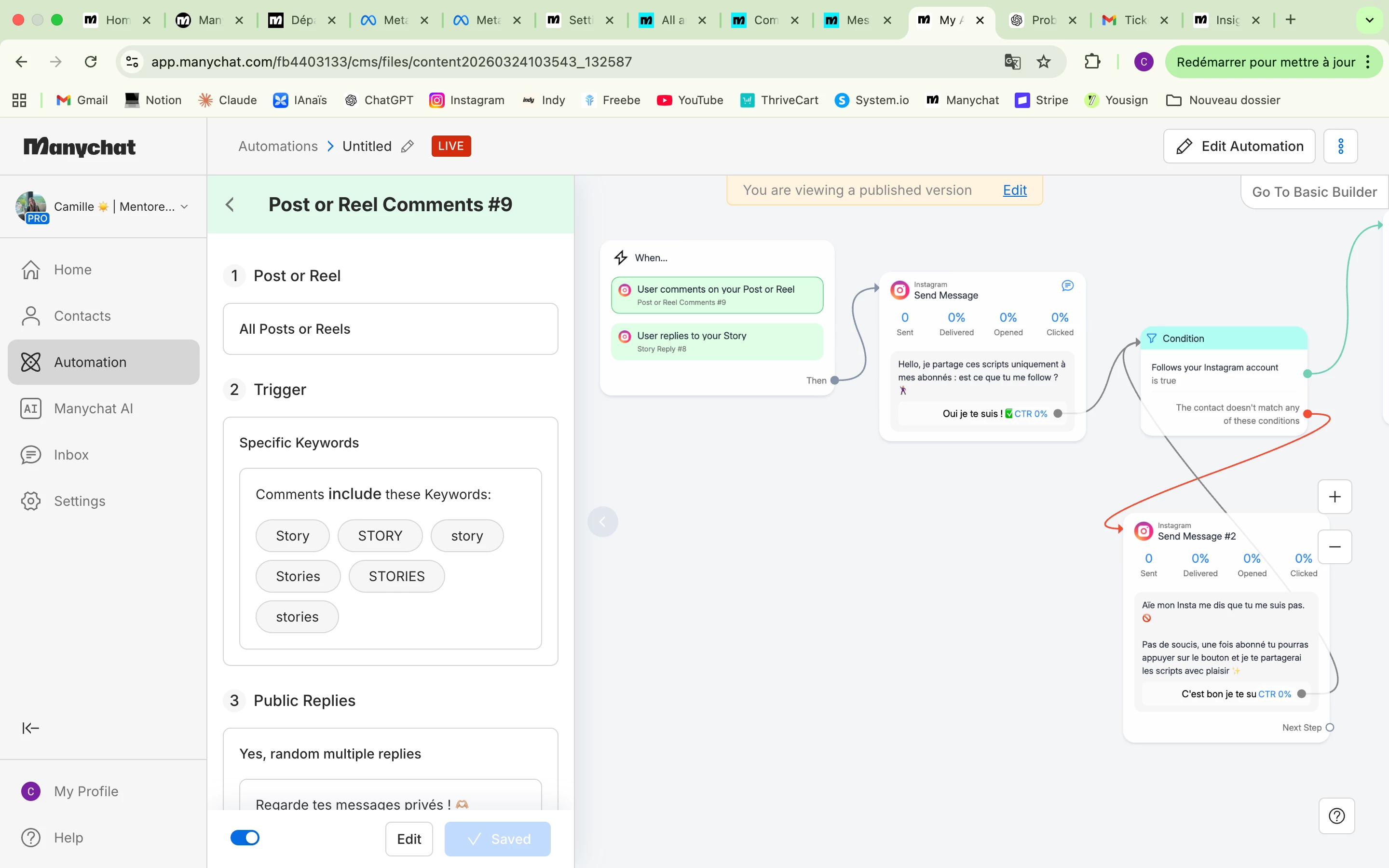
Je rencontrais également le même problème et je ne sais pas si cela vient des modifications que je viens d’effectuer mais tout fonctionne de nouveau je viens de faire le test !

Voici ce que j’ai fait : 

  • “Paramètres”
  • Rubrique “Chaînes” j’ai cliqué sur “Instagram”
  • Puis sur “Actualiser les autorisations Instagram”

J’espère que cela fonctionnera pour vous également

Belle fin de journée


ShaiMoore
  • Up-and-Comer
  • September 16, 2025

Is anyone else having issues with ManyChat not working on IG?


Forum|alt.badge.img+1
  • Channel Explorer
  • September 16, 2025

No ​@ShaiMoore, we are not facing issue with manychat.


ShaiMoore
  • Up-and-Comer
  • September 16, 2025

@samar can you help me with mine? It's noy working. 


Forum|alt.badge.img+1
  • Channel Explorer
  • September 16, 2025

@ShaiMoore Yes, i can help you.


Trainwithmarsha

My automations will not work after following all the steps that was advised. 


SumGeniusAI
  • Message Musketeer
  • February 17, 2026

My automations will not work after following all the steps that was advised. 

What specific automations aren't working? And what steps were you following?

Common issues:

  - Trigger conditions not matching exactly

  - Flow logic errors (wrong keywords, case-sensitive matching)

  - Meta permissions not fully connected

  - Delays in automation delivery

If you share what you're trying to automate, I can help troubleshoot where it's breaking.


Trainwithmarsha

Instagram does not have it as an app that needs permission. I don’t know why it’s not being approved. I’ve done that step many times to have it connected through Meta.


Trainwithmarsha

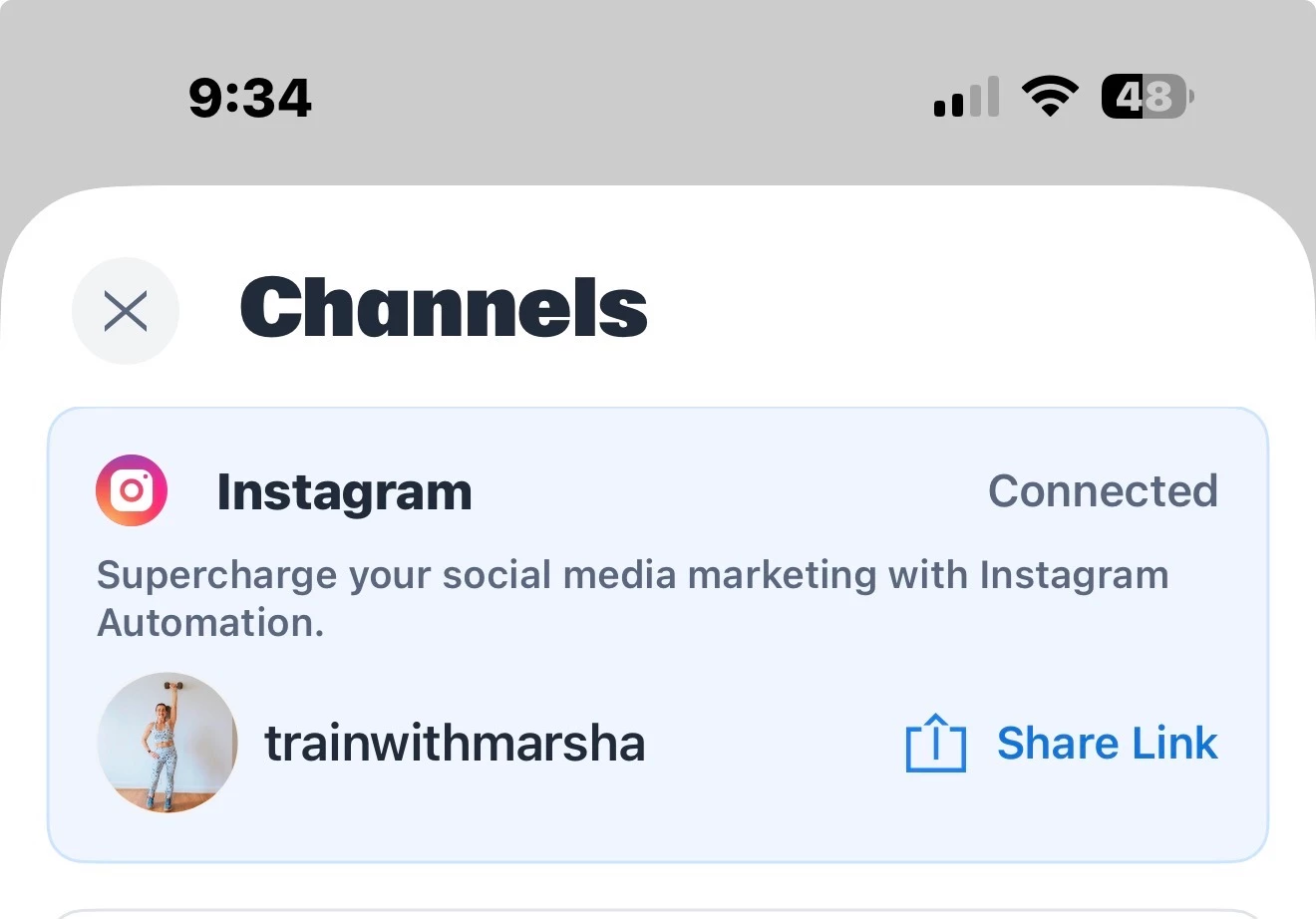
It shows as being connect 


SumGeniusAI
  • Message Musketeer
  • February 17, 2026

The "Instagram not showing as an app" issue usually means the OAuth handshake isn't initiating at all.

Try this:                                                                                                                                                         

  1. Disconnect Instagram completely from ManyChat

  2. Go to instagram.com → Settings → Apps and Websites → Active → remove ManyChat

  3. Clear browser cache entirely

  4. Start fresh connection from ManyChat dashboard

If it's still not showing up after that, it's likely a Meta-side issue that ManyChat support will need to manually fix on their backend.

Some people in this situation end up switching platforms just to get back online quickly. But hopefully it doesn't come to that, let me know if this works!


Train with Marsha

Still not working. The app is showing as an approved website on Instagram. I even bought a subscription to see if that would help. It does not take me to the dashboard where I can create an automation. It just takes me in circles to sign into Instagram constantly. I do have another email. When I use that email, it allows me to go to the dashboard to make an automation, but that email is not connected to my Instagram account, which is why the trigger words are not working. When I use my main email, which is  which is the email connected to my Instagram. It does not work. So I have a subscription for an app that doesn’t work can you please take care of that for me?


SumGeniusAI
  • Message Musketeer
  • February 17, 2026

The loop on your main email is a known Meta OAuth bug. Here's what's worked for others:

Quick fix to try first:                                                                                                                                      

  In ManyChat, look for the help icon → click "Refresh Permissions" - this resolves it most of the time.                                                                                                                                              

If that doesn't work - URL workaround:                                                                                                                    

  When ManyChat redirects you to the Instagram loop:                                                                                                                

  1. Copy the URL from your browser

  2. Change "default_business_login_option=IG" to "default_business_login_option=FB"                                                                                

  3. Remove "is_ig_oidc_with_redirect=1" from the URL                                                                                                               

  4. Paste the modified URL back and hit enter                                                                                                                      

  5. You should see "Log in with Facebook" instead - complete it from there

Also check:

  Instagram Settings → Messages → Message controls → Connected tools →

  make sure "Allow access to messages" is toggled ON

For your subscription refund:

Contact ManyChat support directly, explain you purchased a subscription but can't access the dashboard due to the Meta OAuth loop bug. Reference that it's a known issue and request a refund. They should honor it.

This is on Meta's end, not something you did wrong. If none of that works and you're still stuck, feel free to DM me.


Raquel C
Manychat Team Member
Forum|alt.badge.img+3
  • Manychat Community Manager
  • February 19, 2026

Hi ​@Trainwithmarsha ​@Train with Marsha, I’m Raquel from Manychat’s Community team!

I’m sorry you’re experiencing this connection issue. I’ll convert your message into a support ticket so our team can take a closer look and help resolve it for you.

In the community space, members can offer peer-to-peer support, but they aren’t able to directly fix account-specific issues. For privacy reasons, I’ve also removed your email addresses from your previous message.

Hope this gets resolved soon! 🙌