

Question

PDF sending has unexpected result

  • June 14, 2026
  • 1 comment
  • 5 views

nerdswithknives

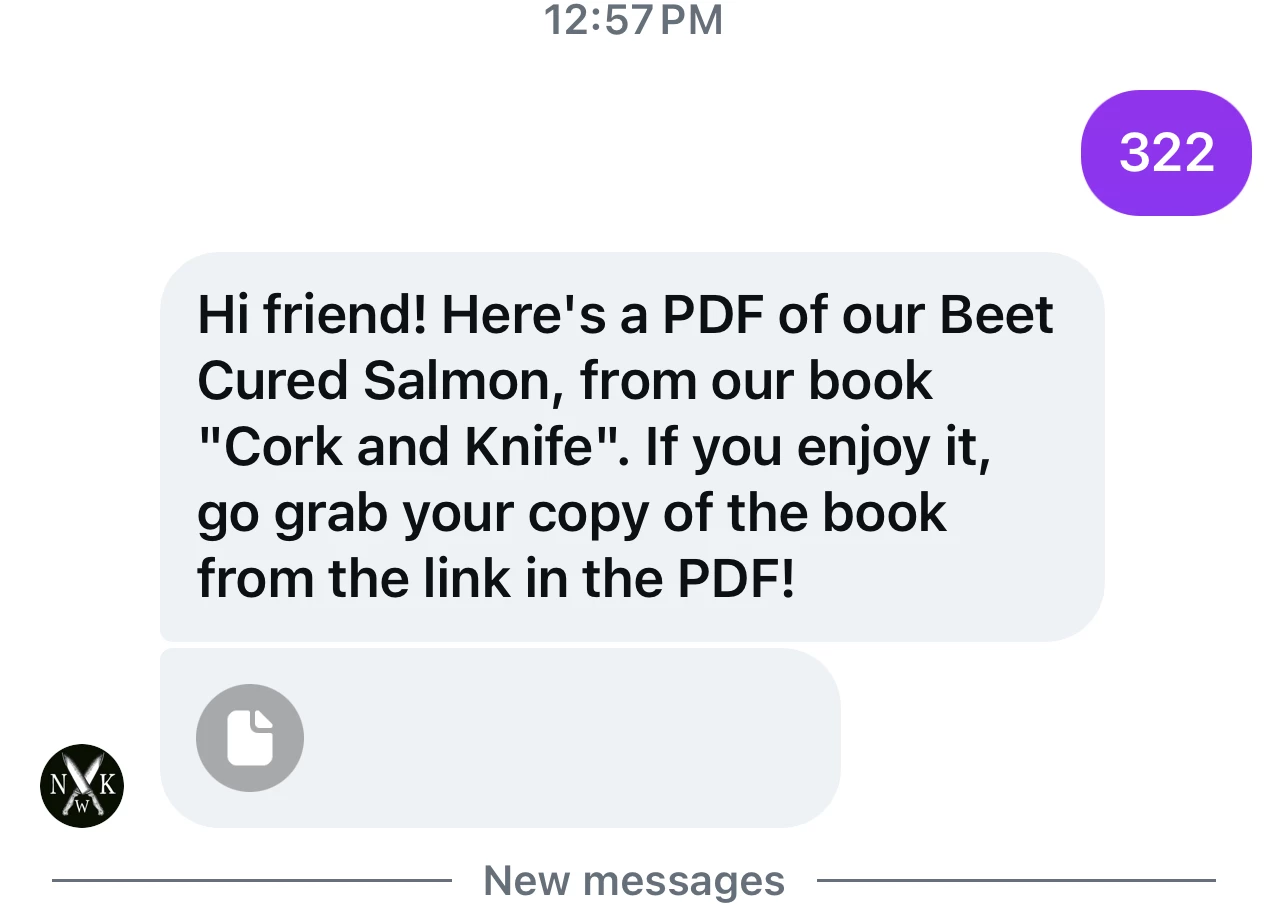
I saw that there’s a new option to send PDFs directly, so I was excited to try it. I set up a new automation, with a keyword trigger, and dropped in my PDF. There are two issues when testing. First, the link looks like this (there’s no thumbnail or file name):
 

Second, when you click on the PDF, you get this message in Safari:
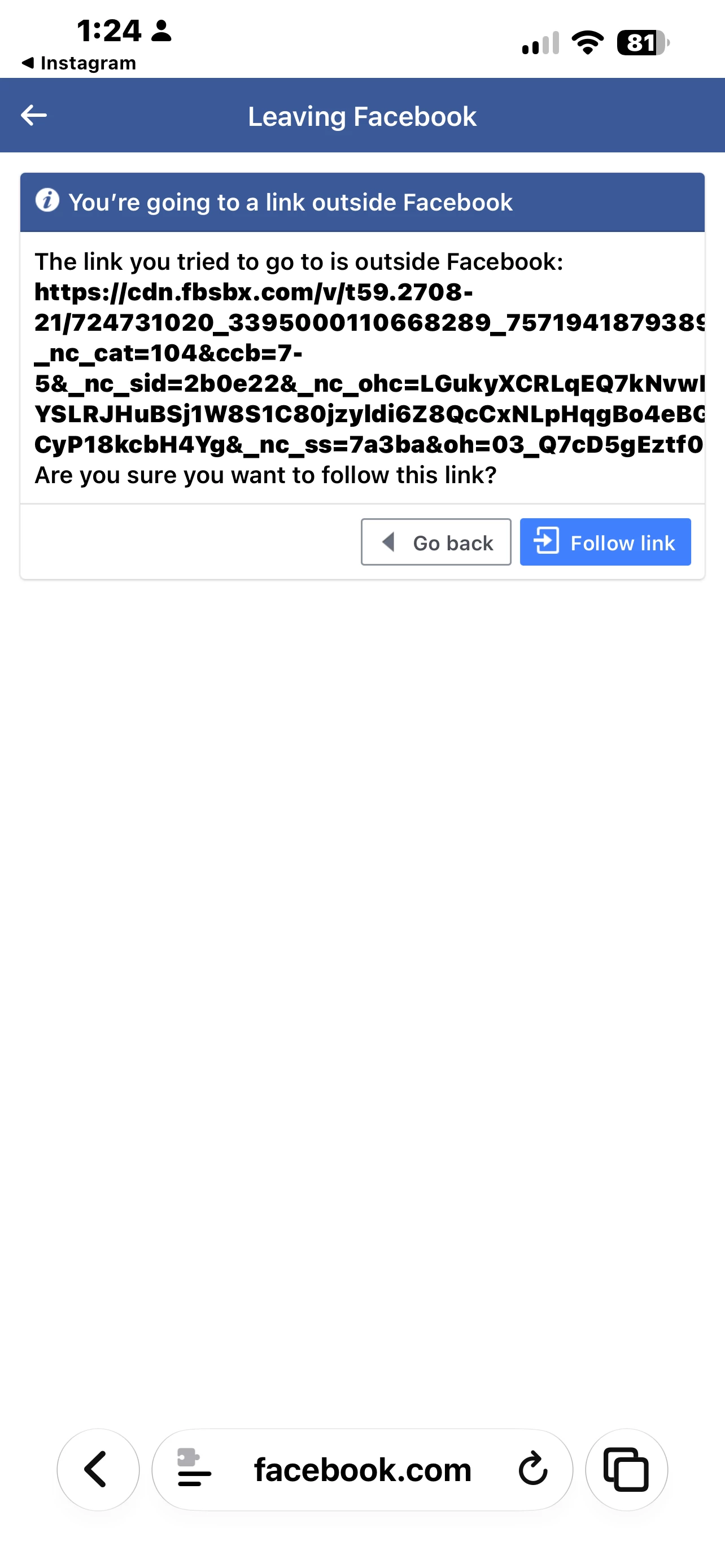
I don’t like that at all, It looks very spammy and doesn’t match the PDF link. I guess Meta is doing something to the  URL but is this normal? Is there a way around it?

 

1 reply

rodrigo_silvano
Forum|alt.badge.img+4

Hey ​@nerdswithknives 

Regarding the first image, the PDF’s name should appear, so it could be a temporary bug. Try clearing your browser’s cache and cookies, then test it again.

The second image is correct. The URL you see is generated by Meta because when you send an image or an attachment on their social media platforms, a URL is assigned to it.
