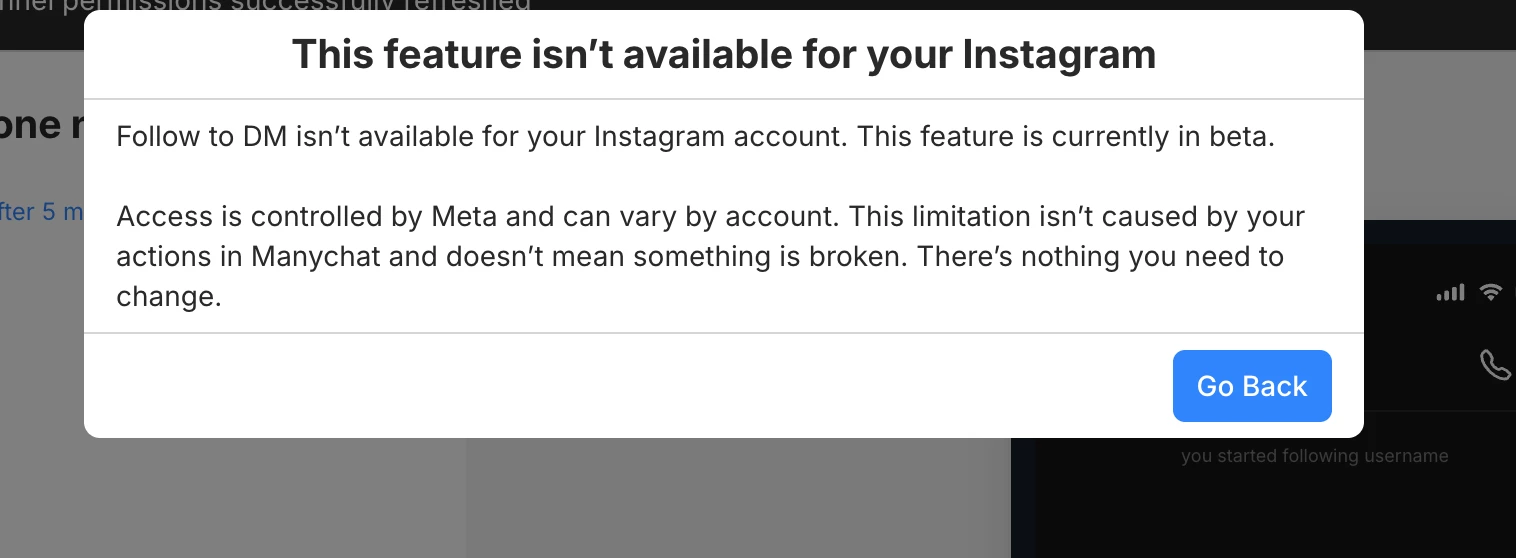
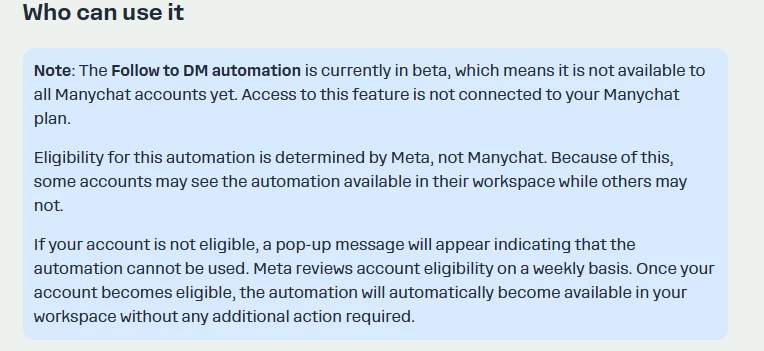
I'm trying to connect this new automation on Instagram, but it's not working.
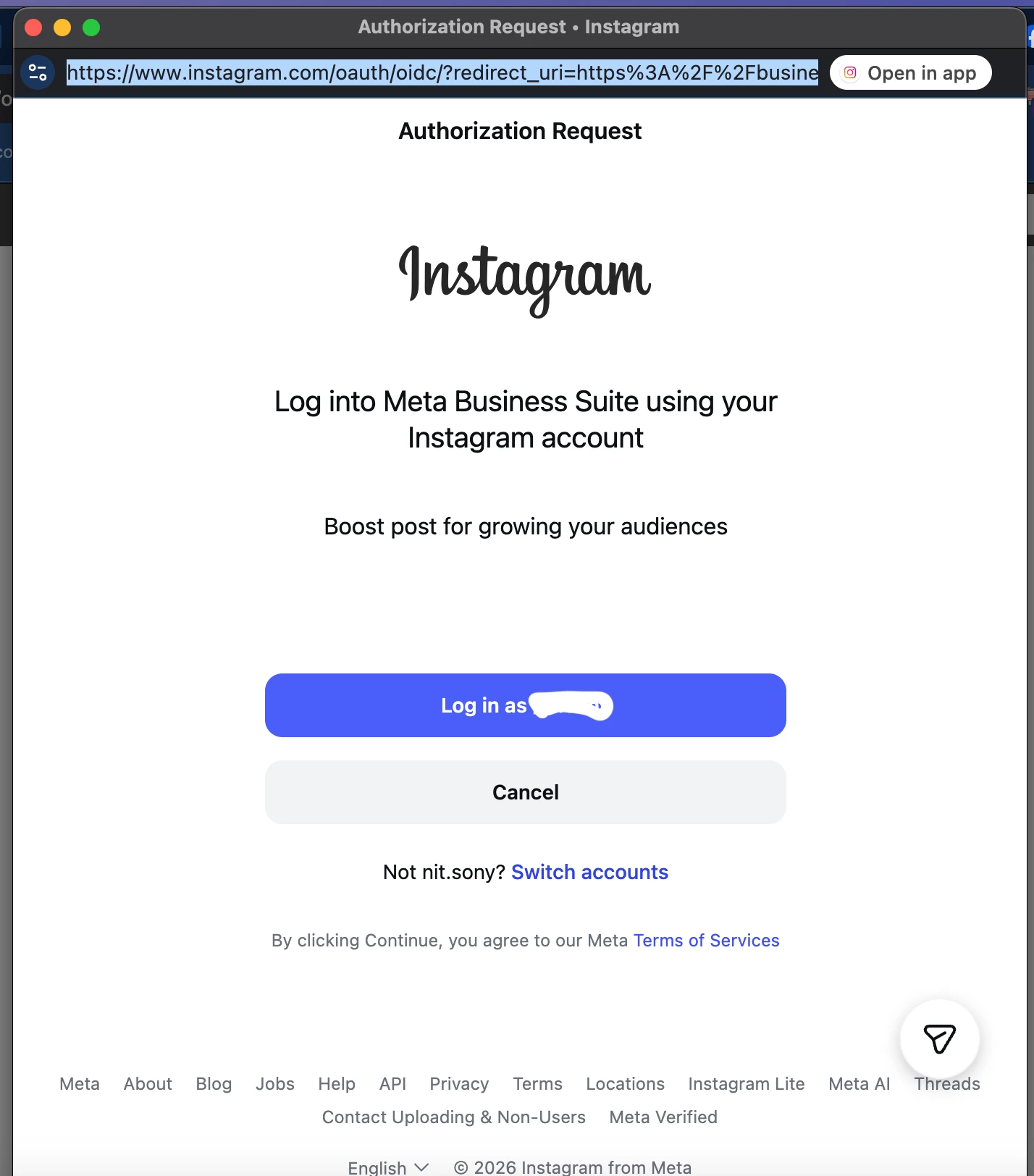
A window pops up saying “Update your Instagram permissions to say hi to new followers.” When I click on the “Update Permissions” button, the business.facebook.com login page opens. I can't log in through Instagram; it kicks me out and says “You cannot log in to Instagram using this account.” Logging in via Facebook simply redirects me to the page I was on before. Please advise how I can grant permission and connect this automation.
PS: This is a Meta company page, and I am the manager. All other Manychat features work without any problems.
Best answer by Fabio Gaulke
Hi, folks!
This is Meta known issue and they are working on it. Unfortunately, there's no estimate date for a solution.
However, @Moz shared a workaround that is working for some users so far:
When you click the “Update Permissions” button, you’re redirected to business.facebook.com.
Copy the URL from your browser and paste it into a text editor (like Notepad.
Replace every occurrence of “IG” in the URL with “FB”, (except for the part that contains “config” - don’t change that one!)
Copy your new modified URL and paste it back into your browser.
That’s it! You can now connect to Facebook, and everything should work perfectly!
This is Meta known issue and they are working on it. Unfortunately, there's no estimate date for a solution.
However, @Moz shared a workaround that is working for some users so far:
When you click the “Update Permissions” button, you’re redirected to business.facebook.com.
Copy the URL from your browser and paste it into a text editor (like Notepad.
Replace every occurrence of “IG” in the URL with “FB”, (except for the part that contains “config” - don’t change that one!)
Copy your new modified URL and paste it back into your browser.
That’s it! You can now connect to Facebook, and everything should work perfectly!
Hope this helps.
🙌
The workaround above is close, but there’s one more parameter that needs to be removed.
Here’s what I did to make the “Log in with Facebook” option finally appear and connect correctly:
What needs to change ( red remove / green replace):
default_business_login_option=IG→ default_business_login_option=FB login_options[0]=IG→ login_options[0]=FB (Remove this entirely)is_ig_oidc_with_redirect=1
That last one (is_ig_oidc_with_redirect=1) forces Instagram by default, even if you change it to FB, it’s not a valid value. Removing it completely allows the page to load the proper Facebook login.
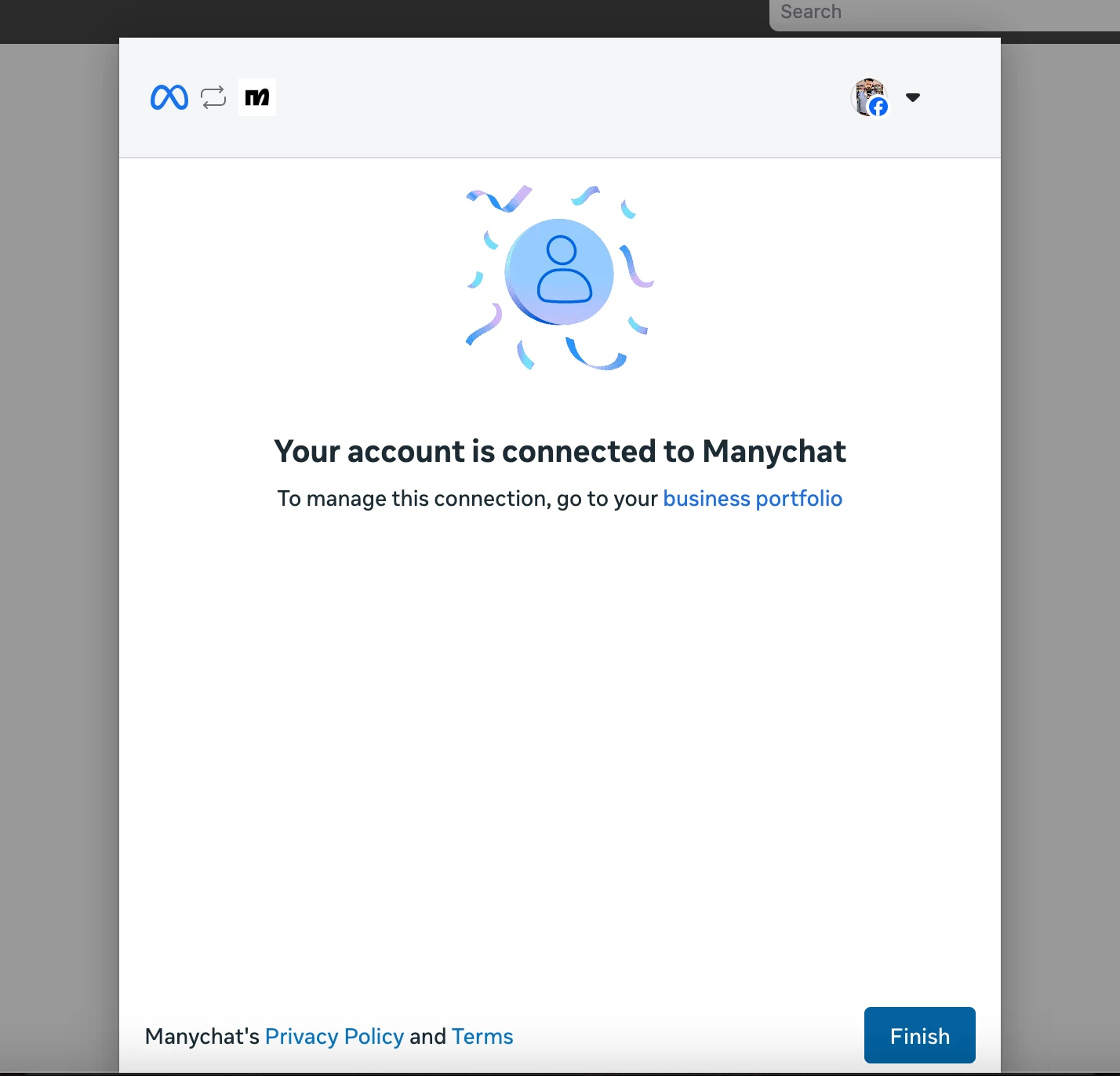
After doing that, refresh the url, you should now see “Log in with Facebook” and the connection will go through (It took me two tries as there was a server error on the last step of the connection process, but after retrying, it worked correctly.)
Hi everyone! Unfortunately, the problem still hasn't been solved for me and it's been almost a month @manychat! I've tried all the advice in this thread - it doesn't work :( It's frustrating!
How about you? Have you managed to fix and get this automation working?
This is Meta known issue and they are working on it. Unfortunately, there's no estimate date for a solution.
However, @Moz shared a workaround that is working for some users so far:
When you click the “Update Permissions” button, you’re redirected to business.facebook.com.
Copy the URL from your browser and paste it into a text editor (like Notepad.
Replace every occurrence of “IG” in the URL with “FB”, (except for the part that contains “config” - don’t change that one!)
Copy your new modified URL and paste it back into your browser.
That’s it! You can now connect to Facebook, and everything should work perfectly!
Hope this helps.
🙌
The workaround above is close, but there’s one more parameter that needs to be removed.
Here’s what I did to make the “Log in with Facebook” option finally appear and connect correctly:
What needs to change ( red remove / green replace):
default_business_login_option=IG→ default_business_login_option=FB login_options[0]=IG→ login_options[0]=FB (Remove this entirely)is_ig_oidc_with_redirect=1
That last one (is_ig_oidc_with_redirect=1) forces Instagram by default, even if you change it to FB, it’s not a valid value. Removing it completely allows the page to load the proper Facebook login.
After doing that, refresh the url, you should now see “Log in with Facebook” and the connection will go through (It took me two tries as there was a server error on the last step of the connection process, but after retrying, it worked correctly.)
Hope that helps anyone still stuck! 😊
IT WORKED! Now you just need to copy and paste the url in your brownser and have ur new followers with messages:
I managed to update the connetion and finally use the new ManyChat Follower flow.
The fix was very simple:
I replaced every “IG” in the URL with “FB”. This forces Facebook to be used in the login flow instead of Instagram — and after doing this, the ManyChat connection worked immediately.
Example: login_options[0]=IG → change it to → login_options[0]=FB
After making this change, I was able to log in and connect ManyChat without any issues.
This is Meta known issue and they are working on it. Unfortunately, there's no estimate date for a solution.
However, @Moz shared a workaround that is working for some users so far:
When you click the “Update Permissions” button, you’re redirected to business.facebook.com.
Copy the URL from your browser and paste it into a text editor (like Notepad.
Replace every occurrence of “IG” in the URL with “FB”, (except for the part that contains “config” - don’t change that one!)
Copy your new modified URL and paste it back into your browser.
That’s it! You can now connect to Facebook, and everything should work perfectly!
Hope this helps.
🙌
The workaround above is close, but there’s one more parameter that needs to be removed.
Here’s what I did to make the “Log in with Facebook” option finally appear and connect correctly:
What needs to change ( red remove / green replace):
default_business_login_option=IG→ default_business_login_option=FB login_options[0]=IG→ login_options[0]=FB (Remove this entirely)is_ig_oidc_with_redirect=1
That last one (is_ig_oidc_with_redirect=1) forces Instagram by default, even if you change it to FB, it’s not a valid value. Removing it completely allows the page to load the proper Facebook login.
After doing that, refresh the url, you should now see “Log in with Facebook” and the connection will go through (It took me two tries as there was a server error on the last step of the connection process, but after retrying, it worked correctly.)
Hope that helps anyone still stuck! 😊
IT WORKED! Now you just need to copy and paste the url in your brownser and have ur new followers with messages: