Hi everyone,
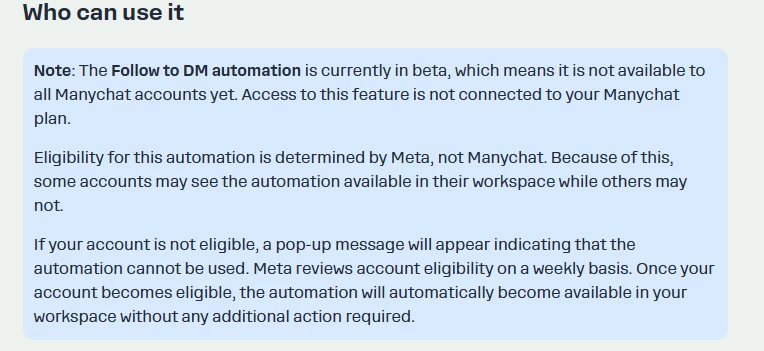
I want to share how I solved the “Update Permissions” issue — the one where you can’t log in with your Instagram account and can’t connect the “Say hi to new followers” automation.
I also tried the suggested workaround (editing the URL by replacing “IG” with “FB”), but it didn’t work for me.
In the end, the only method that actually fixed the problem was this workaround:
- I added a second Facebook account (from a friend) as a “person” inside my Business Manager.
- I assigned my Instagram page as a “resource” to this second Facebook account.
- I logged into ManyChat using this secondary Facebook account.
- From there, I connected my Instagram page to ManyChat.
- This finally allowed me to complete the “Update Permissions” flow, which was impossible to finish from my main account.
After that:
- I activated the Pro Trial on this temporary account.
- Then I transferred the ownership of the ManyChat account back to my main account.
From that moment on, Instagram has been connected correctly and the “Say hi to new followers” automation started working as expected.
I hope this helps others too — this issue seems to be very common.