We are experiencing an issue with WhatsApp messages sent by users to our business account.
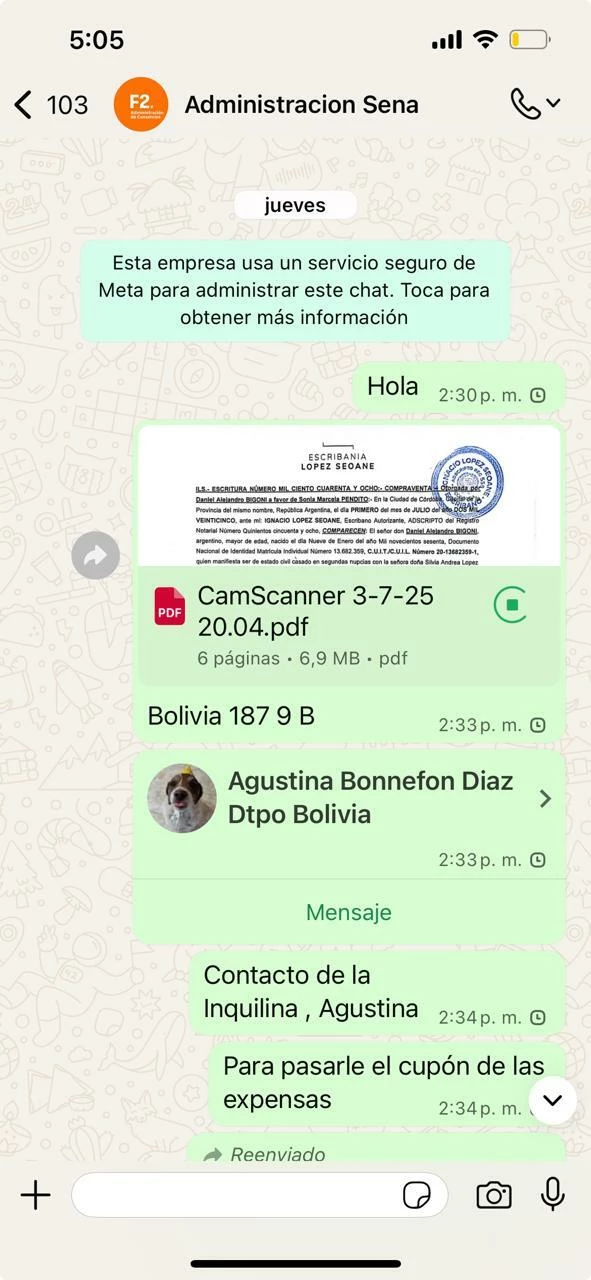
Several users report that when they send messages, the messages remain with the clock icon (pending) and are not delivered to our WhatsApp Business / ManyChat inbox.
Details:
-
The issue happens with inbound messages from users.
-
The messages stay in “sending” state (clock icon).
-
No reply is triggered in ManyChat.
-
This occurs intermittently with different users.
-
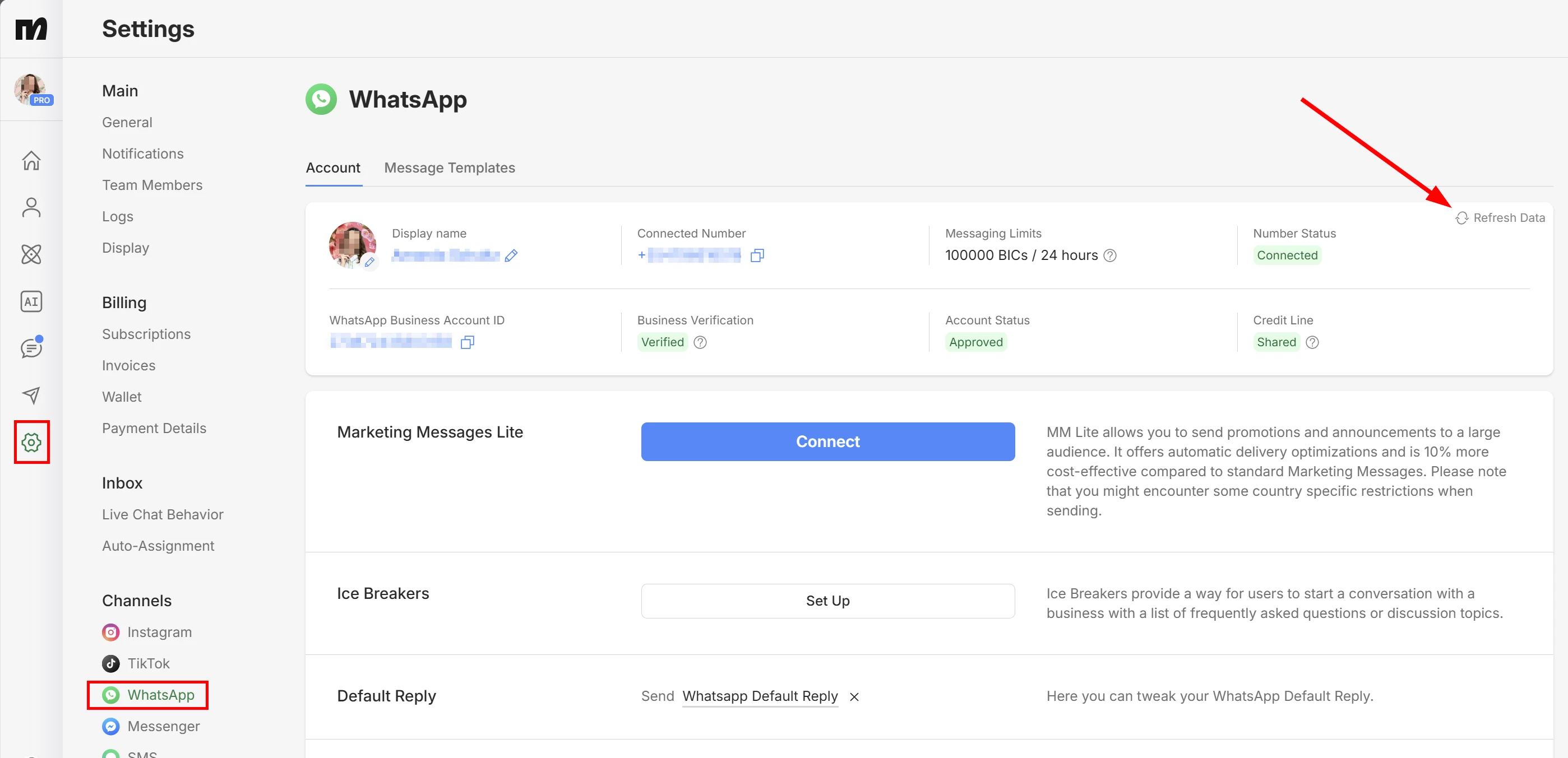
Our WhatsApp Business account is connected to ManyChat and uses Meta’s Cloud API.
What we have already checked:
-
WhatsApp Business account is active and verified.
-
ManyChat connection is active.
-
No recent changes were made to the integration.
-
Internet connection is stable.
Expected behavior:
Messages sent by users should be delivered immediately and trigger the corresponding ManyChat flows.
Actual behavior:
Messages remain pending with the clock icon and never reach ManyChat.
Please help us identify if this is related to:
-
Meta / WhatsApp delivery issues
-
Account restrictions or quality rating
-
Webhook or Cloud API delivery problems