


Hey Manychat Community 👋
We’ve rolled out several updates to help you manage manual conversations more efficiently in Inbox (formerly Livechat).
Whether you’re replying personally to leads, handling customer questions or following up at the right time, these improvements are designed to help you surface the conversations that deserve your attention and stay organized while doing it.
🔥 Key Benefits
-
Focus on the right conversations
Use filters and labels to quickly surface DMs that need a personal reply
-
Prioritize what hasn’t been handled
The Unread filter helps you see which conversations still require attention
-
Follow up intentionally
Snooze conversations and return to them when it’s the right time to respond
-
Manage manual and automated chats together
Inbox gives you one place to handle both personal replies and automated conversations
🤝 Key Features:
- Livechat is now Inbox: Same functionality, updated name to better reflect everything you can do there
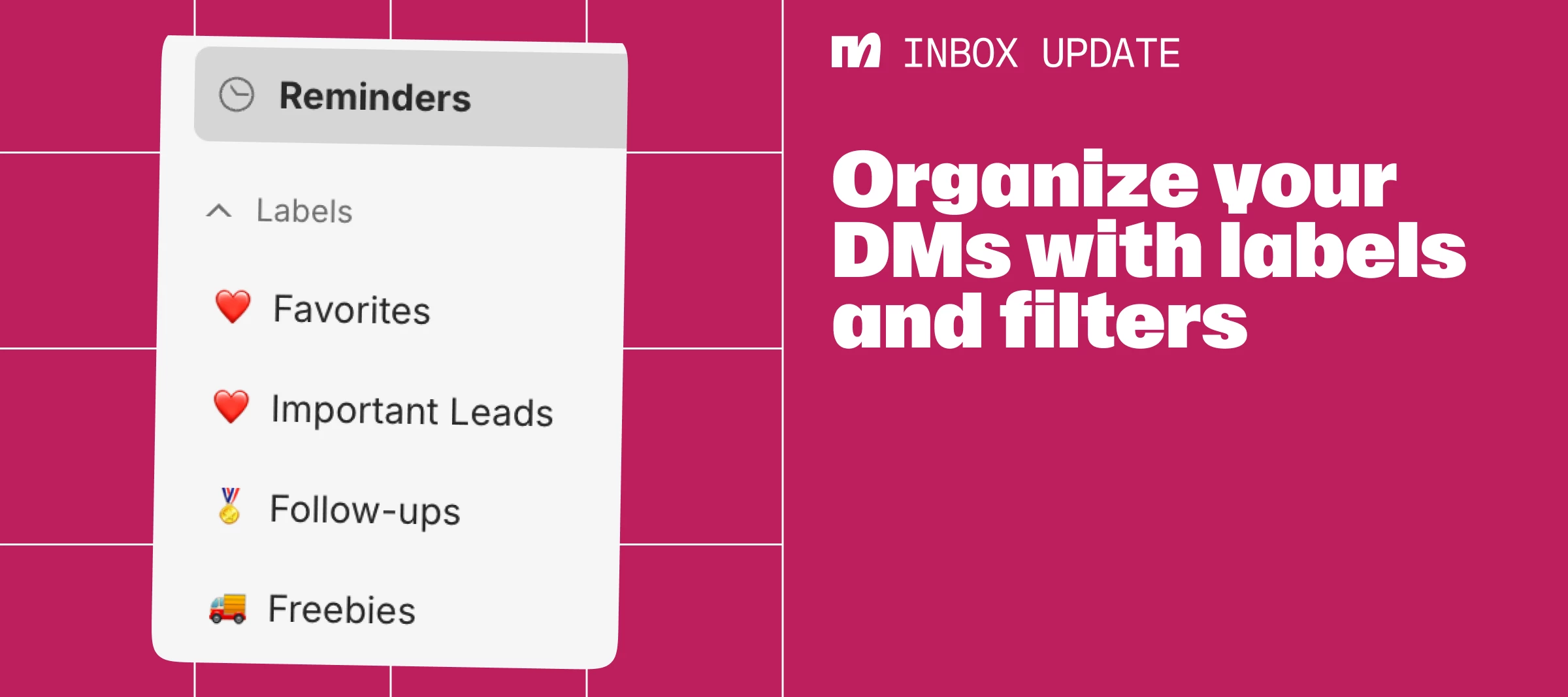
- Labels: Organize conversations by adding your own custom labels to keep chats structured
- Filters: Filter conversations by Unread, tags or custom fields
- Unread filter: Quickly identify conversations that haven’t been addressed
- Reminders: Set reminders by snoozing a chat and coming back to it later
- Mobile app update (coming soon): Filters will be available in the mobile app soon
🚀 How to use it:
- Go to Inbox
- Use Filters to surface conversations that need attention
- Apply Labels to organize your chats
- Add reminders for conversations so you can follow up later
Want to check it out live?
How to: Inbox Reminders ⬇️
How to: Inbox Labels ⬇️
Explore the new tools in Inbox!