

When I use Inbox in my phone and click on the “Templates” icon, Manychat displays a list of all the available templates along with a preview of each of them, so you know what it contains.
However, when you are in the Desktop, you only get a list with the names (without preview), which makes it very hard to choose the right template when you have a lot of them:
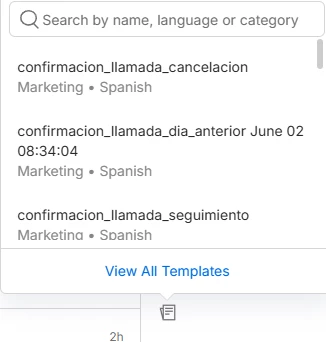
Plus, when you click on one it doesn’t appear in the chat so you can verify it’s the right one before sending it. Instead, it’s sent immediately.
In the phone it works much better. When I click on the CHOOSE TEMPLATE button, I can see all the available templates along with a preview of each of them:
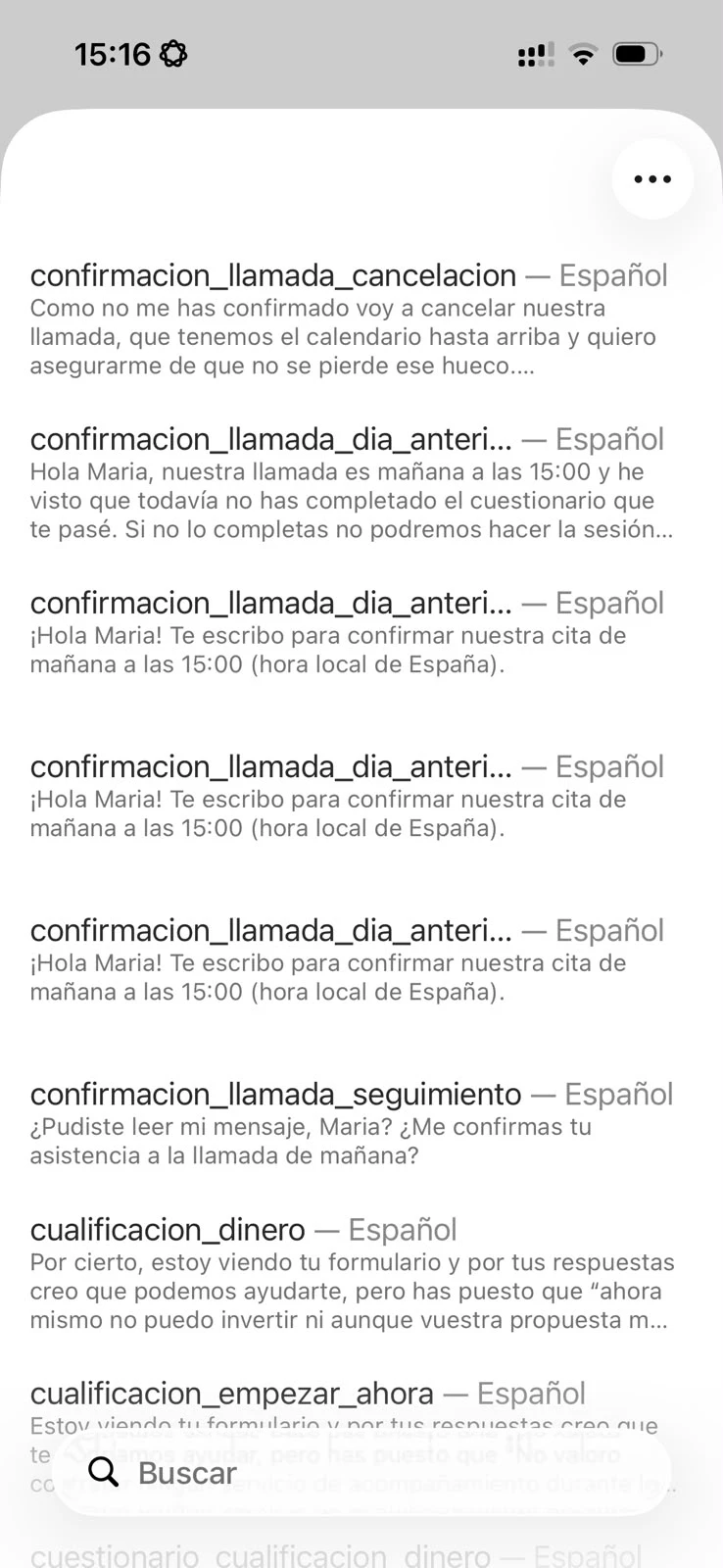
And then, when I click on one, it appears as selected, but I still need to click on SEND to send it:
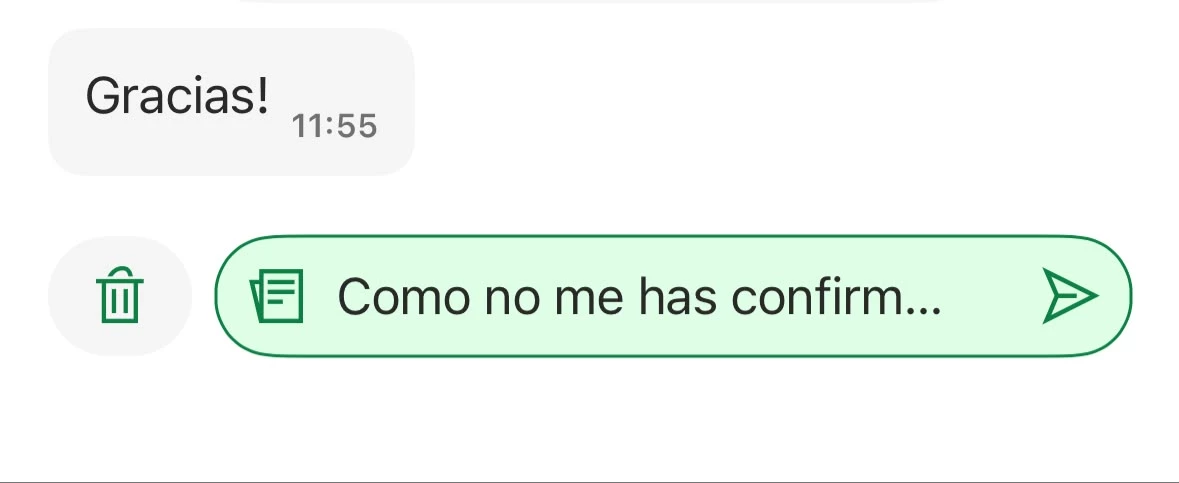
I think the Inbox experience in Desktop should be like the one in Mobile:
- Show a preview of each template
- Requiere the user to click SEND to avoid sending something by mistake