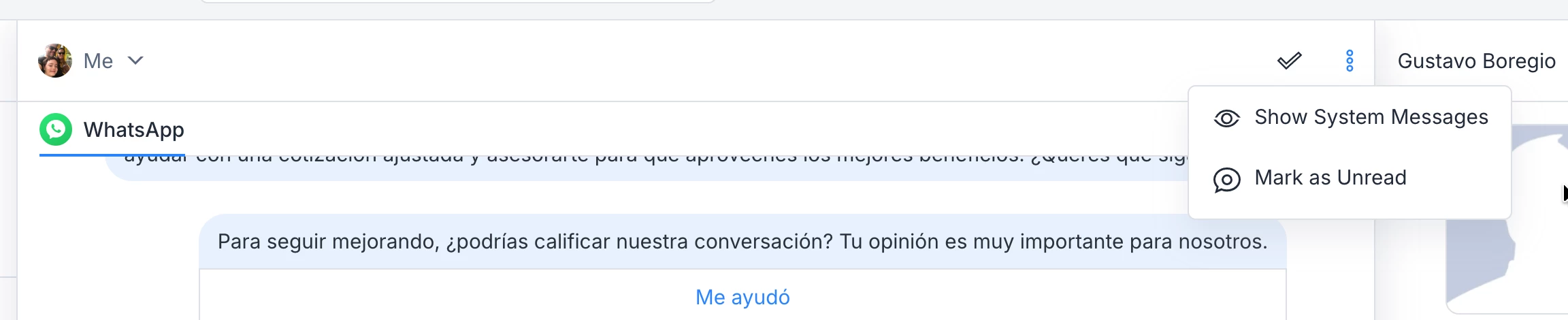
Currently, all debug information (such as triggered automations and filled custom fields) is visible to agents in Live Chat. While this can be useful for technical analysis, in many cases it clutters the chat interface and makes it harder for support or customer service agents to focus on the conversation.
The suggestion is to add a toggle option in Live Chat settings to enable or disable the display of debug information, depending on the user’s profile or role.
This would make the interface much cleaner for customer-facing agents, while still allowing administrators or developers to view detailed debug data when needed.
Additionally, a quick toggle button (“Show Debug” / “Hide Debug”) would make this even more practical during live interactions.