• 55 Product updates

Filter by product area

Importing Contacts just got even easier!

Importing Contacts just got even easier!

Hi Manychat Community! 👋 Importing Contacts to WhatsApp, Telegram, SMS, and Email just got a whole lot easier!❓ What’s different? We’ve updated the process for importing contacts in the Contacts tab. This feature was heavily requested and will definitely reduce confusion moving forward.👥 Who gets to use this? This update will only affect Manychat Admins and Pro users.🤔 How do I use it? If you want to import contacts, simply go to the Contacts section in the Manychat account and click the top right button “Import” button. You’ll see this snazzy new window.Here you can see what channels you have connected which will help you determine what type of contacts you can import. If you don’t have a channel connected, you can click to be linked to the connection process. If you don’t have SMS or Email connected, you will be linked to Manychat support to conduct the approval process. Now you can import CSV files and be sure which channel these contacts will be added to! 🎉*Remember, contact imports will increase your subscription plan and if you have an active Rule with the “New contact” trigger, it will be triggered for every new contact in the uploading list. ❤️ Do you love this update? Comment below to let us know how this changes your importing process, and what other features you would love to see 👇 

Related product area:Contacts, Tags, and Fields
Add Individual WhatsApp Contacts: Save Time and Spreadsheets!
Track Website Clicks with WhatsApp URL Buttons
2023 in Review: Top Manychat Product Updates

2023 in Review: Top Manychat Product Updates

 Hi Manychat Community! 👋 Happy 2024! As we enter the new year and get ready for new endeavors, our Product Team took a moment to reflect on the last year and their favorite product releases of 2023. So, here’s our top 6 favorites: 📍 Hotmart IntegrationNow there’s no need to use any third party: Hotmart integration gives you an opportunity to connect with Manychat in just a few steps. Learn more. 📍 New Automations Tab We've been hard at work alongside experts to create a simplified, user-friendly version of the Automation Tab. It's not just about simplicity; it's about enhancing your control and visibility. Learn more. 📍 Instagram Broadcasting Open Beta Broadcasting is the new way to turbocharge your Instagram marketing. All you have to do is create a list, encourage subscribers to opt in, and send your broadcast. Apply for beta here. 📍 Instagram Referral URL This is your secret weapon for driving traffic from any channel straight into your Instagram DMs. Learn more. 📍 List Messages on WhatsAppList Messages lets you send a message that includes a button that reveals a pop-up menu when pressed. The pop-up menu can display up to ten predefined sections that you specify. Within each of these sections, you can list ten more options. Learn more. 📍 URL Buttons in WhatsApp WhatsApp joins the rest of our channels with URL buttons! Your users now have a more seamless experience jumping from a WhatsApp chat to a website.  ❓ ​​​​​Now it’s your turn - what was your favorite Manychat product release of the last year? Let us know in the comments!  P.S. If you have ideas for Manychat’s new features or improvements, you are very welcome to submit them to this wishlist - https://community.manychat.com/ideas. Make sure to check if your idea has been submitted already! If yes, then just upvote it 😉

Related product area:InstagramWhatsAppIntegrations & Apps & APIUI/UX Improvement
Discover the All-New Automation Tab! 🚀 (Growth Tools tab discontinued)

Discover the All-New Automation Tab! 🚀 (Growth Tools tab discontinued)

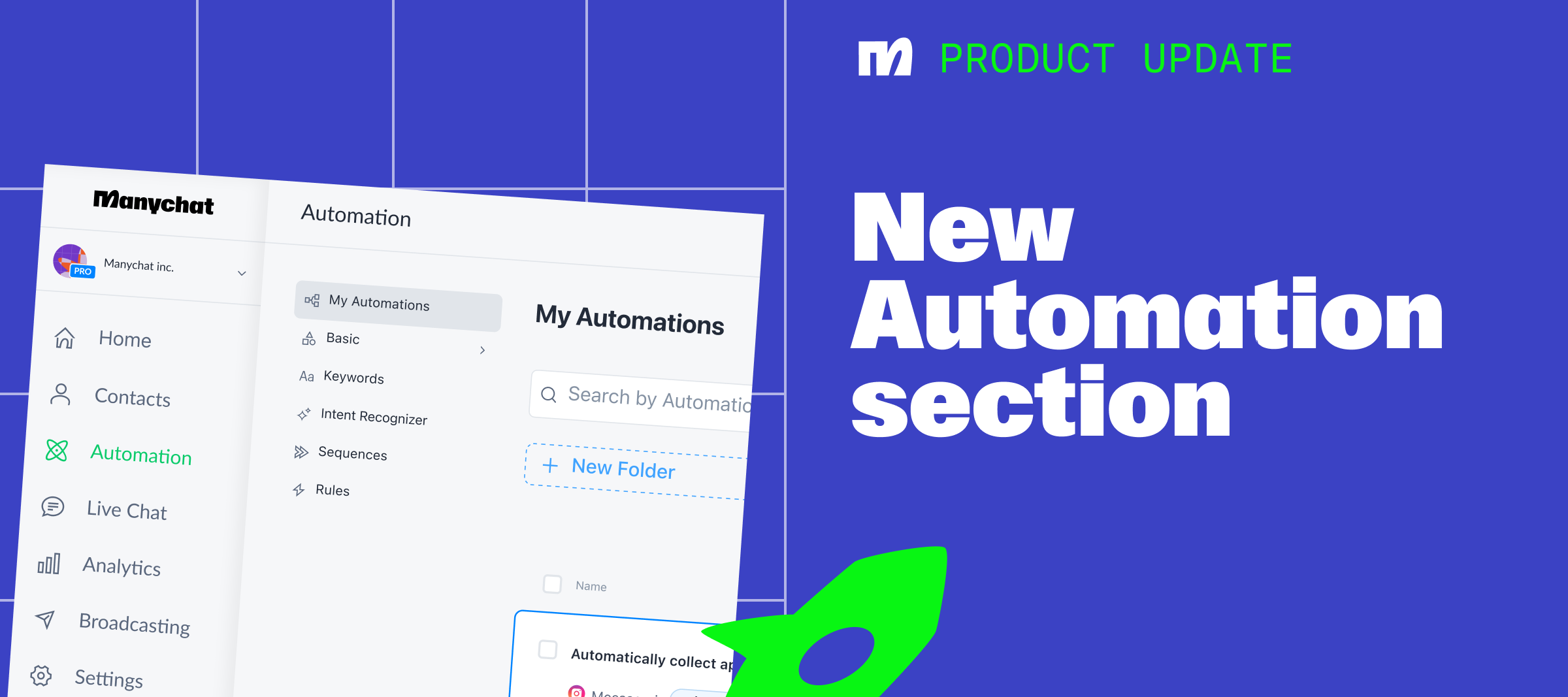
🚀 Exciting News Alert!The All-New Automation Tab is now live on Manychat! 🌟 We've completely reimagined the Automation Tab for you. Our team, along with top minds from the MC Educator and Expert Groups, have worked tirelessly to bring you this stunning update.👉 Say goodbye to clutter! Now, everything from flows to keywords is conveniently located on the left-hand panel. Plus, a powerful search bar is right below the tab title, making navigation a breeze.🔍 Need to find something specific? No problem! The new search bar helps you instantly locate your desired elements. Want to see all your comment automations for Instagram and Facebook? Easily filter them using trigger filters. Growth Tools tabYou may have noticed that the Growth Tools tab that used to be on the left is now missing. We've discontinued the separate Growth Tools tab since it didn't display most of the newly available triggers, which now can all be viewed, created, and edited through the Automation tab. Just try the filter for Triggers, and you can see all your Triggers right in the connected Automations. 📹 Check out this 5-minute Loom video from our Product Expert @Trilce Jirón Garro, where she covers the main features of this update. Discover all the enhancements and enjoy a fresh, user-friendly experience with the upgraded Automation Tab. It's more powerful and beautiful than ever. Don't miss out! 

Related product area:UI/UX Improvement